





Home Appliances
•04 min read


<p>Danger can overpower you at any time and your voice will not be enough in such situations to get the required aid. The amazing new <strong>Juvo PSB01 Personal Alarm</strong> is crafted for all ages and is a necessary precaution from all kinds of danger. It rings a very loud alarm at 120 dB as well as flashes the torch to warn people nearby about a danger. Whether you have a medical emergency or you are attacked by predators your voice may not be heard but this alarm will be enough to deter attackers or draw attention of people close by to give you the immediate assistance required.</p> <p><strong>Extremely Easy To Use</strong></p> <p>The <strong>Juvo PSB01 Personal Alarm</strong> is small and portable, can be attacked to even a keychain if you want. To start the siren all you need to do is separate or pull the metal key chain from the main black unit. The siren may go on for 1 1/2 hours in case nobody heard it in the first minutes. This is very important for girls returning home alone at night as it acts as a security anti-attack panic alarm that is sure to scare off a molester. Its easy portability accentuates its use.</p> <p><strong>Lights Your Way</strong></p> <p>The little and portable <strong>Juvo PSB01 Personal Alarm</strong> also features a small LED torch that helps you find your way in the dark. Don’t be scared of dark alleys when you have this with you because it is equipped to save you from all dangers.</p>

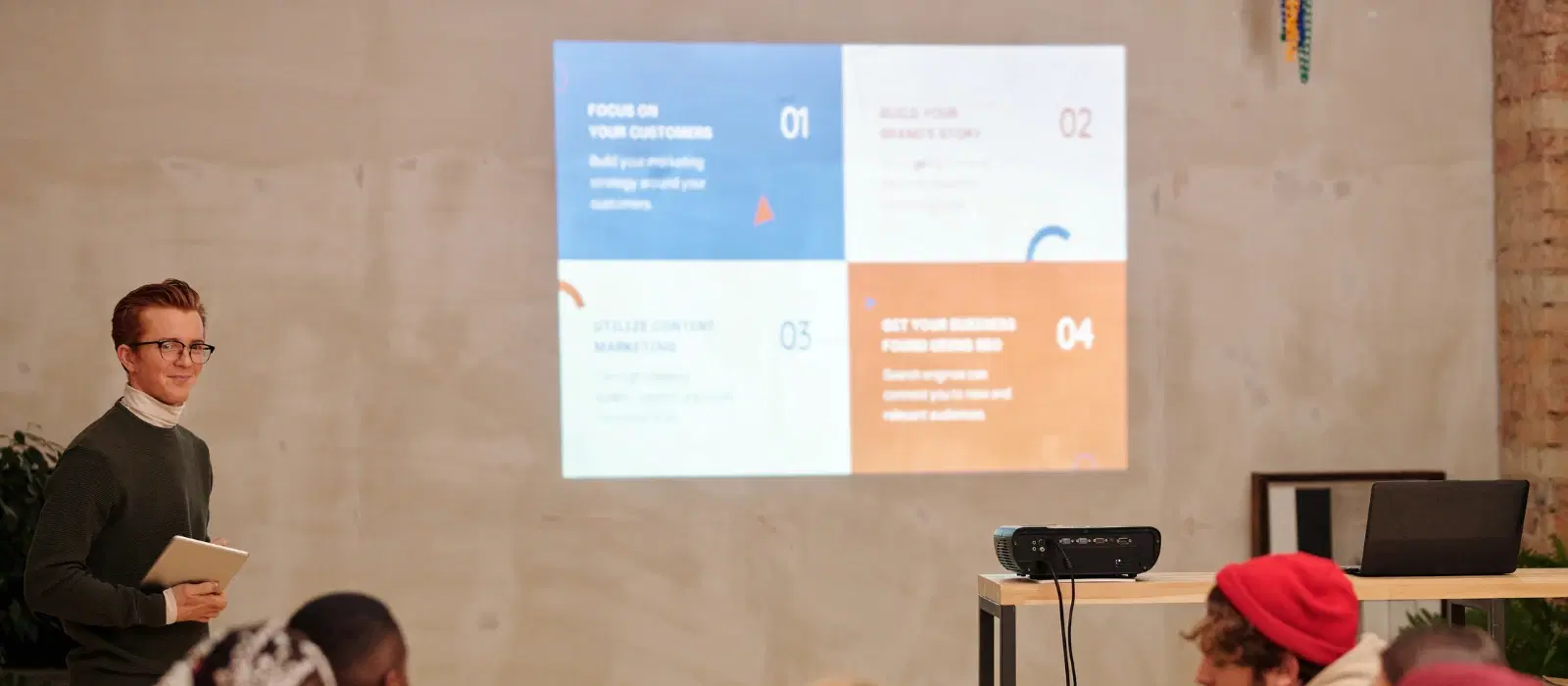
Imagine transforming your mobile phone into a projector for movie nights or presentations without breaking the bank. This DIY setup is not only convenient and cost-effective but also a fantastic way to make the most of your smartphone. In this guide, we'll walk you through how to use mobile as a projector with simple steps and readily available materials.
Mobile phone: The primary device for projecting your media.
Magnifying glass: Acts as the lens to enlarge the phone's screen.
Cardboard box: Serves as the projector body.
Tape: Used to secure the magnifying glass and phone.
Dark room: Enhances the projection quality.
Each item plays a crucial role in the mobile projector setup. The magnifying glass enlarges the phone's display, while the box and tape hold everything in place. A dark room ensures the projected image is visible and clear.
Using a mobile projector offers several benefits:
Portability: Easily carry your DIY projector anywhere.
Affordability: Save money by using items you already have.
Ease of setup: Simple steps make it accessible for everyone.
Whether it's for a cozy movie night at home or a quick presentation at work, a DIY mobile projector is incredibly versatile and handy.
Choose a box that fits your mobile phone comfortably. Cut a hole on one side of the box to fit the magnifying glass. Ensure the hole is centered and the magnifying glass fits snugly.
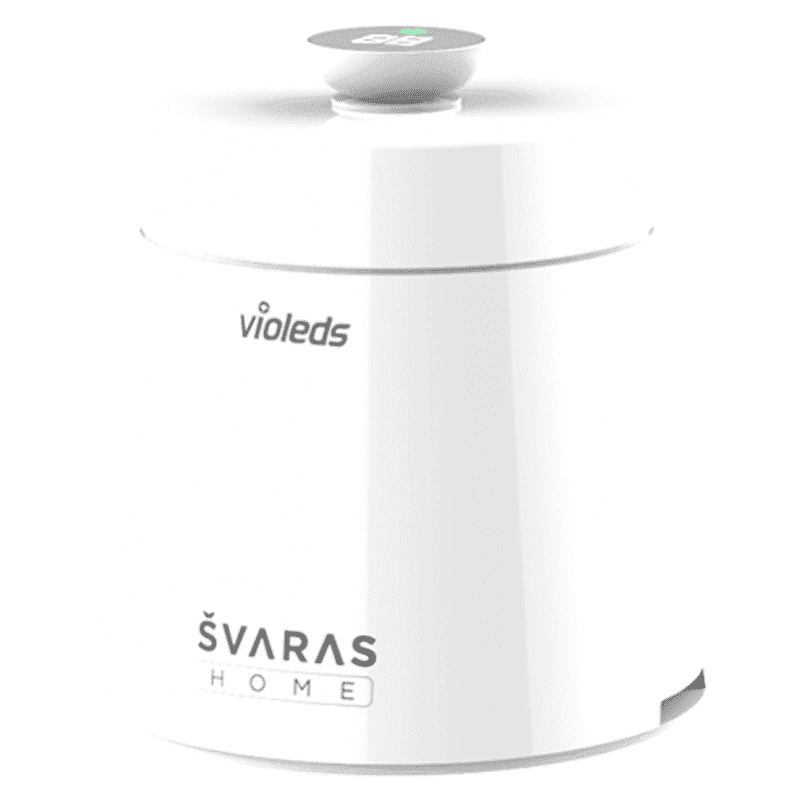
<p><b>HEUV Technology</b><br/><br/>Thanks to the HEUV technology, the SVARAS Home X2 Pro UV Steriliser effectively targets and eliminates a wide range of viruses and bacteria, including those responsible for illnesses such as the coronavirus. As a result, you can have peace of mind knowing that you can effectively protect yourself and your family from potential health threats.<br/><br/><br/><b>Enhanced Sterilisation</b><br/><br/>This rechargeable UV steriliser provides optimal sterilisation capabilities, which eliminates harmful germs. This high level of effectiveness makes it an ideal choice for homes, offices, and shops, ensuring that surfaces remain clean and safe. Thus, you can trust this steriliser to protect your health and the health of your loved ones by efficiently disinfecting various surfaces.<br/><br/><br/><b>User-Friendly Functionality</b><br/><br/>This home steriliser boasts convenient features that enhance its usability. It includes a voice alarm that signals when the sterilisation process is complete, ensuring you never forget to turn it off. Additionally, the device offers a safe automatic power-off feature, which enhances safety during operation. Convenient charging capabilities further simplify the user experience, which makes it easy to keep the steriliser ready for action.<br/><br/><br/><b>Eco-Friendly Design</b><br/><br/>Designed with sustainability in mind, this SVARAS steriliser promotes an eco-friendly lifestyle. It operates without mercury or harsh chemicals, which makes it safe for both users and the environment. This design choice allows you to maintain a clean living space while reducing your ecological footprint. Moreover, the sleek, modern appearance of the steriliser ensures that it complements any decor.</p>
Secure the magnifying glass in the hole using tape. Make sure it's firmly attached and there are no gaps around the edges to prevent light leakage.
Place your mobile phone inside the box, opposite the magnifying glass. Align the phone's screen with the center of the magnifying glass for optimal projection. You may need to use a stand or support to keep the phone in place.
Adjust the distance between the phone and the magnifying glass to achieve a clear image. Move the phone closer or further away until the projection is sharp. Remember, a dark room will enhance the projection quality significantly.
Increase the brightness and contrast settings on your phone.
Use a white wall or screen as the projection surface for better clarity.
Ensure the room is as dark as possible to improve the visibility of the projected image.
Consider using external speakers for enhanced audio quality.
Bluetooth speakers are a convenient option for a wireless setup.
Make sure your phone is fully charged or connected to a power source to avoid interruptions.
Use a phone stand or holder to keep your phone steady and aligned with the magnifying glass.
Experiment with different box sizes and shapes to find the best setup for your space.
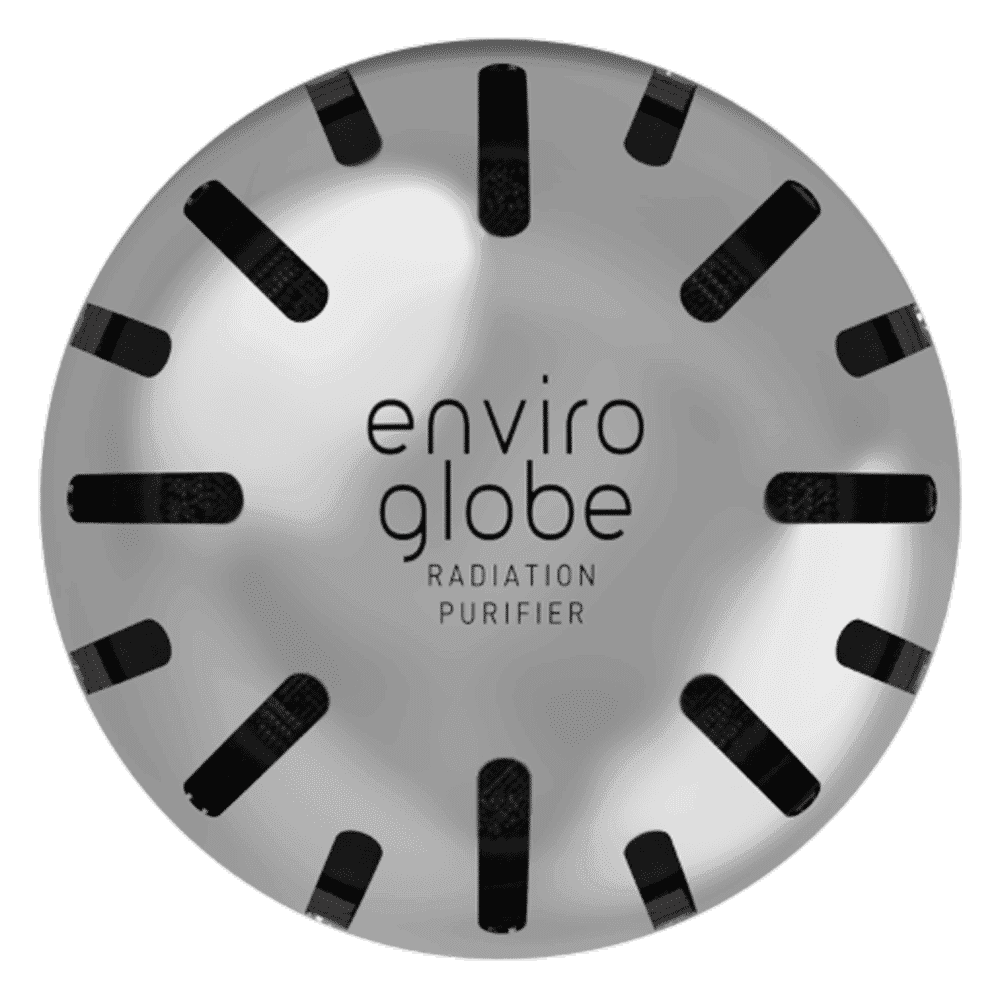
<p><strong>Why buy Environics Enviroglobe Anti Radiation Ball for House & Car</strong></p> <p> </p> <ul> <li><strong>Provides E-Smog and Radiation Protection</strong> for healthier homes and families</li> <li><strong>It Covers A Radius</strong> of 250 sq.ft protect you and your loved ones from harmful radiation</li> <li><strong>Clinically Tested EMF Harmonizer</strong> that provides us 360-degree protection from radiation sources that are beyond our control</li> </ul> <p> </p> <p>Buy the <strong>Environics Enviroglobe Anti Radiation Ball for House & Car</strong> which is based on Envirochip’s radiation protection technology that helps you protect you and your loved ones from harmful radiation within an area of 250 sq. feet. You can extend the range of protection by placing multiple Enviroglobes at equal distances from one another. It is a clinically tested EMF harmonizer and provides us 360-degree protection from radiation sources that are beyond our control. Electromagnetic Radiation (EMR) refers to the constant waves of the electromagnetic field (EMF) produced by wireless communication devices such as mobile phones, laptops, Wi-Fi routers, and other sources such as mobile towers and high-tension wirelines, etc. However, The human body is accustomed to random waves and hence the constant exposure to electromagnetic radiation causes serious biological disorders such as higher stress and fatigue, irritation, headache, weakened immunity, cancer, fertility issues to name a few. The technology used in Enviroglobe changes the nature of electromagnetic radiation from constant to random waveform making it human body-friendly.</p> <p> </p> <p>When you get <strong>Environics Enviroglobe Anti Radiation Ball for House & Car</strong> online, you also get awesome companion for your home. It comes with Internationally tested and certified technology. No need of batteries or adaptors, you can simply charge by placing it under the sunlight, for only a couple of minutes every week. Enviroglobe is simple to use. Simply place it at your desk, table, living room, bedroom, car, office space, absolutely wherever you want, and get a radiation protected zone of up to 250 sq. feet. It provides e-smog and radiation protection for healthier homes and families. Purchase <strong>Environics Enviroglobe Anti Radiation Ball for House & Car</strong> online, now!</p>
Adjust the phone's brightness settings, use a high-lumen flashlight, or project in a darker room.
Yes, as long as it has a bright screen and the necessary apps for media playback.
Adjust the distance between the phone and the magnifying glass, and ensure the phone is aligned properly.
Yes, as long as you avoid overheating and handle the phone carefully during setup.
Yes, but ensure the area is dark enough for the projection to be visible. You may need a larger magnifying glass for a bigger image.
Besides movie nights, you can use it for presentations, displaying photos, or even projecting digital art on a wall for a creative ambiance.
In summary, using a mobile as a projector is a fun and practical DIY project. With just a few simple items, you can enjoy a big-screen experience anytime, anywhere. Try this setup for your next movie night or presentation and explore Tata Neu's range of gadgets and home appliances for more innovative solutions.
Visit Tata Neu for more tech tips and to shop for the latest gadgets and home appliances. Enjoy benefits like NeuCoins, express delivery, and expert advice. Plus, get 5% extra savings with Tata Neu HDFC Bank Credit Card and hassle-free returns with ZipCare services.
