





Home Appliances
•06 min read

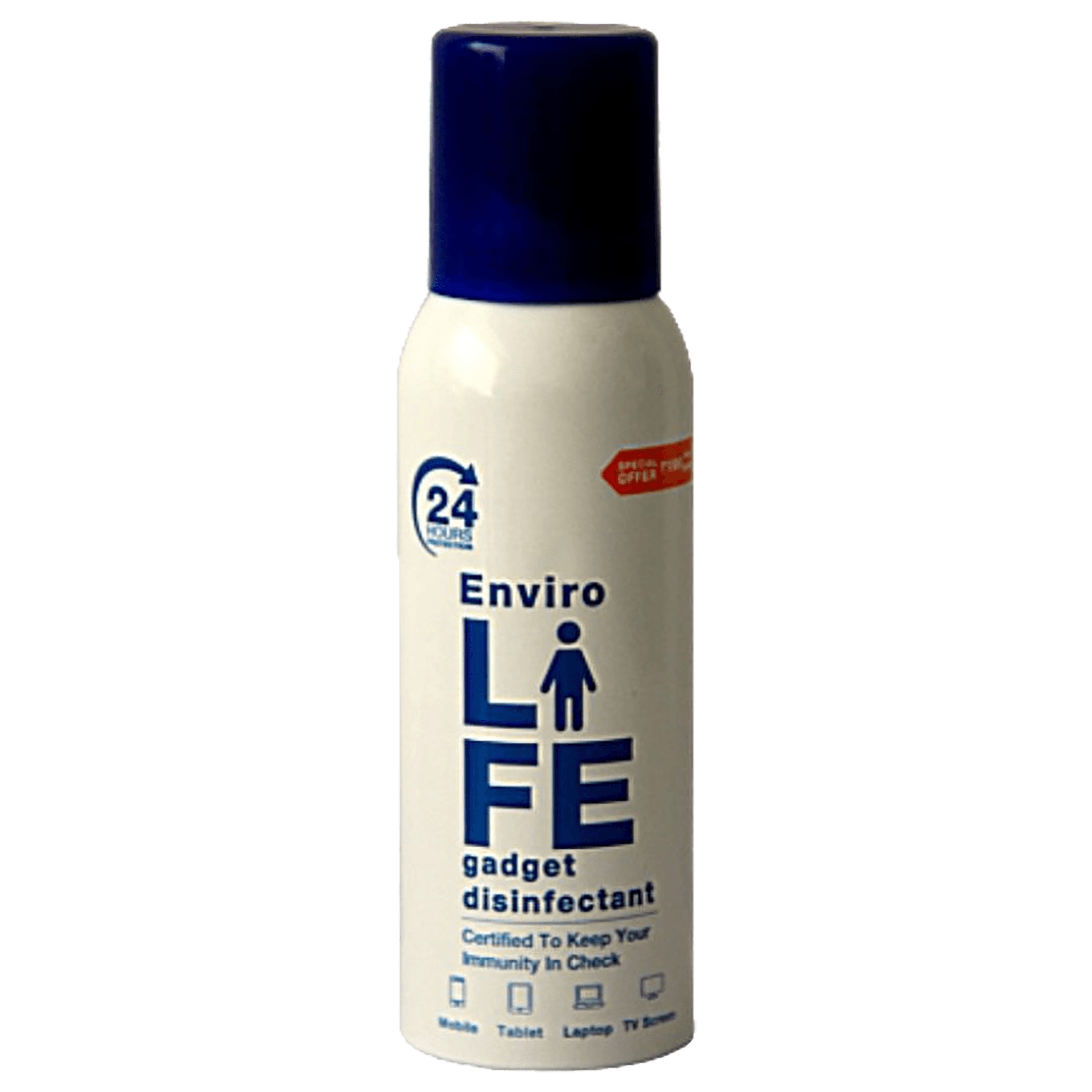
<b>Why Buy Environics Device Disinfector</b><ul><li><b></b> for optimised disinfection</li><li><b></b> makes sure all the germs are killed</li></ul><p>To prevent harmful bacteria and fungi from getting in contact with you, buy <b>Environics Device Disinfector</b>. The usability of your device disinfector may be affected if its installation is complex. As this device disinfector has the it prevents the extra-spill and wastage of sanitizer. Your residence and office will stay clean and hygienic with products from this device disinfector that have 99.99% high resistance against germs and viruses. </p><p>The <b>Environics Device Disinfector's</b> price is cost-effective so you don't have to adjust your budget. The longer it takes for the device disinfector to disinfect, the longer you will have to wait. As a result of its efficient and effective operation, this device disinfector requires only to inject. Your device disinfector needs to have the latest technology to make sure it kills all the germs. As this device disinfector has the to prevent viruses, you can rest assured. Purchase the <b>Environics Device Disinfector</b> online at this instant!</p>

Imagine transforming your living room into a mini home theater, where you can enjoy movies, sports, and games on a large screen right from the comfort of your couch. Knowing how to use a projector effectively can make this dream a reality. In this guide, we'll walk you through everything you need to know about setting up, installing, and optimizing your projector for the best viewing experience.
Before diving into the setup, it's essential to understand the different types of projectors available:
DLP (Digital Light Processing): Known for their sharp images and high contrast ratios.
LCD (Liquid Crystal Display): Offers vibrant colors and is generally more affordable.
LED (Light Emitting Diode): Energy-efficient with a longer lifespan.
When choosing the right projector, consider factors like brightness (measured in lumens), resolution, and throw distance (the distance between the projector and the screen). Additionally, think about the room size and ambient light conditions to ensure you select a projector that meets your specific needs.
Start by inspecting the package contents to ensure everything is included. Position the projector on a stable surface or mount it on the ceiling, depending on your preference. Make sure to read the user manual for any specific instructions related to your projector model.
Connecting your projector to various devices is straightforward:
To a laptop or PC: Use an HDMI or VGA cable. Ensure your device's display settings are configured to extend or duplicate the screen.
To a smartphone or tablet: Use a compatible adapter or wireless connection. This is particularly useful for streaming content directly from your mobile device.
To a home theater system: Connect via HDMI or optical audio cables. This setup provides an immersive audio-visual experience, perfect for movie nights.
Choosing the right screen is crucial for optimal image quality. Ensure the screen is properly aligned and placed at the correct height and distance from the projector. Consider using a high-quality screen material to enhance the image clarity and brightness.
Decide between ceiling mounting or table placement. Adjust the projector angle to ensure the image is projected correctly onto the screen. Use a level to ensure the projector is perfectly aligned, avoiding any keystone distortion.
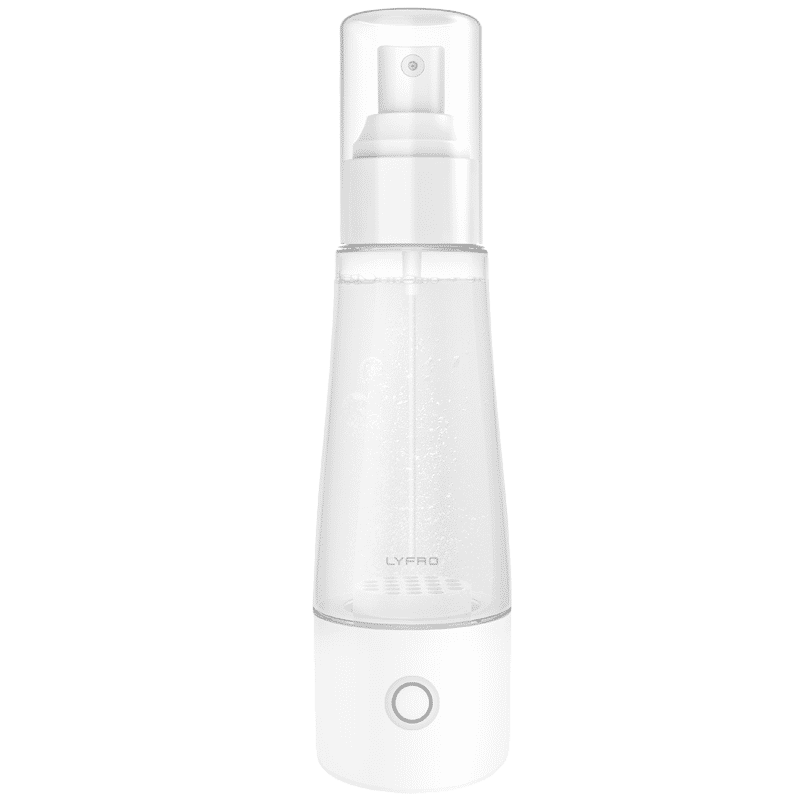
<p>The <strong>Lyfro Battery Powered Disinfectant Solution Generator</strong> is non-toxic and has no side effects</p> <ul> <li><strong>Free of Chemical Residues</strong> makes it an eco-friendly, cost-effective disinfectant</li> <li><strong>Uses Electrolysis</strong> to produce natural powerful disinfectant</li> <li><strong>300 mAh Battery</strong> with USB recharging facility</li> </ul> <p>Buy <strong>Lyfro Battery Powered Disinfectant Solution Generator</strong> to experience its awesome usages. It is an ultra-portable non-toxic disinfectant maker. It comes with an electrolysed water generator. Useful to sterilize public places as well. Use <strong>Lyfro Battery Powered Disinfectant Solution Generator</strong> which allows you to create your own non-toxic disinfectant in just 3 minutes. Simply add salt and water together. Uses electrolysis to produce natural powerful disinfectants proven to be effective against bacteria, viruses, and mold.</p> <p>When you get <strong>Lyfro Battery Powered Disinfectant Solution Generator</strong> online, you also get an awesome eco-friendly, cost-effective disinfectant for your everyday life. It is equipped with a 300 mAh battery with USB recharging facility. It is usable at home, office, or in transit. It eliminates up to 99.9 percent pathogens. It is free of chemical residues. It is a self-made disinfectant.</p>
Hide cables for a clean setup and ensure all connections are secure. This not only improves aesthetics but also prevents tripping hazards. Use cable clips or channels to keep the cables organized and out of sight.
Adjust brightness, contrast, and color settings to your preference. Use keystone correction to fix any image distortion and adjust the focus for a sharp picture. Many projectors come with preset modes (e.g., cinema, gaming) that can enhance your viewing experience.
Control ambient light by using curtains or blinds. Set up a sound system to enhance your viewing experience further. Consider investing in a surround sound system for a more immersive experience.
Keep your projector in top condition by regularly cleaning the lens and filters. Check for firmware updates to ensure optimal performance. Regular maintenance can significantly extend the lifespan of your projector.
If you encounter connectivity problems, ensure all cables are securely connected. For image quality issues, adjust the settings or check the lamp life. If the projector overheats, make sure it has adequate ventilation and clean the air filters regularly.
Use high-quality cables and regularly update the software to keep your projector running smoothly. Consider using a projector screen with a high gain to improve brightness and image quality.
Use surge protectors to safeguard against power surges. Store the projector properly when not in use to extend its lifespan. Consider using Tata Neu's ZipCare services for regular maintenance and protection against accidental damage.
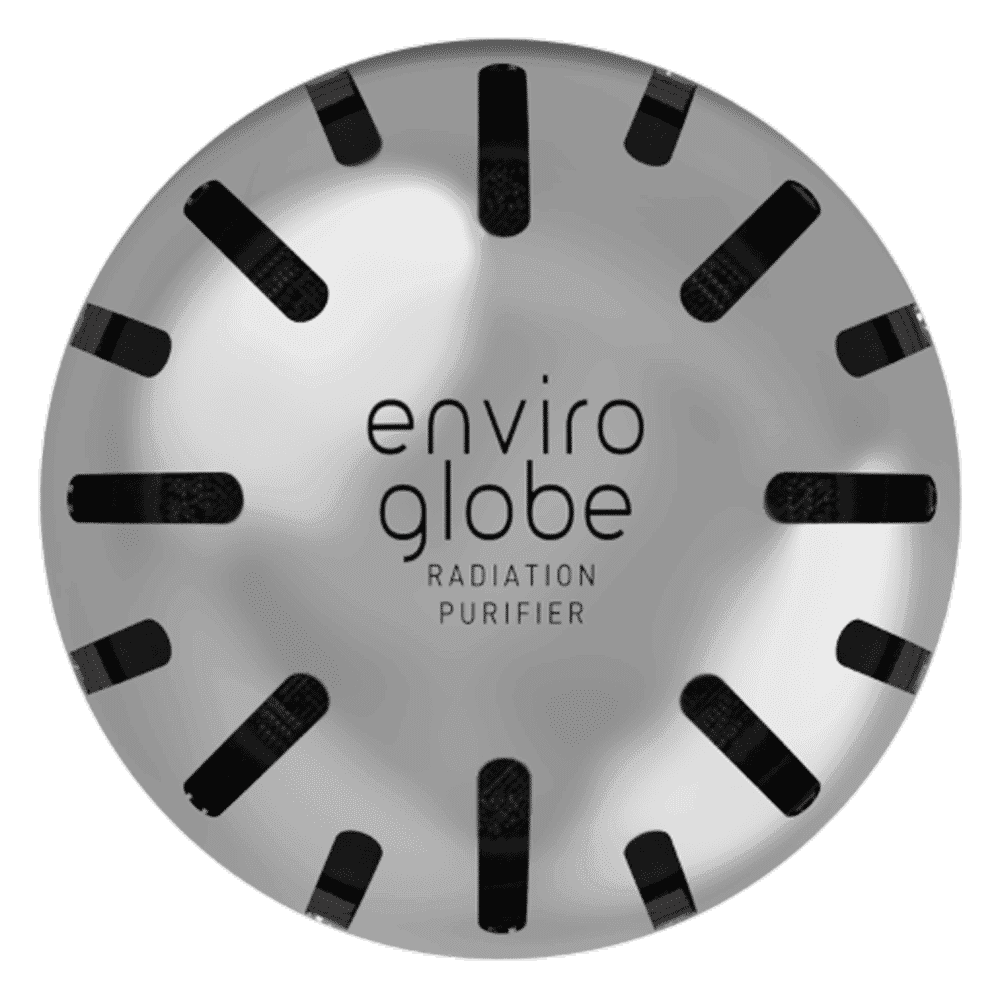
<p><strong>Why buy Environics Enviroglobe Anti Radiation Ball for House & Car</strong></p> <p> </p> <ul> <li><strong>Provides E-Smog and Radiation Protection</strong> for healthier homes and families</li> <li><strong>It Covers A Radius</strong> of 250 sq.ft protect you and your loved ones from harmful radiation</li> <li><strong>Clinically Tested EMF Harmonizer</strong> that provides us 360-degree protection from radiation sources that are beyond our control</li> </ul> <p> </p> <p>Buy the <strong>Environics Enviroglobe Anti Radiation Ball for House & Car</strong> which is based on Envirochip’s radiation protection technology that helps you protect you and your loved ones from harmful radiation within an area of 250 sq. feet. You can extend the range of protection by placing multiple Enviroglobes at equal distances from one another. It is a clinically tested EMF harmonizer and provides us 360-degree protection from radiation sources that are beyond our control. Electromagnetic Radiation (EMR) refers to the constant waves of the electromagnetic field (EMF) produced by wireless communication devices such as mobile phones, laptops, Wi-Fi routers, and other sources such as mobile towers and high-tension wirelines, etc. However, The human body is accustomed to random waves and hence the constant exposure to electromagnetic radiation causes serious biological disorders such as higher stress and fatigue, irritation, headache, weakened immunity, cancer, fertility issues to name a few. The technology used in Enviroglobe changes the nature of electromagnetic radiation from constant to random waveform making it human body-friendly.</p> <p> </p> <p>When you get <strong>Environics Enviroglobe Anti Radiation Ball for House & Car</strong> online, you also get awesome companion for your home. It comes with Internationally tested and certified technology. No need of batteries or adaptors, you can simply charge by placing it under the sunlight, for only a couple of minutes every week. Enviroglobe is simple to use. Simply place it at your desk, table, living room, bedroom, car, office space, absolutely wherever you want, and get a radiation protected zone of up to 250 sq. feet. It provides e-smog and radiation protection for healthier homes and families. Purchase <strong>Environics Enviroglobe Anti Radiation Ball for House & Car</strong> online, now!</p>
Check if your projector has built-in Wi-Fi or use a Wi-Fi adapter to connect it to your home network. This allows for wireless streaming and easier content sharing.
The ideal distance varies depending on the projector's throw ratio. Refer to the user manual for specific recommendations. Generally, a distance of 1.5 to 2.5 times the screen width is recommended.
Adjust the projector's settings, use a high-quality screen, and control ambient light to enhance image quality. Ensure the projector lens is clean and free from dust.
Ensure proper ventilation around the projector and clean the air filters regularly. Avoid placing the projector in enclosed spaces where heat can build up.
Yes, projectors can provide an immersive gaming experience. Ensure low input lag for the best performance. Look for projectors with a gaming mode to enhance the experience.
Consider factors such as resolution, brightness, and throw distance. For home theaters, a high-resolution projector with good contrast ratios and color accuracy is ideal. For office presentations, a projector with higher brightness (lumens) may be more suitable.
Projectors offer a larger screen size and a more immersive viewing experience. They are also portable and can be used in different locations. Additionally, projectors can be more cost-effective for creating a large-screen home theater setup.
Setting up and using a projector at home can transform your entertainment experience. From choosing the right projector to optimizing settings and maintaining it, this guide covers all the essential steps. Explore Tata Neu’s range of projectors and accessories for an enhanced home entertainment experience. Take advantage of exclusive offers, such as NeuCoins rewards, express delivery, and expert after-sales support. With Tata Neu and Croma, you can enjoy a seamless shopping experience, expert advice, and comprehensive after-sales care to ensure your projector remains in top condition for years to come.
