


%20(Presentation)%20(1600%20x%20600%20px)(104)-e7981044-6d08-4425-b3f9-f97c6bfbc443.webp&w=3840&q=75)
Consumer Electronics
•05 min read

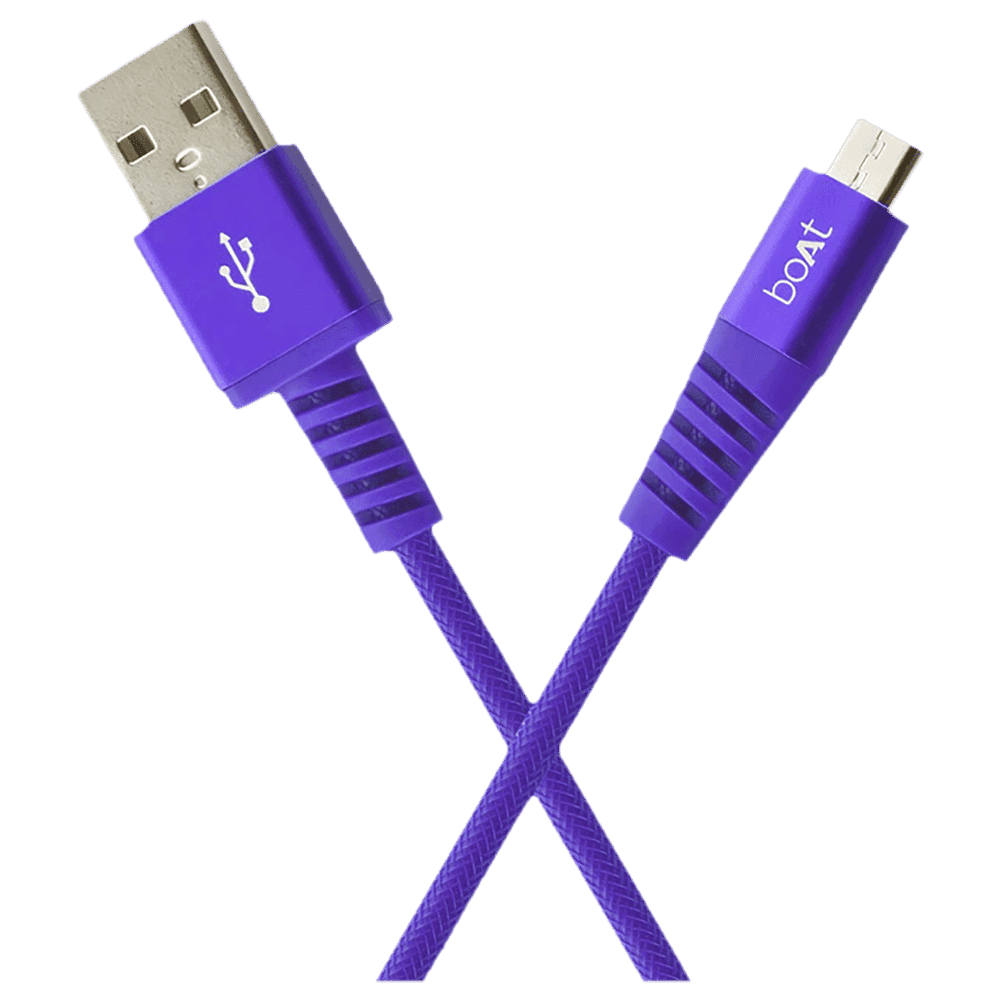
Buy boAt Rugged 700 V3 Type A to Micro USB 4.9 Feet (1.5M) Cable (Tangle-free Design, Purple) online at best prices from Croma. Check product details, reviews & more. Shop now!

Imagine a world where every device seamlessly connects, charges, and communicates without the hassle of mismatched cables. USB cords are the unsung heroes of modern electronics. This guide demystifies these vital connectors, shedding light on their types, uses, and compatibility. Whether you are looking to charge your smartphone, transfer important data, or link your peripherals, understanding the function of USB cords can help you make informed decisions, enhancing your electronic lifestyle with ease and confidence.
A USB cord is a versatile cable that serves as a bridge between your electronic devices. Its primary function is to provide power and enable data transfer. The secret lies in its ability to deliver both electricity and information simultaneously. This dual functionality has made USB cords indispensable in our modern digital world.
How do these cords work? Essentially, a USB cord contains conductors that carry power while others handle data. Durability, speed, and versatility are key features that make them reliable. Whether you are recharging your phone or transferring data files, a quality USB cord ensures steady performance and lasting connectivity.
When selecting a USB cord for your electronics, understanding the various types can save you time, money, and frustration. Each type comes with unique connectors and capabilities tailored for different devices and purposes.
This is the most common type of connector found in traditional computers, chargers, and many other devices. Its robustness and wide compatibility make it a favourite for everyday use.
Often found in printers and older peripheral devices, USB-B connectors play a niche but essential role. They are designed to handle higher data loads that are typical in such applications.
The future of USB technology, USB-C features a reversible design that eliminates the frustration of aligning your plug. Its enhanced speed and power delivery capabilities ensure that it is well-suited for modern devices like smartphones, laptops, and even high-performance monitors.
Micro-USB cords were once the standard for many smartphones and compact gadgets. Despite making way for USB-C in many new devices, they continue to serve older devices reliably with adequate performance for data transfer and device charging.
The market also includes Mini-USB and advanced standards like USB 3.0. Each comes with nuanced differences in speed, compatibility, and power delivery. Knowing the difference between USB cord connectors ensures that you select a cable that matches your device's needs.
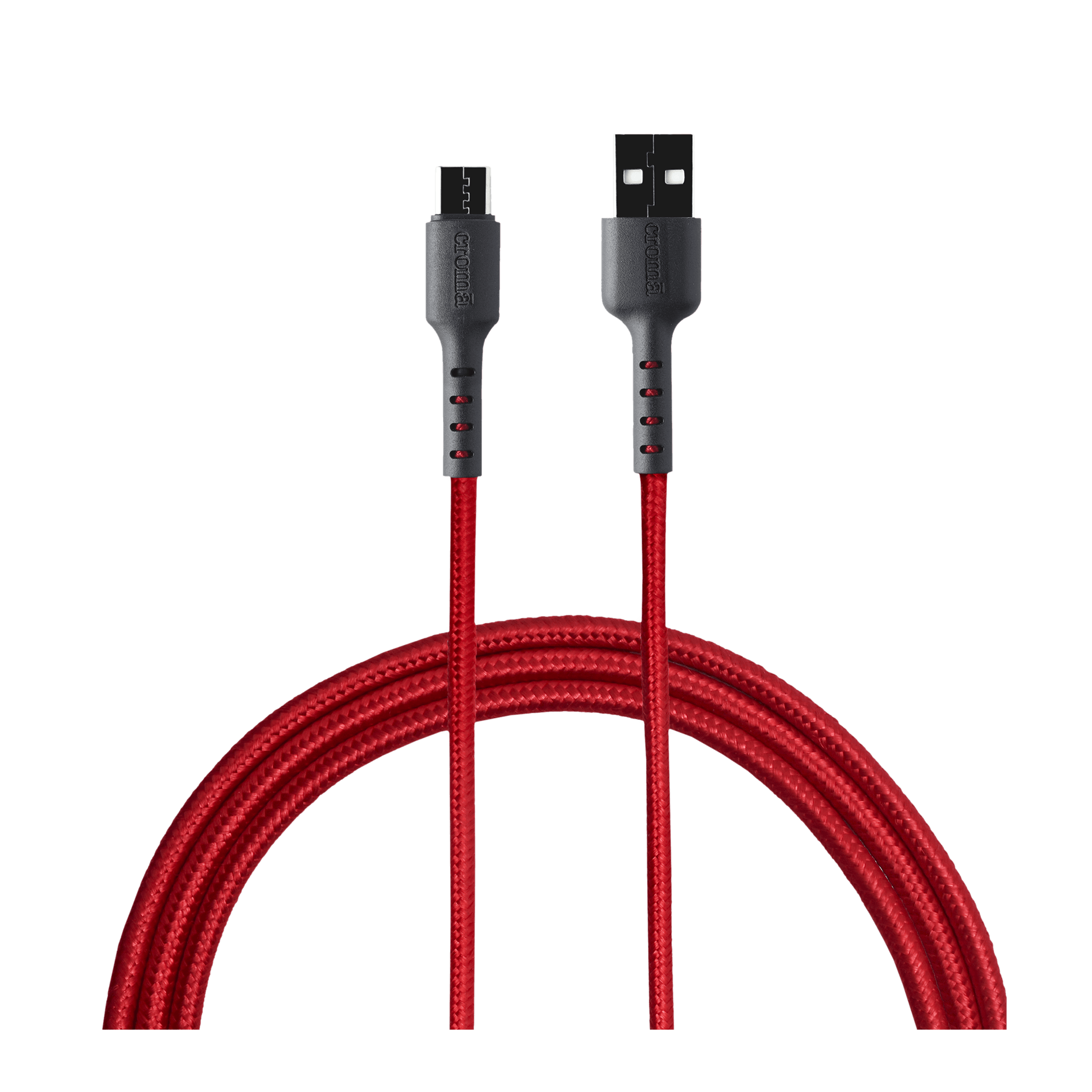
Buy Croma USB 2.0 Type A to USB 2.0 Type C 1 Meter Charging Cable (Braided Outer Exterior, Red) online at best prices from Croma. Check product details, reviews & more. Shop now!
USB cords extend beyond simple connectivity. They enable fast and efficient charging, high-speed data transfer, and even support sophisticated device interconnectivity for peripherals.
One of the primary uses of USB cables is to deliver power to electronic devices. Modern USB cords support various charging standards, including fast-charging protocols, ensuring that your devices can be recharged swiftly while minimising wear and tear. Even if you are keen on optimising your device's battery performance, choosing the right cable is vital.
In addition to charging, these cords allow for the seamless transfer of files and data. This dual functionality makes them indispensable for both personal and professional settings where timely data exchange is paramount.
Beyond charging and data transfer, USB cords are pivotal when connecting peripherals such as keyboards, mice, external drives, and specialised accessories like cameras or audio interfaces. Their diverse uses underscore the importance of selecting a reliable and efficient cable that meets your specific needs.
Before purchasing a USB cord, it is important to carefully assess the compatibility factors to ensure that the chosen cable meets your devices' requirements.
The first step is to determine the device ports: does your device come with USB-A, USB-C, or another type? Assessing the cable specifications is equally crucial. Ensure the rated data speed and power delivery match your needs. This compatibility assessment prevents issues like slow data transfer or inadequate charging performance.
Consult your device manuals and review the cable specifications closely. Certification labels, like those indicating USB-IF compliance, are important benchmarks of quality and performance. A thorough check will help you avoid purchasing inexpensive, low-quality cables that may risk damaging your valued devices.
Insight Corner: USB-C Is Changing the Game!
USB-C is poised to revolutionise the way we connect our devices. With its higher power delivery and swift data transfer speeds, it is ideal for not only smartphones and laptops but also for more power-hungry equipment such as monitors and other sophisticated electronics. This innovation makes USB-C a worthy investment for the future.
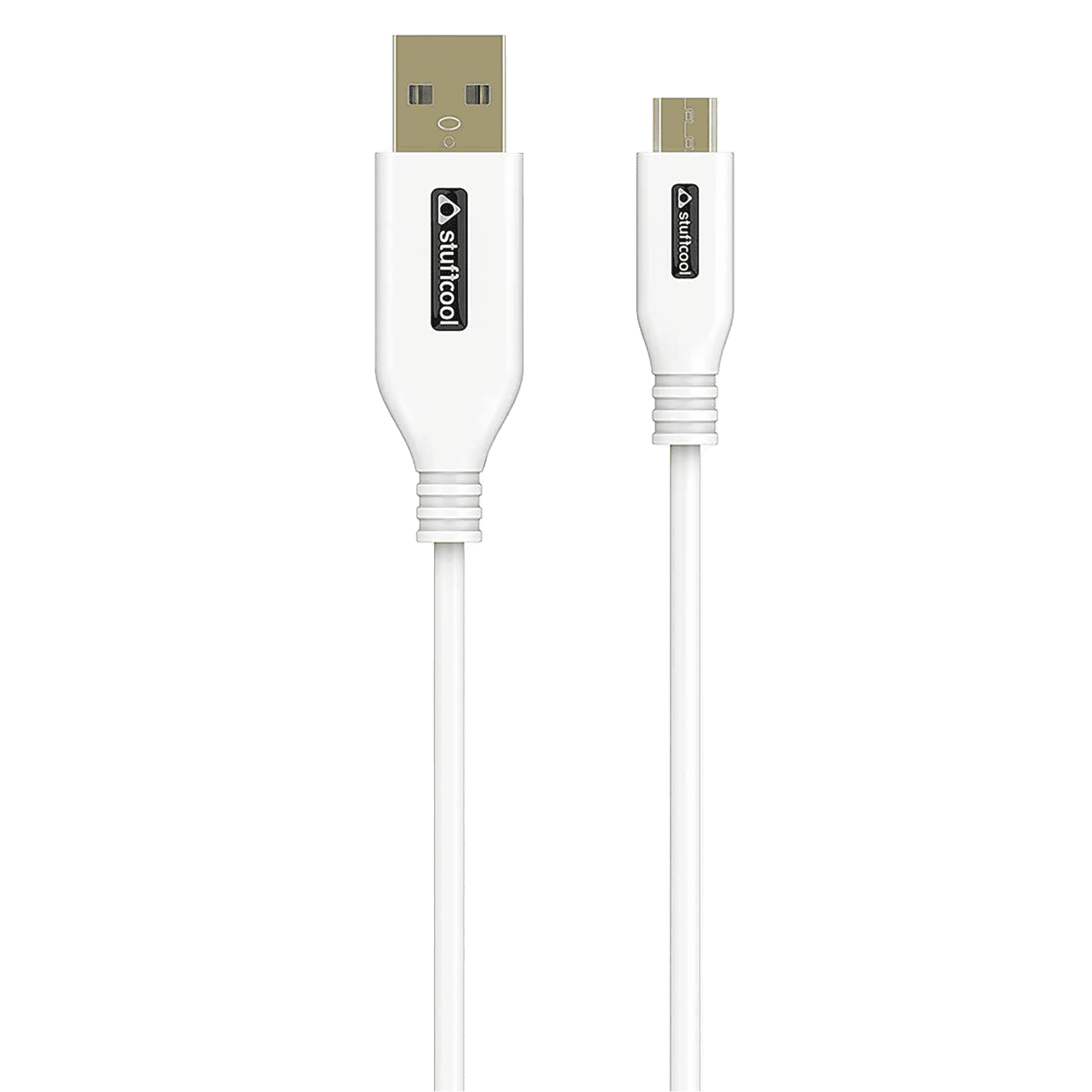
Buy stuffcool Rapido Type A to Micro USB 4.9 Feet (1.5M) Cable (Sleek Design, White) online at best prices from Croma. Check product details, reviews & more. Shop now!
Selecting the perfect USB cord can sometimes be a daunting task, especially with so many options available. By following a simple checklist, you can narrow down your choices effectively.
Begin by identifying the port type on your device. Knowing whether it requires USB-A, USB-C or another variant is essential before making a purchase. Next, assess the primary function you want the cable to serve: will it predominantly charge your device, transfer data, or do both? Consider the length of the cable too; longer cables may be suitable for reaching distant charging points, while shorter cables can reduce clutter.
It is also advisable to consider the cable's build quality. A robust cable not only contributes to longevity but also prevents potential damage to your devices. Finally, check if your chosen cable supports fast-charging standards or advanced data transfer protocols such as USB 3.0 or 3.1, thereby ensuring it meets your performance expectations.
Quality should never be compromised. Cheap, low-quality cables can risk both performance and device safety. Look out for certifications that ensure adherence to industry standards and provide peace of mind. A well-matched USB cord can improve your overall tech experience, making daily tasks smoother and more efficient.
No, while a USB cord can be used for charging, its primary function is also to transfer data between devices. It offers a dual function that makes it indispensable in our digital lives.
The most common types include USB-A, USB-B, USB-C, and Micro-USB. Each offers unique advantages tailored for specific devices and purposes.
While a USB-A cable can deliver power, it is primarily known for its compatibility with a wide range of data transfer applications and device connections.
By familiarising yourself with what a USB cord is, how USB cords work, and the various usb cable types available, you can better assess their features and choose one that fits your electronic lifestyle. This comprehensive guide has walked you through the essential aspects, ensuring that your decision is informed, pragmatic, and aligned with your needs.
Understanding the difference between USB cords, their uses, and compatibility factors can truly enhance your day-to-day interactions with technology. As our devices become more integral to managing both our personal and professional lives, a reliable USB cord becomes more than just an accessory—it is a key component in maintaining an organised, efficient, and connected lifestyle. With clear guidelines and an easy-to-follow compatibility checklist, navigating the world of USB cords becomes less complex, allowing you to focus on healthier and more efficient tech usage.
This detailed exploration underlines how investing in the right cable can not only improve device longevity but also enhance overall digital connectivity, offering consistent benefits such as NeuCoins rewards on Tata Neu when you shop smartly for your tech needs. Embrace technology with the assurance that your electronic accessories, chosen with care, will support your evolving digital ambitions seamlessly.