





Consumer Electronics
•04 min read


Buy HP DeskJet 2820 All in One Wi-Fi Inkjet Printer with Self Reset (Simple Setup Smart App, White) online at best prices from Croma. Check product details, reviews & more. Shop now!

In today’s busy office environment, every minute counts. A reliable monochrome laser printer can be a game changer in ensuring your documents are printed swiftly and efficiently, helping you maintain smooth office operations. This blog post provides a comprehensive checklist for selecting the right monochrome laser printer that not only meets your printing demands but also adds to your office’s overall productivity.
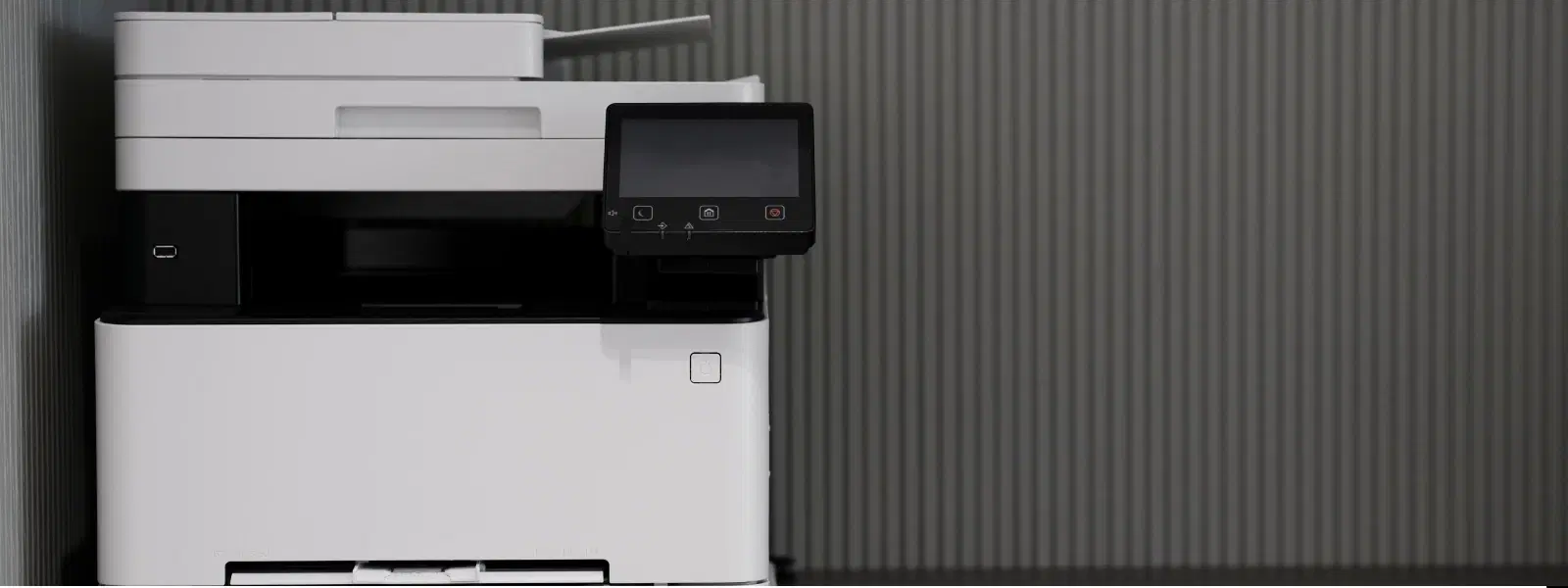
A monochrome laser printer is a specialist black and white printer designed solely for text and simple graphics. Unlike inkjet alternatives, it uses toner cartridges which are built for longevity. This makes it an ideal choice for offices that print regularly, as it promises quick turnaround times with high-quality output.
Investing in a monochrome laser printer is a practical decision. These high-speed printing devices are appreciated for their cost-effectiveness, energy efficiency, and overall reliability. Ideal for businesses that primarily require black and white document printing, the technology behind these printers ensures minimal downtime and efficient operation, which directly contributes to smoother workflows.
Insight Corner: Did You Know?
Monochrome laser printers do not use ink—they rely on toner cartridges, which last longer and reduce printing costs over time.
When it comes to office efficiency, print speed is a feature you cannot overlook. A laser printer for office use should deliver quick results, especially during peak office hours. The rapid printing capacity of these devices ensures that large volumes of documents are produced without compromising on quality. For busy offices, finding a high-speed printing device is crucial for maintaining a seamless workflow.
Modern offices require seamless integration with multiple devices. For this reason, wireless monochrome printers are highly desirable. These printers enable staff to print from smartphones, laptops, or tablets, thereby streamlining the connectivity process. A printer with WiFi capabilities can greatly enhance operational flexibility and ensure that everyone in the office, from tech enthusiasts to young professionals, benefits from fast and reliable document printing.
Automatic duplex printing is a substantial time-saver. A duplex printing laser printer automatically prints on both sides of the paper, effectively cutting down on paper usage and reducing manual intervention. In offices where conserving resources and boosting productivity go hand in hand, this feature can significantly improve your printing workflow.

Buy HP Deskjet Ink Advantage Ultra 4929 All in One Wi-Fi Inkjet Printer with Icon LCD Display (Simple Setup Smart App, Rose Wood) online at best prices from Croma. Check product details, reviews & more. Shop now!
When working in a compact office space, the size of your equipment matters. A compact laser printer not only fits into smaller spaces but also maintains the same level of performance as its larger counterparts. This is particularly beneficial for start-ups or offices with limited space who still require a reliable high-performance device.
An important decision to consider is whether you need a single-function laser printer or a multifunction model. While single-function laser printers are dedicated solely to printing tasks, multifunction devices offer additional capabilities such as scanning and copying. Assess your office’s needs to decide which option provides the best balance between performance and functionality.
Selecting an energy-efficient printer goes beyond saving on electricity bills. An energy-efficient printer reduces overall power consumption, aligning your office practices with a more sustainable approach. For businesses conscious about their environmental footprint, this not only makes a practical difference but also supports greener office initiatives.
Budget is an essential factor when considering any office equipment purchase. Affordable monochrome laser printers prove to be a low-cost printing solution for offices aiming to keep operational expenditures low while still ensuring high-quality output. These solutions enable companies to achieve long-term savings, which is essential in today’s competitive business environment.
It’s important to look beyond the initial purchase price when reviewing potential options. The total cost of ownership includes toner costs, periodic maintenance, and the device's durability over time. By evaluating these factors carefully, you ensure that your investment in a monochrome laser printer is cost-effective over its operational lifespan.

<p><b>Enhanced Cleaning Technology</b><br/><br/>The MILAGROW 24W Robotic Vacuum Cleaner offers reliable wet and dry cleaning capabilities, which makes it an ideal choice for both home and office environments. Equipped with the enhanced NIDEC Brushless Motor, it delivers a powerful suction of 1500Pa, which ensures effective dirt and debris removal across various surfaces.<br/><br/><br/><b>Smart Navigation </b><br/><br/>Utilising cutting-edge Gyro Mapping technology, this robotic vacuum cleaner employs earth's gravity for optimal orientation and navigation. The rotor mechanism accurately measures rotation rates, which enables the device to stabilise and efficiently map out cleaning paths. It features four cleaning modes - smart, wall follow, spiral, and remote control – which allows for versatile cleaning strategies tailored to your space.<br/><br/><br/><b>Reliable Battery Life</b><br/><br/>Powered by a robust 2600mAh battery, this 24W vacuum cleaner boasts an optimum working time of up to 110 minutes. It can cover up to 1800 square feet on a single charge, which ensures comprehensive cleaning throughout your space without frequent interruptions. The 0.6-litre dustbin is designed to handle substantial dirt loads, while the 0.11-litre water tank facilitates effective wet cleaning.<br/><br/><br/><b>Efficient Filter System</b><br/><br/>Featuring a triple filter system which includes HEPA 12 filtration, this vacuum cleaner ensures the removal of most of the airborne particles as small as 0.3 microns. It effectively captures allergens, dust mites, mould spores, and even fine particles like smoke and bacteria, which creates a healthy environment in your home or office.<br/><br/><br/><b>User-Friendly Features </b><br/><br/>The MILAGROW vacuum cleaner affirms its reliability and safety for everyday use. Its user-friendly design allows for effortless operation and maintenance, which makes it an essential cleaning companion. With MILAGROW 9.0 Software Generation, it ensures optimal performance and user satisfaction.</b><br/><br/></p>
A successful printing setup requires careful consideration of your office’s daily demands. Think about the volume of documents, specific printing speeds, and the printer’s connectivity options. Whether you’re considering renowned brands like HP, Canon, or Brother, aligning printer specifications such as speed, capacity, and connectivity to your office requirements can lead to significant improvements in efficiency.
Long-term performance is key to any office equipment. Regular maintenance not only prolongs the lifespan of your monochrome laser printer but also keeps it running at its best. Taking care of the printer by following simple upkeep guidelines can prevent issues before they escalate, ensuring fewer interruptions and a smoother printing experience.
A monochrome laser printer is a device designed exclusively for black-and-white printing, using toner rather than ink, making it ideal for high-volume document printing.
Yes, they are perfect for offices that need fast, reliable, and cost-effective solutions for producing high-quality black-and-white prints.
No, these printers use toner cartridges, which are durable and more efficient than traditional ink.
A mono laser printer specializes in black-and-white printing, whereas other laser printers may offer additional features such as colour printing.
To summarise, a monochrome laser printer is a valuable asset for any office aiming to stay efficient and cost-conscious. Understanding and assessing features such as high-speed printing, wireless connectivity, and duplex printing can significantly enhance your workplace’s document management. With the right printer selection, your office can benefit from streamlined operations and reduced downtime. Furthermore, whether you're a tech enthusiast, a young professional, or part of a family-run office, ensuring that your office equipment meets your specific needs translates directly into better productivity. Remember, an investment in a quality monochrome laser printer paves the way for smarter shopping and greater rewards, much like earning NeuCoins on Tata Neu when you shop with trusted platforms. Explore more consumer electronics insights to make informed decisions that align with both efficiency and quality.
