





Consumer Electronics
•05 min read


<p>Danger can overpower you at any time and your voice will not be enough in such situations to get the required aid. The amazing new <strong>Juvo PSB01 Personal Alarm</strong> is crafted for all ages and is a necessary precaution from all kinds of danger. It rings a very loud alarm at 120 dB as well as flashes the torch to warn people nearby about a danger. Whether you have a medical emergency or you are attacked by predators your voice may not be heard but this alarm will be enough to deter attackers or draw attention of people close by to give you the immediate assistance required.</p> <p><strong>Extremely Easy To Use</strong></p> <p>The <strong>Juvo PSB01 Personal Alarm</strong> is small and portable, can be attacked to even a keychain if you want. To start the siren all you need to do is separate or pull the metal key chain from the main black unit. The siren may go on for 1 1/2 hours in case nobody heard it in the first minutes. This is very important for girls returning home alone at night as it acts as a security anti-attack panic alarm that is sure to scare off a molester. Its easy portability accentuates its use.</p> <p><strong>Lights Your Way</strong></p> <p>The little and portable <strong>Juvo PSB01 Personal Alarm</strong> also features a small LED torch that helps you find your way in the dark. Don’t be scared of dark alleys when you have this with you because it is equipped to save you from all dangers.</p>

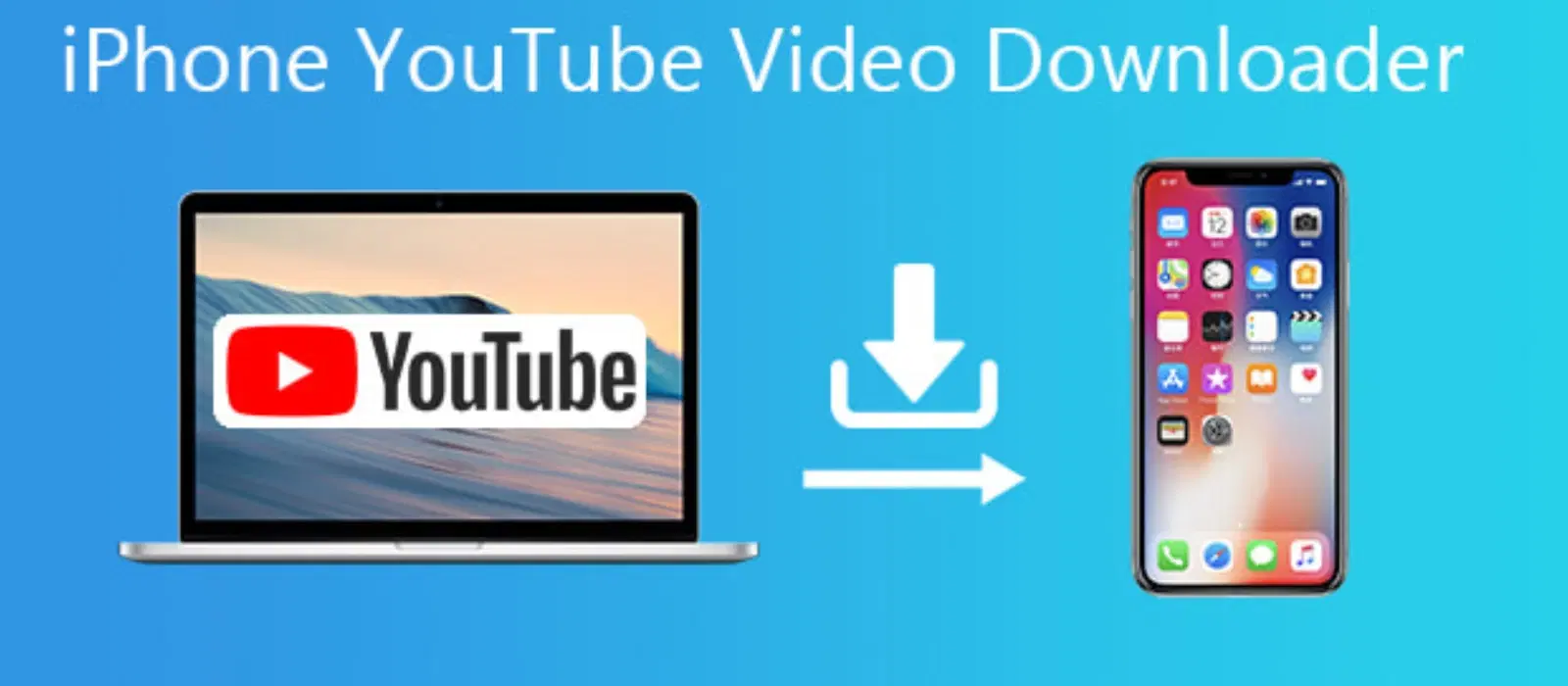
Have you ever wished you could save your favourite YouTube videos to your camera roll for easy access later, whether for entertainment, study or creative inspiration? In today’s digital age, having the ability to watch videos offline not only ensures that you never miss out on important tutorials or moments but also provides a level of convenience that fits in with a busy lifestyle. This guide offers clear, step-by-step insights on how to save YouTube videos to camera roll effortlessly, while keeping you informed about legal considerations and storage optimisation tips.
Saving videos from YouTube to your phone or gallery is a perfect way to ensure you can enjoy content even without an internet connection. Whether you’re travelling on a long journey or simply in an area with poor network coverage, having your favourite videos stored on your device means you’re never left without entertainment or important information. This approach is also useful when you need to share content with friends or use videos for personal projects without relying on streaming platforms.
It is important to note that while the ability to save YouTube videos offline is convenient, users should pay attention to YouTube's terms of service and legal guidelines. Officially, downloading videos may only be permitted through authorised services. This guide does not encourage any action that violates platform policies, and we emphasize using only legal methods for saving videos to your camera roll.
YouTube Premium is a recognised service that lets you download videos from YouTube directly within the app. With a subscription, you simply tap the download option and the video is saved for offline viewing. However, note that this feature keeps the video within the YouTube app and does not allow for transferring files to your camera roll. This means if you need videos to be accessible in your gallery or want to share them with other apps, you may have to explore additional methods.
For those looking to download YouTube videos to phone storage, there's a range of third-party tools available. Popular YouTube video downloader for mobile devices includes applications such as 4K Video Downloader and EaseUS Video Downloader. These tools allow you to save videos directly to your gallery. To do so, simply copy the video’s URL into the app, select your desired resolution, and follow the on-screen directions to save videos from YouTube to gallery. While these apps provide more flexibility, it is essential to be aware of potential risks such as malware or privacy concerns, so always choose trusted applications and adhere to recommendations offered within the app environment.
If you are an iOS user, you may find specific tools and apps designed to export videos to your camera roll. Once a video is downloaded using an approved third-party downloader, the app will usually offer an option to easily transfer or export videos into your iPhone’s gallery. Keep in mind that ensuring the compatibility of file formats is important; most apps support standard formats that work seamlessly with iOS, making the process hassle-free and straightforward.

<p><strong>Why buy Environics Enviroglobe Anti Radiation Ball for House & Car</strong></p> <p> </p> <ul> <li><strong>Provides E-Smog and Radiation Protection</strong> for healthier homes and families</li> <li><strong>It Covers A Radius</strong> of 250 sq.ft protect you and your loved ones from harmful radiation</li> <li><strong>Clinically Tested EMF Harmonizer</strong> that provides us 360-degree protection from radiation sources that are beyond our control</li> </ul> <p> </p> <p>Buy the <strong>Environics Enviroglobe Anti Radiation Ball for House & Car</strong> which is based on Envirochip’s radiation protection technology that helps you protect you and your loved ones from harmful radiation within an area of 250 sq. feet. You can extend the range of protection by placing multiple Enviroglobes at equal distances from one another. It is a clinically tested EMF harmonizer and provides us 360-degree protection from radiation sources that are beyond our control. Electromagnetic Radiation (EMR) refers to the constant waves of the electromagnetic field (EMF) produced by wireless communication devices such as mobile phones, laptops, Wi-Fi routers, and other sources such as mobile towers and high-tension wirelines, etc. However, The human body is accustomed to random waves and hence the constant exposure to electromagnetic radiation causes serious biological disorders such as higher stress and fatigue, irritation, headache, weakened immunity, cancer, fertility issues to name a few. The technology used in Enviroglobe changes the nature of electromagnetic radiation from constant to random waveform making it human body-friendly.</p> <p> </p> <p>When you get <strong>Environics Enviroglobe Anti Radiation Ball for House & Car</strong> online, you also get awesome companion for your home. It comes with Internationally tested and certified technology. No need of batteries or adaptors, you can simply charge by placing it under the sunlight, for only a couple of minutes every week. Enviroglobe is simple to use. Simply place it at your desk, table, living room, bedroom, car, office space, absolutely wherever you want, and get a radiation protected zone of up to 250 sq. feet. It provides e-smog and radiation protection for healthier homes and families. Purchase <strong>Environics Enviroglobe Anti Radiation Ball for House & Car</strong> online, now!</p>
Android users can take advantage of similar applications tailored to work within the Android ecosystem. These YouTube video downloaders for mobile allow for a step-by-step save process, guiding you through copying the URL, downloading the video and then, in many cases, automatically saving the file in your gallery. Should you encounter download errors or issues with unsupported file formats, most applications provide troubleshooting tips to help resolve these minor setbacks.
Many free apps and online tools enable you to download YouTube videos to your phone. The free methods are extremely cost-effective and accessible to everyone. However, bear in mind that these options might come with limitations such as slower download speeds, occasional ads, or reduced feature sets. If you primarily need to save YouTube videos to camera roll occasionally or simply for personal use, free options can serve you well while keeping your expenses at bay.
For those requiring more robust solutions, premium services—including YouTube Premium and subscription-based downloaders—offer additional benefits. Paid methods generally provide higher quality downloads, faster speeds and more reliable performance. While these features may require a one-time fee or ongoing payments, investing in a premium method can be worthwhile, particularly for users who frequently need to download video content or seek enhanced features. It is all about balancing cost with convenience, ensuring that quality is maintained without overstepping your budget.
Once you have successfully transferred YouTube content to your mobile device, taking a few moments to organise these files can make a huge difference. Create specific folders or albums based on content type, hobby, or need. For instance, you might easily separate tutorials from entertainment content or group similar topics together, making it easier to locate the exact video you’re looking for.
Managing the storage space on your device is essential, especially when handling multiple high-definition video files. A few proactive strategies can help you maintain ample storage space without sacrificing video quality. Consider compressing video files where possible, and regularly delete files or videos that are no longer needed. Additionally, using cloud storage options like Google Drive or iCloud as backup allows you to free up device space while keeping your saved content readily available.
Pro Tip: Avoid Losing Videos Over Time
Did you know? Regularly backing up your saved YouTube videos to cloud storage ensures you don’t lose them in case of device damage or accidental deletion.
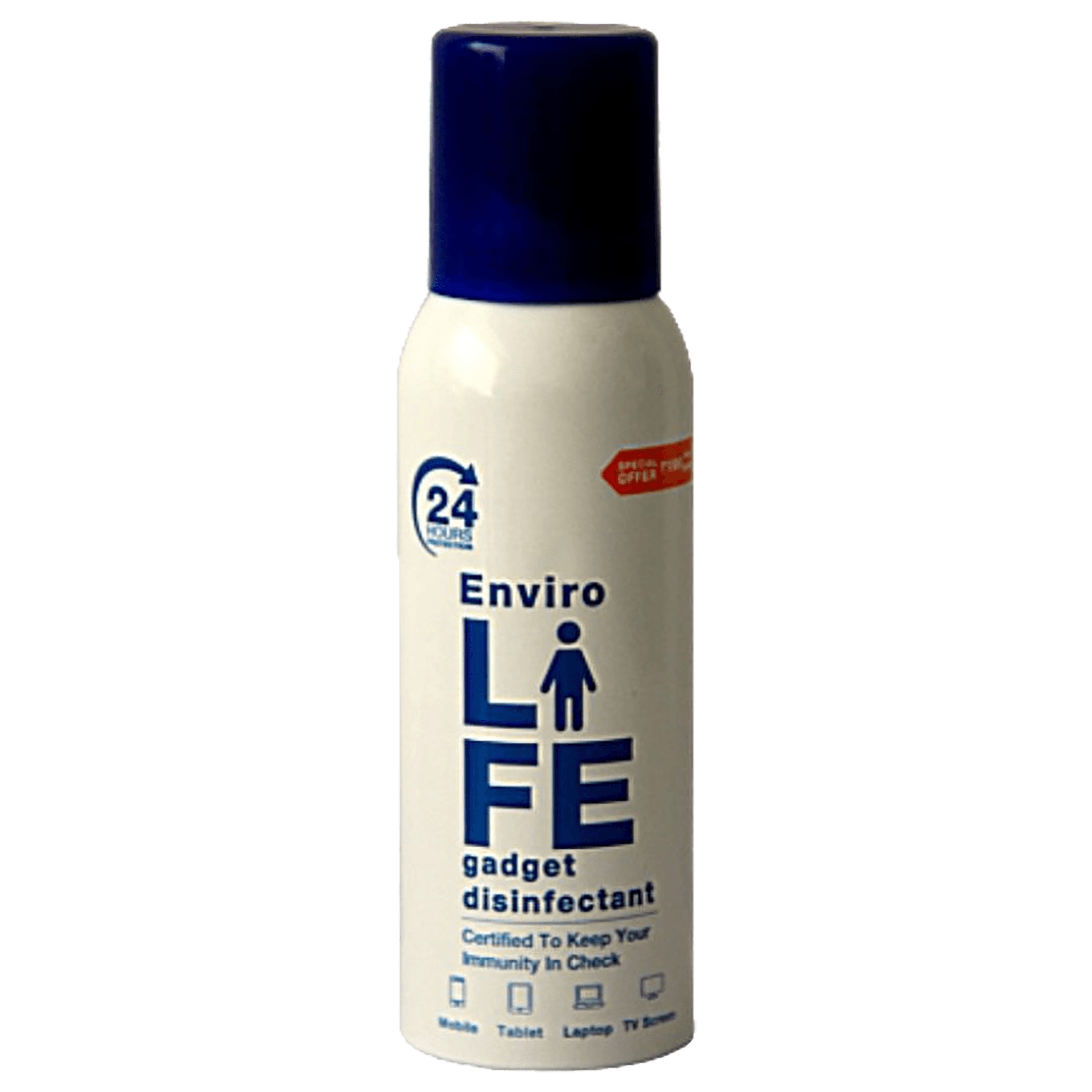
<b>Why Buy Environics Device Disinfector</b><ul><li><b></b> for optimised disinfection</li><li><b></b> makes sure all the germs are killed</li></ul><p>To prevent harmful bacteria and fungi from getting in contact with you, buy <b>Environics Device Disinfector</b>. The usability of your device disinfector may be affected if its installation is complex. As this device disinfector has the it prevents the extra-spill and wastage of sanitizer. Your residence and office will stay clean and hygienic with products from this device disinfector that have 99.99% high resistance against germs and viruses. </p><p>The <b>Environics Device Disinfector's</b> price is cost-effective so you don't have to adjust your budget. The longer it takes for the device disinfector to disinfect, the longer you will have to wait. As a result of its efficient and effective operation, this device disinfector requires only to inject. Your device disinfector needs to have the latest technology to make sure it kills all the germs. As this device disinfector has the to prevent viruses, you can rest assured. Purchase the <b>Environics Device Disinfector</b> online at this instant!</p>
Yes, by using YouTube Premium or trusted third-party video downloader apps, you can save YouTube videos offline and then transfer them to your camera roll when supported.
After downloading videos using a third-party app, you can move them to your gallery by selecting the 'Save to gallery' or 'Export to camera roll' option provided within the app.
Downloading videos is legal only if done via authorised methods like YouTube Premium or if you have direct permission from the content creator. It’s advisable to comply with YouTube's terms of service.
Many users find success with apps such as 4K Video Downloader, YT-DLP, and EaseUS Video Downloader, which are compatible with both Android and iOS devices.
Yes, there are free third-party apps and online tools available that allow you to download YouTube videos and subsequently add them to your phone’s gallery.
Saving YouTube videos to your camera roll is a practical and valuable skill, giving you the freedom to enjoy your favourite content offline while organising it for future reference. Whether you decide to use YouTube Premium or explore third-party tools, understanding the legal landscape and efficiency tips ensures a smooth experience. By following the steps outlined in this guide, you can effortlessly download videos from YouTube to your phone, making it easier than ever to access those must-watch tutorials, clips and entertainment on the go.
This guide has highlighted how evolving technology offers smart solutions that fit seamlessly into your life. With reliable methods and practical advice, you have the power to improve your digital storage and content access. Enjoy exploring your consumer electronics experience on Tata Neu, where platforms that support seamless shopping and outstanding rewards like NeuCoins await to enhance every transaction. Happy viewing and organising!
