





%20(Presentation)%20(1600%20x%20600%20px)(71)-e7867474-9dfa-4195-a60e-c92f9586ec90.webp&w=3840&q=75)
Consumer Electronics
•03 min read


<p>Danger can overpower you at any time and your voice will not be enough in such situations to get the required aid. The amazing new <strong>Juvo PSB01 Personal Alarm</strong> is crafted for all ages and is a necessary precaution from all kinds of danger. It rings a very loud alarm at 120 dB as well as flashes the torch to warn people nearby about a danger. Whether you have a medical emergency or you are attacked by predators your voice may not be heard but this alarm will be enough to deter attackers or draw attention of people close by to give you the immediate assistance required.</p> <p><strong>Extremely Easy To Use</strong></p> <p>The <strong>Juvo PSB01 Personal Alarm</strong> is small and portable, can be attacked to even a keychain if you want. To start the siren all you need to do is separate or pull the metal key chain from the main black unit. The siren may go on for 1 1/2 hours in case nobody heard it in the first minutes. This is very important for girls returning home alone at night as it acts as a security anti-attack panic alarm that is sure to scare off a molester. Its easy portability accentuates its use.</p> <p><strong>Lights Your Way</strong></p> <p>The little and portable <strong>Juvo PSB01 Personal Alarm</strong> also features a small LED torch that helps you find your way in the dark. Don’t be scared of dark alleys when you have this with you because it is equipped to save you from all dangers.</p>

Imagine wanting to watch your favourite movies or view cherished photos stored on your USB drive, but facing difficulties connecting it to your Sony Bravia TV. Sony Bravia TVs are renowned for their advanced features, especially when it comes to USB connectivity. This guide offers a detailed, step-by-step process to help you connect your USB drive efficiently, troubleshoot common issues, and enjoy smooth media playback every time.
Sony Bravia TVs support USB drives formatted in FAT32 or NTFS. It is important to check your TV’s user manual or settings to confirm the storage size limitations and ensure compatibility. This step guarantees that your files are ready to be read and displayed seamlessly on a larger screen.
Your Sony Bravia TV can handle popular media file formats such as MP4 for videos, JPEG for photos, and MP3 for music. If you find that certain files do not play, consider converting them with simple software solutions. This is a straightforward way to avoid any issues related to unsupported file formats.
Before plugging in your external drive, ensure it is formatted correctly to either FAT32 or NTFS. Organise your media files into clearly labelled folders; this practice not only makes navigation easier but also may help the TV process and display the content more efficiently.
Find the USB port on your TV, which is typically located on the side or back panel. Once found, insert your USB drive securely into the port. Then, using your remote control, navigate to the TV’s menu and select the USB input option. Choose your desired file or folder and start enjoying the content on your television.
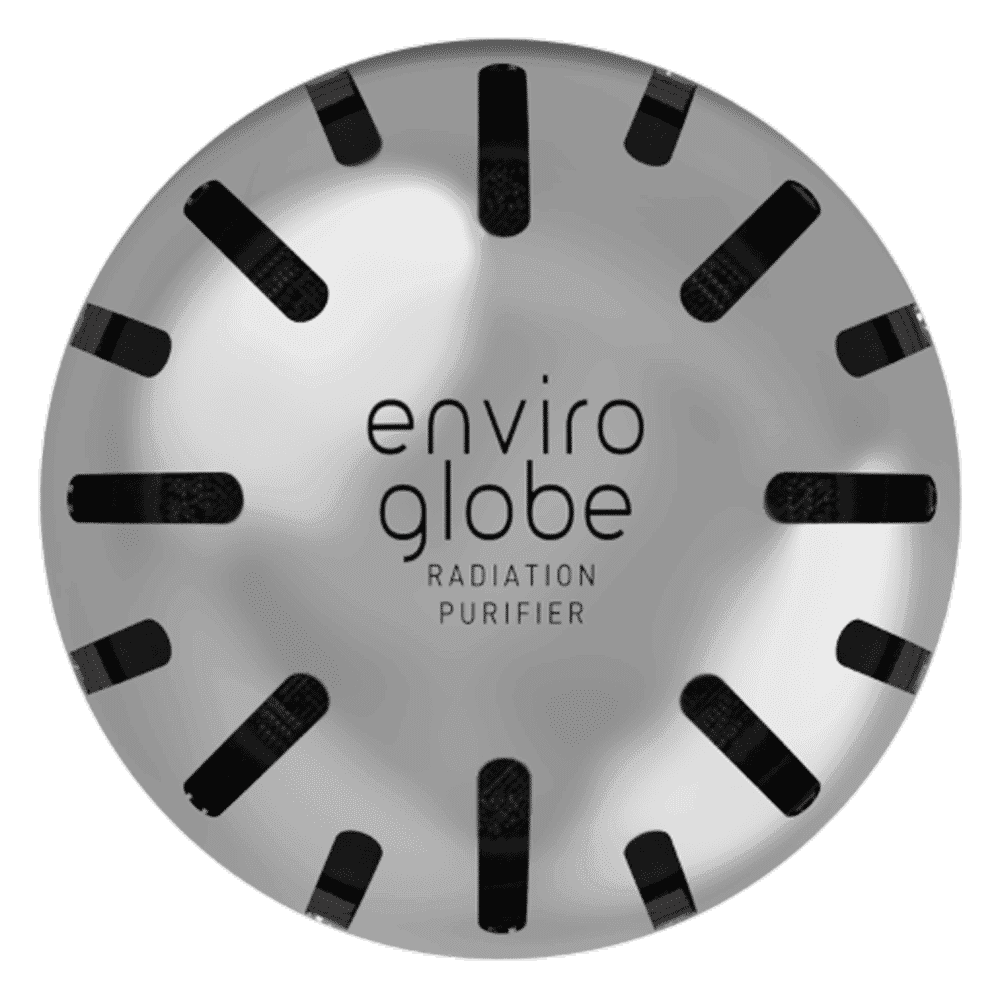
<p><strong>Why buy Environics Enviroglobe Anti Radiation Ball for House & Car</strong></p> <p> </p> <ul> <li><strong>Provides E-Smog and Radiation Protection</strong> for healthier homes and families</li> <li><strong>It Covers A Radius</strong> of 250 sq.ft protect you and your loved ones from harmful radiation</li> <li><strong>Clinically Tested EMF Harmonizer</strong> that provides us 360-degree protection from radiation sources that are beyond our control</li> </ul> <p> </p> <p>Buy the <strong>Environics Enviroglobe Anti Radiation Ball for House & Car</strong> which is based on Envirochip’s radiation protection technology that helps you protect you and your loved ones from harmful radiation within an area of 250 sq. feet. You can extend the range of protection by placing multiple Enviroglobes at equal distances from one another. It is a clinically tested EMF harmonizer and provides us 360-degree protection from radiation sources that are beyond our control. Electromagnetic Radiation (EMR) refers to the constant waves of the electromagnetic field (EMF) produced by wireless communication devices such as mobile phones, laptops, Wi-Fi routers, and other sources such as mobile towers and high-tension wirelines, etc. However, The human body is accustomed to random waves and hence the constant exposure to electromagnetic radiation causes serious biological disorders such as higher stress and fatigue, irritation, headache, weakened immunity, cancer, fertility issues to name a few. The technology used in Enviroglobe changes the nature of electromagnetic radiation from constant to random waveform making it human body-friendly.</p> <p> </p> <p>When you get <strong>Environics Enviroglobe Anti Radiation Ball for House & Car</strong> online, you also get awesome companion for your home. It comes with Internationally tested and certified technology. No need of batteries or adaptors, you can simply charge by placing it under the sunlight, for only a couple of minutes every week. Enviroglobe is simple to use. Simply place it at your desk, table, living room, bedroom, car, office space, absolutely wherever you want, and get a radiation protected zone of up to 250 sq. feet. It provides e-smog and radiation protection for healthier homes and families. Purchase <strong>Environics Enviroglobe Anti Radiation Ball for House & Car</strong> online, now!</p>
If your TV does not recognise the USB drive, this could be due to unsupported file formats or corrupted files. A simple remedy might involve reformatting the USB drive and ensuring that each file is intact. Additionally, checking for a firmware update can sometimes resolve these issues.
Sometimes your TV might not read the USB device at all. In such a case, try inserting the drive into a different USB port on your TV. If the problem persists, test the drive on another device to confirm whether the issue lies with the USB or the TV.
Problems such as stuttering or error messages during playback may arise if the media files are too large or are in an unsupported format. Converting your media files to a supported resolution or format is one effective way to improve the playback experience and maintain the uninterrupted performance of your Sony TV.
Within the TV menu, there are several settings that can be adjusted to enhance the USB experience. Look for options such as autoplay, file sorting, and subtitle settings. Changing these options according to your preferences can make your media playback even more enjoyable.
For an even better viewing experience, take the time to adjust the audio and video quality settings available on your TV. Features like zoom, subtitle syncing, and the creation of custom playlists allow you to tailor the viewing experience to suit your lifestyle. This is especially valuable if you enjoy watching varied content or if you frequently switch between different media types.
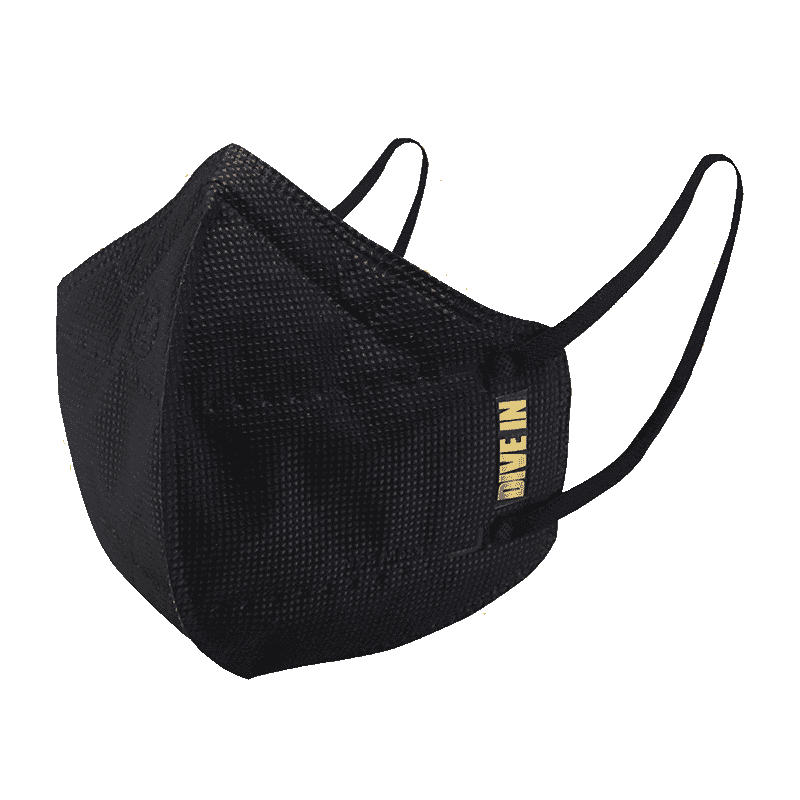
<p style="margin-left:0cm; margin-right:0cm">Keep away from breathing in harmful germs, dust and pollution by using the <strong>Arctic Fox N95 Gold Series</strong> <strong>Face Respirator Mask.</strong> The mask is designed specially ensuring that it fits comfortably on your face and covers all the essential parts of your face. The soft ear loops ensure the comfort-ability for longer use. It has a 3 mm foam material for comfort fit and air seal.</p> <p style="margin-left:0cm; margin-right:0cm">The <strong>Arctic Fox N95 Gold Series</strong> <strong>Face Respirator Mask</strong> is super breathable because of the comfortable fabric and is also splash resistant.</p> <p style="margin-left:0cm; margin-right:0cm">Whether you are travelling or for that matter, moving out of your house, wearing the <strong>Arctic Fox N95 Gold Series</strong> <strong>Face Respirator Mask </strong>will ensure security to your health by helping you keep the dust and germs out from inhaling it.</p>
Pro Tip: Maximise USB Playback Efficiency
Did you know that formatting your USB drive to FAT32 ensures the highest compatibility with Sony Bravia TVs? Additionally, organising files into folders can help the TV process and display media faster. These small adjustments can lead to a significantly smoother media playback experience.
Ensure your USB is formatted to FAT32 or NTFS and check for corrupted files. Unsupported file formats may also cause issues.
Yes, Sony Bravia TVs support USB connectivity for media playback, but compatibility depends on the file format and USB type.
Locate the USB port on your TV, insert the USB drive, and navigate to the USB input via the TV menu to access your files.
Optimise your file formats, reduce resolution, or update your TV’s firmware to address stuttering or unsupported file errors.
Sony Bravia TVs commonly support MP4, JPEG, MP3, and other standard media file formats.
Tata Neu is committed to revolutionising your digital experience by blending advanced technology with genuine customer care. With seamless USB connectivity on your Sony Bravia TV, you can display your favourite movies, photos, and music without any hassle. Remember, every time you use Tata Neu, you earn NeuCoins that add extra rewards to your shopping experience, whether you're exploring gadgets or enhancing your digital lifestyle. Enjoy the convenience of expert guidance and the assistance you need to make every moment matter.
