
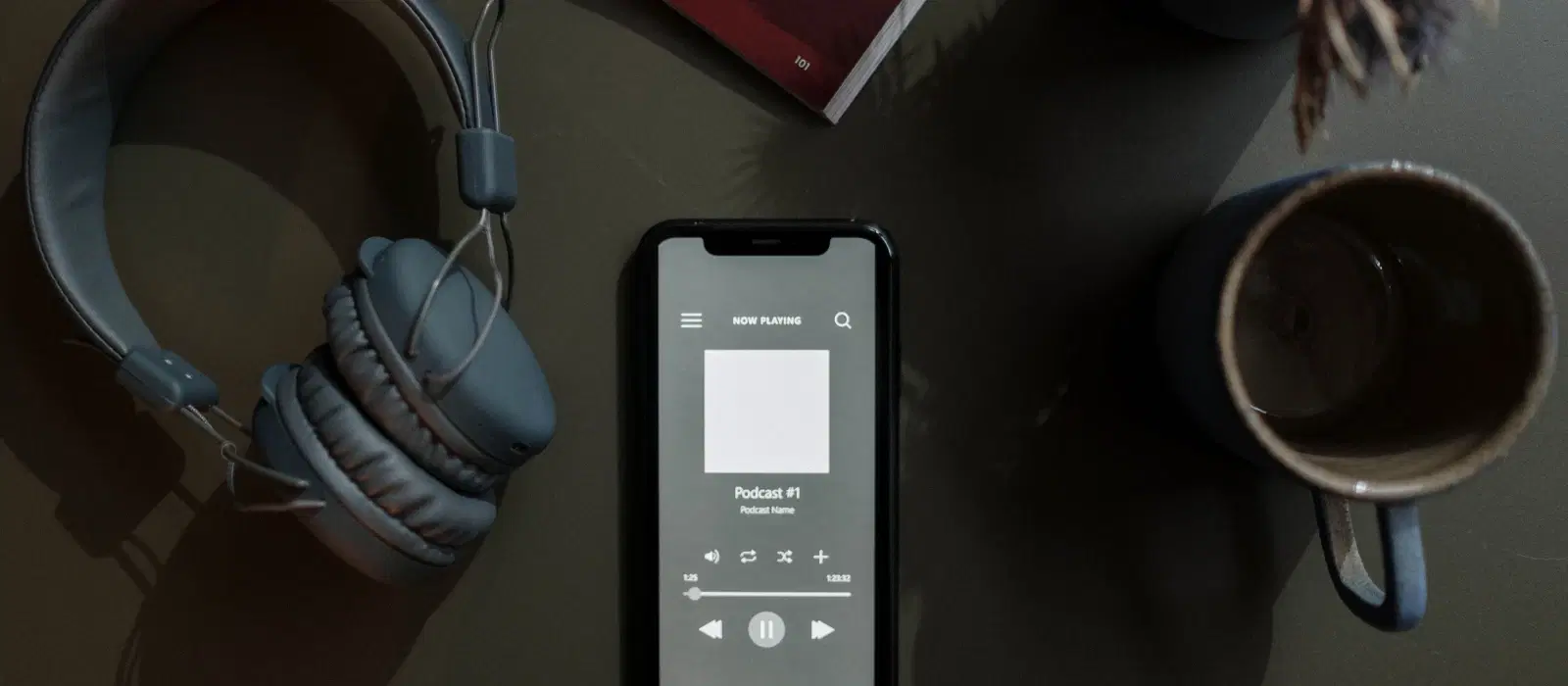
How to Connect Two Bluetooth Headphones to Your Mobile

Consumer Electronics

05 min read

How to Connect Two Bluetooth Headphones to Your Mobile

Juvo Personal Safety Alarm (PSB 01, Black)

Juvo Personal Safety Alarm (PSB 01, Black)

<p>Danger can overpower you at any time and your voice will not be enough in such situations to get the required aid. The amazing new <strong>Juvo PSB01 Personal Alarm</strong> is crafted for all ages and is a necessary precaution from all kinds of danger. It rings a very loud alarm at 120 dB as well as flashes the torch to warn people nearby about a danger. Whether you have a medical emergency or you are attacked by predators your voice may not be heard but this alarm will be enough to deter attackers or draw attention of people close by to give you the immediate assistance required.</p> <p><strong>Extremely Easy To Use</strong></p> <p>The <strong>Juvo PSB01 Personal Alarm</strong> is small and portable, can be attacked to even a keychain if you want. To start the siren all you need to do is separate or pull the metal key chain from the main black unit. The siren may go on for 1 1/2 hours in case nobody heard it in the first minutes. This is very important for girls returning home alone at night as it acts as a security anti-attack panic alarm that is sure to scare off a molester. Its easy portability accentuates its use.</p> <p><strong>Lights Your Way</strong></p> <p>The little and portable <strong>Juvo PSB01 Personal Alarm</strong> also features a small LED torch that helps you find your way in the dark. Don&rsquo;t be scared of dark alleys when you have this with you because it is equipped to save you from all dangers.</p>

474890
Earn NeuCoins

Imagine this: You’re on a road trip with a friend, and you both want to listen to the same playlist without disturbing the driver. Or perhaps you’re at home, wanting to share a movie experience with a family member without waking up the entire household. Connecting two Bluetooth headphones to your mobile can make these scenarios a reality, offering a seamless audio-sharing experience. But how exactly do you do it? Let’s dive into the details.

Understanding Bluetooth Technology

Bluetooth technology has come a long way since its inception. Initially designed to connect devices like keyboards and mice, Bluetooth has evolved to support multiple device connections. The introduction of Bluetooth 5.0 brought significant advancements, including increased range, faster data transfer, and the ability to connect multiple devices simultaneously. This evolution has made it possible to enjoy dual audio connections, enhancing our listening experiences.

Importance of Bluetooth 5.0 and Beyond

Bluetooth 5.0 and newer versions have revolutionized how we connect devices. These advancements allow for more stable connections, reduced latency, and improved audio quality. The dual audio feature, available in many modern smartphones, leverages these improvements to enable simultaneous connections to two Bluetooth headphones.

Methods to Connect Two Bluetooth Headphones

Using Built-in Features

Android Devices

Many Android phones come equipped with a dual audio feature. Here’s how to use it:

  • Go to Settings on your Android device.

  • Select Connections or Bluetooth.

  • Turn on Bluetooth and pair the first headphone.

  • Once paired, tap on the three-dot menu in the top-right corner and select Dual Audio.

  • Pair the second headphone. Both headphones should now be connected, allowing you to share audio.

iOS Devices

Apple devices offer an audio sharing feature that’s easy to use:

  • Ensure both headphones are compatible with your iOS device.

  • Connect the first headphone to your iPhone or iPad.

  • Open the Control Center and tap on the AirPlay icon.

  • Select Share Audio and bring the second headphone close to your device.

  • Follow the on-screen instructions to complete the pairing.

Using Third-Party Apps

Popular Apps

Several third-party apps facilitate multiple Bluetooth connections. These apps can be particularly useful if your device doesn’t support built-in dual audio features. Some popular options include:

  • Bluetooth Pair

  • Dual Bluetooth

  • Bluetooth Audio Widget

Environics Device Disinfector (Disinfects Up To 99.99%, 127ELGD, Blue)

Environics Device Disinfector (Disinfects Up To 99.99%, 127ELGD, Blue)

<b>Why Buy Environics Device Disinfector</b><ul><li><b></b> for optimised disinfection</li><li><b></b> makes sure all the germs are killed</li></ul><p>To prevent harmful bacteria and fungi from getting in contact with you, buy <b>Environics Device Disinfector</b>. The usability of your device disinfector may be affected if its installation is complex. As this device disinfector has the it prevents the extra-spill and wastage of sanitizer. Your residence and office will stay clean and hygienic with products from this device disinfector that have 99.99% high resistance against germs and viruses. </p><p>The <b>Environics Device Disinfector's</b> price is cost-effective so you don't have to adjust your budget. The longer it takes for the device disinfector to disinfect, the longer you will have to wait. As a result of its efficient and effective operation, this device disinfector requires only to inject. Your device disinfector needs to have the latest technology to make sure it kills all the germs. As this device disinfector has the to prevent viruses, you can rest assured. Purchase the <b>Environics Device Disinfector</b> online at this instant!</p>

114249
Earn NeuCoins

Installation and Usage

Here’s a general guide on setting up and using these apps:

  • Download and install the app from your device’s app store.

  • Open the app and follow the on-screen instructions to pair your headphones.

  • Once paired, the app will manage the connections, allowing you to share audio between two headphones.

Using Bluetooth Splitters

What is a Bluetooth Splitter?

A Bluetooth splitter is a device that allows you to connect multiple Bluetooth headphones to a single audio source. It’s an excellent solution for devices that don’t support dual audio natively.

How to Use a Bluetooth Splitter

Here’s how to set up a Bluetooth splitter:

  • Charge the Bluetooth splitter and turn it on.

  • Pair the splitter with your mobile device.

  • Once connected, pair your Bluetooth headphones with the splitter.

  • Both headphones should now receive audio from the splitter, allowing for simultaneous listening.

Troubleshooting Common Issues

Connection Stability

To ensure a stable connection, keep your mobile device and headphones within close proximity. Avoid physical obstructions and interference from other wireless devices.

Audio Sync Problems

If you experience audio lag or sync issues, try reconnecting the headphones or restarting your device. Ensuring both headphones are fully charged can also help.

Compatibility Issues

Check your device’s specifications to ensure it supports dual audio connections. Updating your device’s firmware can also resolve compatibility problems.

Expert Tips

Sabichi Whisk (Innovative Handle Shape, Black)

Sabichi Whisk (Innovative Handle Shape, Black)

<p><strong>Effortless Performance</strong><br /> <br /> The sabichi Mono 24cm Whisk is designed for smooth and efficient whisking. Its polished stainless-steel wires and narrow shape ensure even blending and make it ideal for small bowls or containers. From whipping meringues to beating eggs, this whisk brings ease to every task.<br /> <br /> <br /> <strong>Versatile Whisking Tool</strong><br /> <br /> Whether you&#39;re blending batters, keeping lumps out of sauces, or creating airy meringues, this 24cm whisk is up to the challenge. It&rsquo;s a kitchen essential that adapts to various culinary needs with precision and consistency.<br /> <br /> <br /> <strong>Safe for All Cookware</strong><br /> <br /> The whisk is gentle on all surfaces, including non-stick, ceramic, and metal cookware. You can whisk worry-free without scratching or damaging your kitchenware. This ensures long-lasting durability for your pots and pans.<br /> <br /> <br /> <strong>Ergonomic Design</strong><br /> <br /> Featuring an innovative handle with a soft, comfortable grip, this whisk absorbs pressure for strain-free usage. Its contoured shape ensures a secure hold, even during prolonged whisking tasks, for an effortless cooking experience.<br /> <br /> <br /> <strong>Convenient Storage</strong><br /> <br /> Equipped with a handy hanging loop, the whisk offers easy storage. It&rsquo;s always within reach while saving counter and drawer space, making it as practical as it is efficient.</p>

194599
Earn NeuCoins

Did You Know?

Battery Life Management: Using dual audio can drain your battery faster. Keep an eye on battery levels and carry a portable charger if needed.

Optimal Audio Quality: For the best audio experience, use high-quality Bluetooth headphones and ensure they are properly paired and configured.

FAQs

Can all smartphones connect to two Bluetooth headphones simultaneously?

No, not all smartphones support this feature. Check your device’s specifications or use third-party apps or Bluetooth splitters.

What are the best Bluetooth headphones for dual connections?

Look for headphones with Bluetooth 5.0 or higher and those that support dual audio features.

How does connecting two headphones affect battery life?

Using dual audio can drain your battery faster, so it’s essential to monitor battery levels and have a charger handy.

Are there any audio quality differences when using two headphones?

Generally, there should be no significant difference in audio quality, but it can depend on the headphones and device used.

Can I connect more than two Bluetooth headphones to a mobile device?

Most devices support only two simultaneous connections. For more, consider using a Bluetooth splitter.

Do Bluetooth splitters affect audio quality?

High-quality Bluetooth splitters generally maintain good audio quality, but some may introduce slight latency or quality degradation. Always opt for trusted brands for the best experience.

What should I do if my headphones keep disconnecting?

Ensure your headphones are fully charged and within range. Interference from other devices can also cause disconnections, so try to minimize such interference.

In summary, connecting two Bluetooth headphones to your mobile device is a convenient way to share audio experiences. Whether you use built-in features, third-party apps, or Bluetooth splitters, there are several methods to achieve this. Explore Tata Neu’s range of Bluetooth headphones and other gadgets for a seamless audio experience. Enjoy benefits like cashback through NeuCoins, express delivery, and expert after-sales support. Visit Tata Neu for all your tech needs and make your shopping experience rewarding and hassle-free.

Sangria Experience Logo