





Consumer Electronics
•04 min read

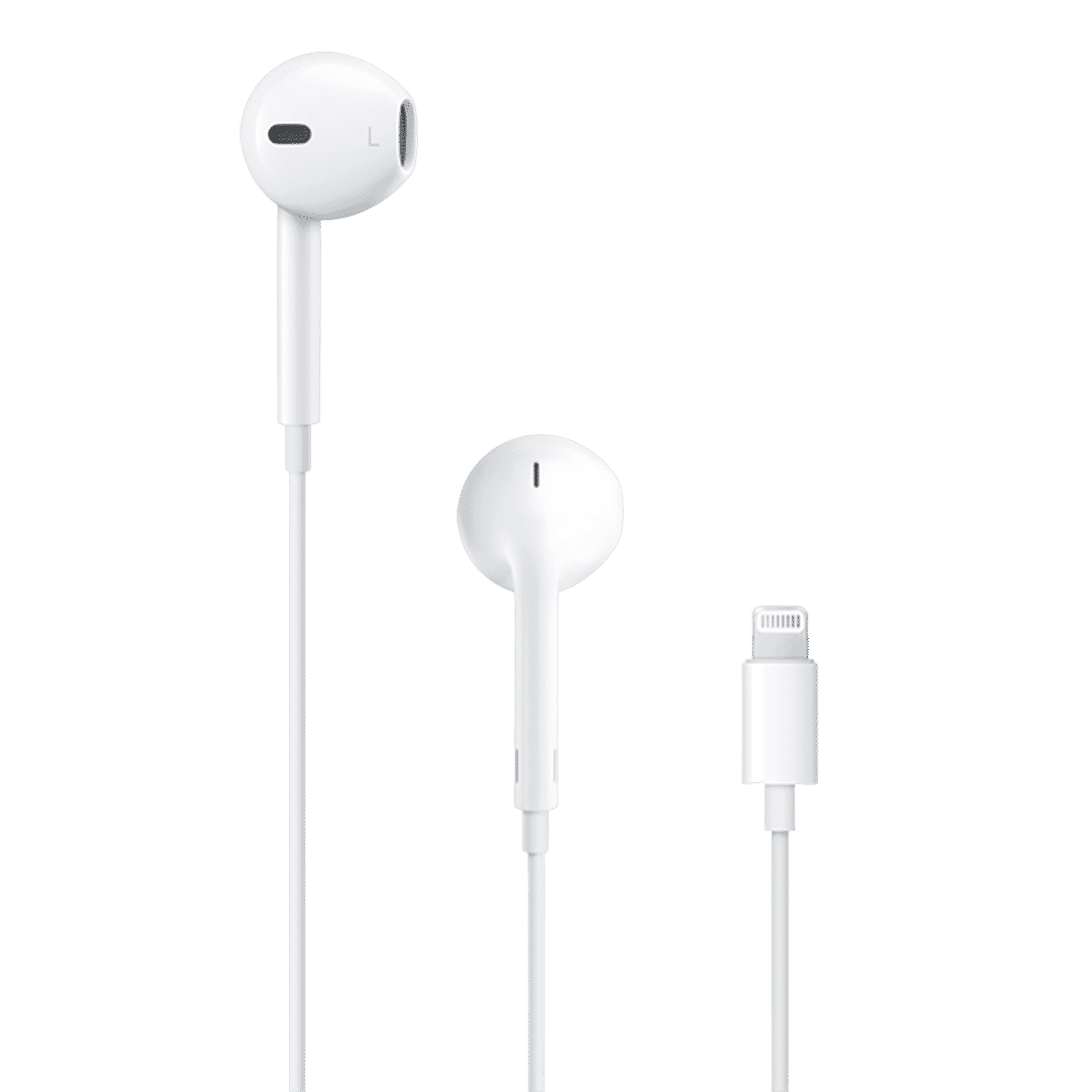
Buy Apple EarPods Wired Earphone with Mic (Lightning Connector, In Ear, White) online at best prices from Croma. Check product details, reviews & more. Shop now!

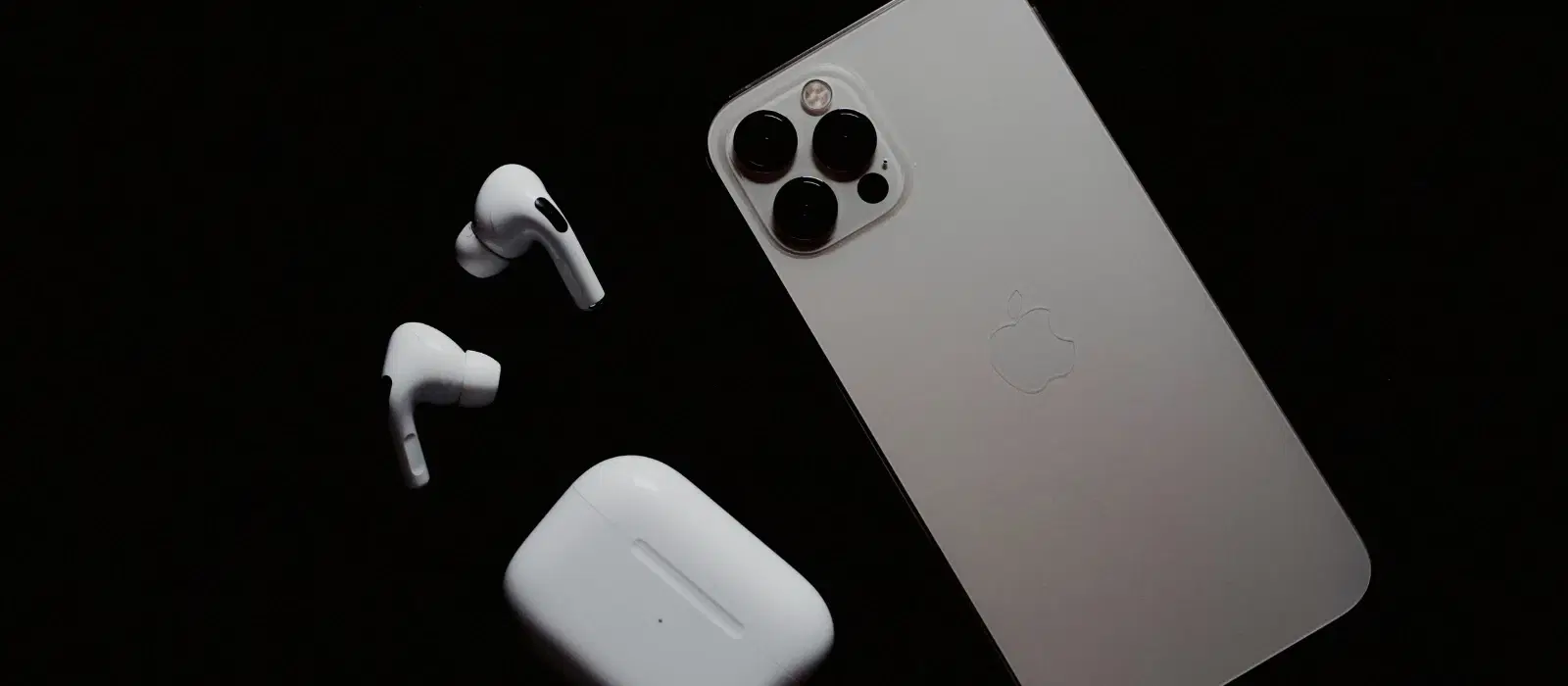
Using AirPods with an iPhone offers a seamless and convenient audio experience. Whether you're listening to music, taking calls, or engaging with Siri, the process of connecting your AirPods to your iPhone is straightforward. This guide will walk you through how to connect AirPods to iPhone effortlessly and enjoy the best of what Tata Neu and Croma have to offer.
Before you begin, ensure both your AirPods and iPhone are ready for pairing:
Charge your devices: Make sure your AirPods and iPhone are sufficiently charged to avoid interruptions.
Check for software updates: Ensure your iPhone is running the latest iOS version for optimal compatibility.
Reset your AirPods: If your AirPods were previously paired with another device, reset them by pressing and holding the setup button on the back of the case until the status light flashes amber, then white.
Follow these simple steps to pair AirPods with iPhone:
Open the AirPods case: Place your AirPods in the case and open the lid near your iPhone.
Wait for the setup animation: A setup animation should appear on your iPhone screen.
Tap "Connect": Follow the on-screen instructions to complete the pairing process.
Test the connection: Play audio to ensure your AirPods are connected and working correctly.
If you encounter any issues while connecting AirPods to iPhone, here are some solutions:
Reset your AirPods and iPhone Bluetooth settings. Turn off Bluetooth on your iPhone, wait a few seconds, and turn it back on. Then, try reconnecting your AirPods.
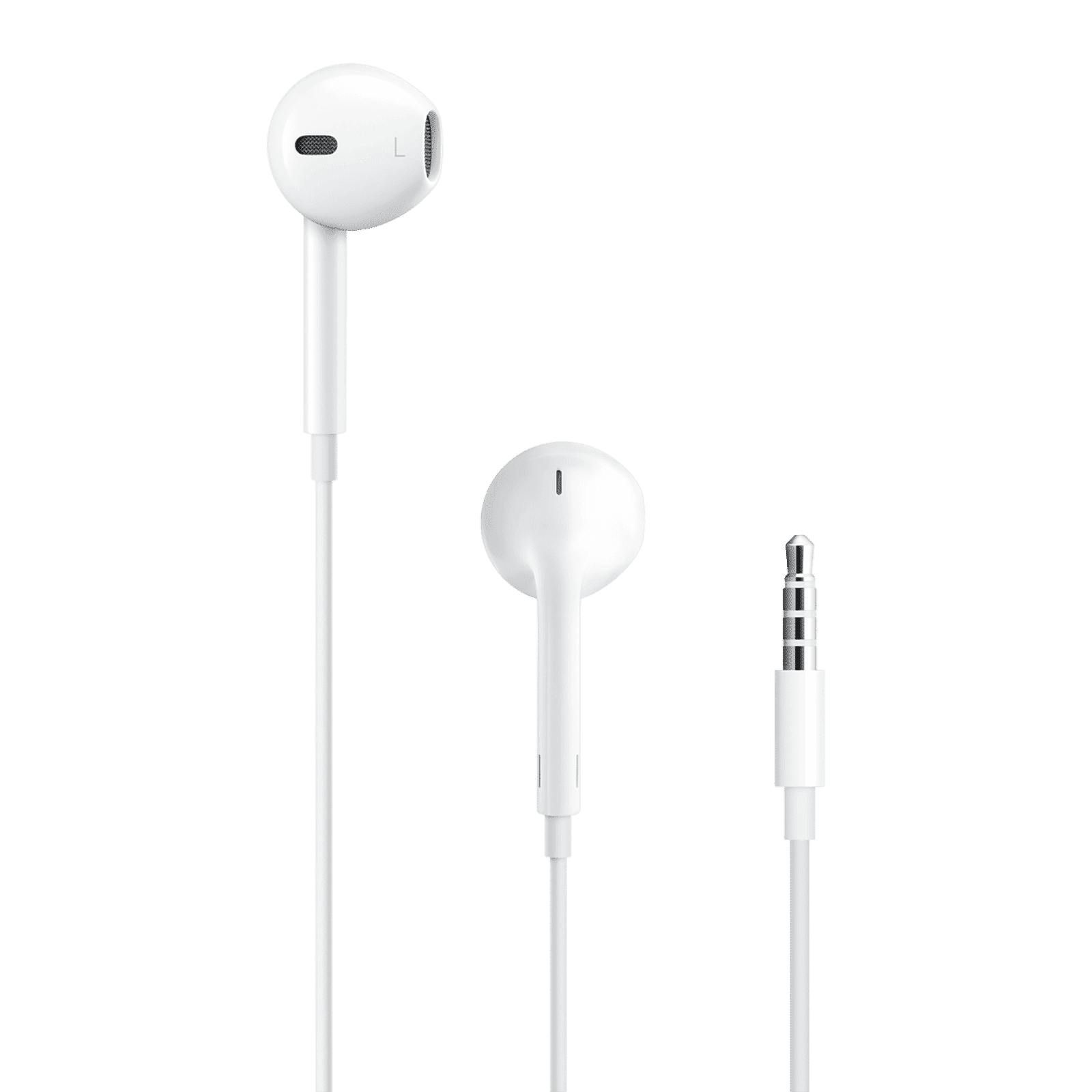
Buy Apple EarPods Wired Earphone with Mic (In Ear, White) online at best prices from Croma. Check product details, reviews & more. Shop now!
Check for debris in your AirPods and clean them carefully. Ensure the audio balance is set correctly in your iPhone settings.
Ensure both your iPhone and AirPods are running the latest software versions. Check for updates in your iPhone settings and update if necessary.
Maximize your AirPods experience with Tata Neu and Croma:
Earn NeuCoins on every purchase, adding value to your spending.
Enjoy exclusive EMI plans and Tata Neu HDFC Bank credit card perks, making your purchases more affordable.
Access expert advice and comprehensive after-sales care, ensuring you make informed decisions and receive support when needed.
Utilize express delivery for urgent needs, with same-day delivery available for orders placed before 4 PM.
AirPods are compatible with iPhones running iOS 10 or later.
Yes, but you can only play audio from one device at a time.
Press and hold the setup button on the back of the case until the status light flashes amber, then white.
Ensure your iPhone’s Bluetooth is on and reset your AirPods if necessary.
Open the case near your iPhone or add the Batteries widget to your iPhone’s Today View.
Yes, AirPods can be paired with non-Apple devices via Bluetooth, though some features may be limited.
Ensure your AirPods are connected to your iPhone and charging. The firmware will update automatically when a new version is available.
Connecting AirPods to an iPhone is a simple process that enhances your audio experience. Explore Tata Neu and Croma for all your tech needs, and enjoy the rewards and support available. Visit Tata Neu’s website for more tech tips and exclusive offers.
