





Consumer Electronics
•03 min read


<b>Why Buy Environics Device Disinfector</b><ul><li><b></b> for optimised disinfection</li><li><b></b> makes sure all the germs are killed</li></ul><p>To prevent harmful bacteria and fungi from getting in contact with you, buy <b>Environics Device Disinfector</b>. The usability of your device disinfector may be affected if its installation is complex. As this device disinfector has the it prevents the extra-spill and wastage of sanitizer. Your residence and office will stay clean and hygienic with products from this device disinfector that have 99.99% high resistance against germs and viruses. </p><p>The <b>Environics Device Disinfector's</b> price is cost-effective so you don't have to adjust your budget. The longer it takes for the device disinfector to disinfect, the longer you will have to wait. As a result of its efficient and effective operation, this device disinfector requires only to inject. Your device disinfector needs to have the latest technology to make sure it kills all the germs. As this device disinfector has the to prevent viruses, you can rest assured. Purchase the <b>Environics Device Disinfector</b> online at this instant!</p>

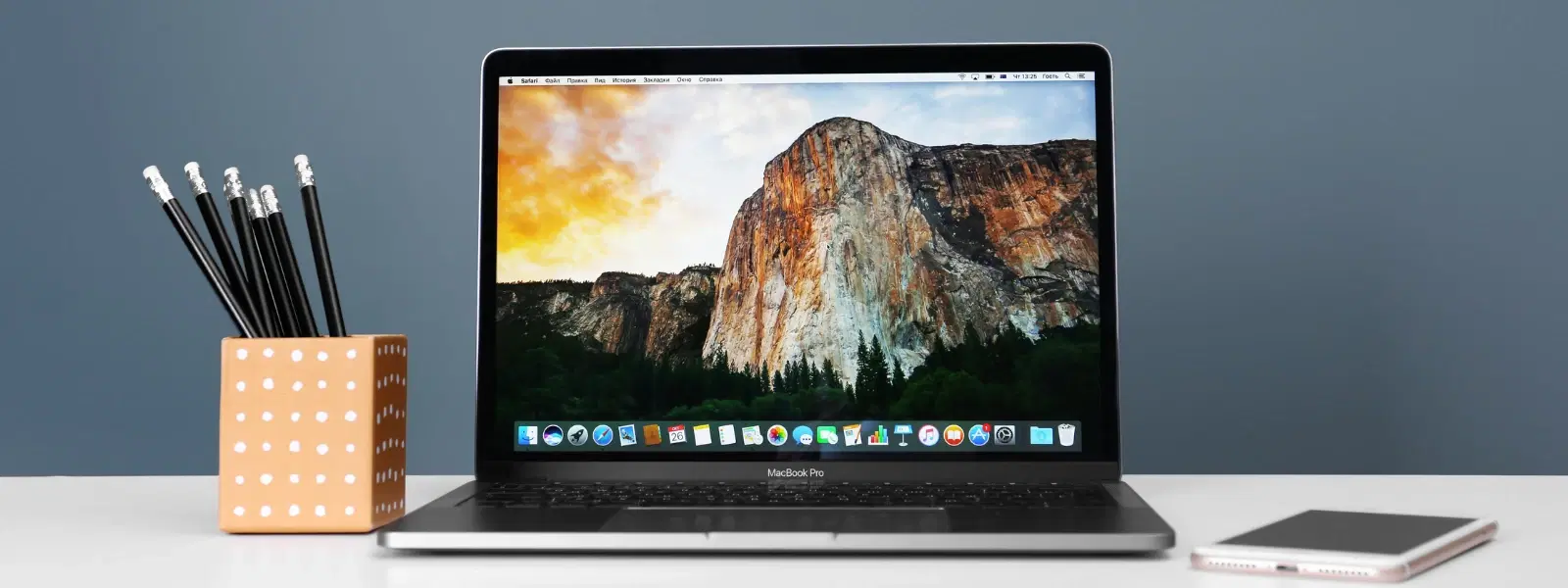
Is your Mac running slower than usual? You may be unaware that temporary files could be silently clogging your storage. This post answers all your questions on how to clean temp files in Mac and provides valuable insights on how to delete temporary files on Mac, clear your cache and optimise system performance. By reading further, you will learn effective methods to clear cache on Mac, remove junk files Mac, and ultimately clean Mac storage to improve overall performance.
Temporary files on your Mac are data fragments created by various apps and system processes. These might include browser cookies, application cache, outdated system logs, intermediate document versions, and even old iOS backups. They serve short-term purposes such as speeding up processes or storing temporary data during an active session.
Over time, due to regular system operations, browsing activities, and app installations, these files accumulate. This build-up is often unnoticed and can eventually affect your Mac's efficiency.
The accumulation of temporary files can consume valuable disk space, reducing overall storage availability. When you need to free up space on Mac or perform a mac disk cleanup, these files are an easy target but require careful handling.
Clearing these files not only promotes quicker access to your data but also helps in optimising your system performance. Regular maintenance can pave the way for faster boot times and responsive applications, ensuring you always have room to progress in your digital tasks.
Did You Know? Temporary Files Can Slow Down Your Mac!
Regularly cleaning temporary files not only frees up storage but also prevents your Mac from overheating due to excessive background processes. This is an excellent tip to consider as you manage your Mac storage and optimise Mac performance.
Locate Temporary Files: Use Finder or Terminal commands to navigate to directories like /Library/Caches or /System/Logs where many temp files reside. This is one way to manage Mac storage directly.

<p>Danger can overpower you at any time and your voice will not be enough in such situations to get the required aid. The amazing new <strong>Juvo PSB01 Personal Alarm</strong> is crafted for all ages and is a necessary precaution from all kinds of danger. It rings a very loud alarm at 120 dB as well as flashes the torch to warn people nearby about a danger. Whether you have a medical emergency or you are attacked by predators your voice may not be heard but this alarm will be enough to deter attackers or draw attention of people close by to give you the immediate assistance required.</p> <p><strong>Extremely Easy To Use</strong></p> <p>The <strong>Juvo PSB01 Personal Alarm</strong> is small and portable, can be attacked to even a keychain if you want. To start the siren all you need to do is separate or pull the metal key chain from the main black unit. The siren may go on for 1 1/2 hours in case nobody heard it in the first minutes. This is very important for girls returning home alone at night as it acts as a security anti-attack panic alarm that is sure to scare off a molester. Its easy portability accentuates its use.</p> <p><strong>Lights Your Way</strong></p> <p>The little and portable <strong>Juvo PSB01 Personal Alarm</strong> also features a small LED torch that helps you find your way in the dark. Don’t be scared of dark alleys when you have this with you because it is equipped to save you from all dangers.</p>
Delete Cache Files: Clear cache for your apps and web browsers to clear cache on Mac. Doing so helps in removing redundant data that may slow down your system.
Remove System Logs: Deleting outdated system logs and temporary files stored by macOS can enhance system operations. You can also clear system files Mac by following simple steps using Finder or Terminal.
There are many reliable third-party utilities that automate the process of scanning and removing these files. Tools designed for mac cleanup tips provide a user-friendly approach and help ensure you do not accidentally remove important files.
Sometimes, simply restarting your Mac can clear some temporary files automatically. This step is a simple yet effective method to optimize Mac performance.
Yes, deleting temporary files is generally safe when done correctly. However, caution is advised. Always be certain of the file type and its purpose before deciding to remove it, to ensure you don’t affect system-critical functionality.
Avoid tampering with files that are essential for the system's smooth operation. It is important to know which files are non-critical. If in doubt, opt for cleaning utilities that are designed to differentiate between safe-to-delete files and those that are vital.
Regular practices such as clearing your browser cache frequently and uninstalling unused applications can help in preventing the build-up of temporary files. These steps contribute greatly to your efforts to clean Mac storage and maintain smooth performance.

<p><b>HEUV Technology</b><br/><br/>Thanks to the HEUV technology, the SVARAS Home X2 Pro UV Steriliser effectively targets and eliminates a wide range of viruses and bacteria, including those responsible for illnesses such as the coronavirus. As a result, you can have peace of mind knowing that you can effectively protect yourself and your family from potential health threats.<br/><br/><br/><b>Enhanced Sterilisation</b><br/><br/>This rechargeable UV steriliser provides optimal sterilisation capabilities, which eliminates harmful germs. This high level of effectiveness makes it an ideal choice for homes, offices, and shops, ensuring that surfaces remain clean and safe. Thus, you can trust this steriliser to protect your health and the health of your loved ones by efficiently disinfecting various surfaces.<br/><br/><br/><b>User-Friendly Functionality</b><br/><br/>This home steriliser boasts convenient features that enhance its usability. It includes a voice alarm that signals when the sterilisation process is complete, ensuring you never forget to turn it off. Additionally, the device offers a safe automatic power-off feature, which enhances safety during operation. Convenient charging capabilities further simplify the user experience, which makes it easy to keep the steriliser ready for action.<br/><br/><br/><b>Eco-Friendly Design</b><br/><br/>Designed with sustainability in mind, this SVARAS steriliser promotes an eco-friendly lifestyle. It operates without mercury or harsh chemicals, which makes it safe for both users and the environment. This design choice allows you to maintain a clean living space while reducing your ecological footprint. Moreover, the sleek, modern appearance of the steriliser ensures that it complements any decor.</p>
We recommend setting up a monthly cleanup schedule. This routine not only keeps your storage organised but also ensures that your Mac does not become bogged down by unnecessary files.
Consider cleaning up your downloads folder, emptying the trash regularly, reviewing and removing large files, and organising your desktop. Such simple strategies can help you delete temporary files on Mac effectively and manage Mac storage better.
You can use Finder or Terminal commands to locate temporary files. They are commonly stored in directories like /Library/Caches or /System/Logs.
Yes, deleting cache files is generally safe. It is a good way to free up space on Mac provided you avoid deleting essential, system-critical files.
You can use Terminal commands like rm to manually remove temp files, but ensure you are confident with the file paths to prevent accidental deletion of important files.
Access your browser settings and select the option to clear browsing data or cache, which is a common method to clear cache on Mac.
Reliable cleaning utilities can automate the process, and many offer features tailored to help you remove junk files Mac while enhancing performance.
Tata Neu is dedicated to helping you simplify your digital errands. Much like taking care of your Mac, shopping smartly and earning NeuCoins rewards on Tata Neu is a way to invest in convenience and future savings. With features like Express Delivery available for orders placed before 6PM and a seamless after-sales process, Tata Neu ensures every transaction is a trusted, value-driven experience.
Regular maintenance and practising effective storage management are essential to keeping your Mac performing optimally. Following the steps above, you can easily clean temp files in Mac, thereby enhancing system speed and creating more space for what truly matters.
