





Consumer Electronics
•05 min read

Imagine this: you’re trying to take a photo of a beautiful sunset, but your phone suddenly alerts you that there’s no more storage space. Frustrating, right? This is a common scenario many of us face, and it’s a clear sign that your phone memory needs some attention. In this guide, we’ll walk you through how to clean phone memory, boost performance, and speed up your device. Additionally, we'll explore how Tata Neu and Croma can enhance your overall tech experience.
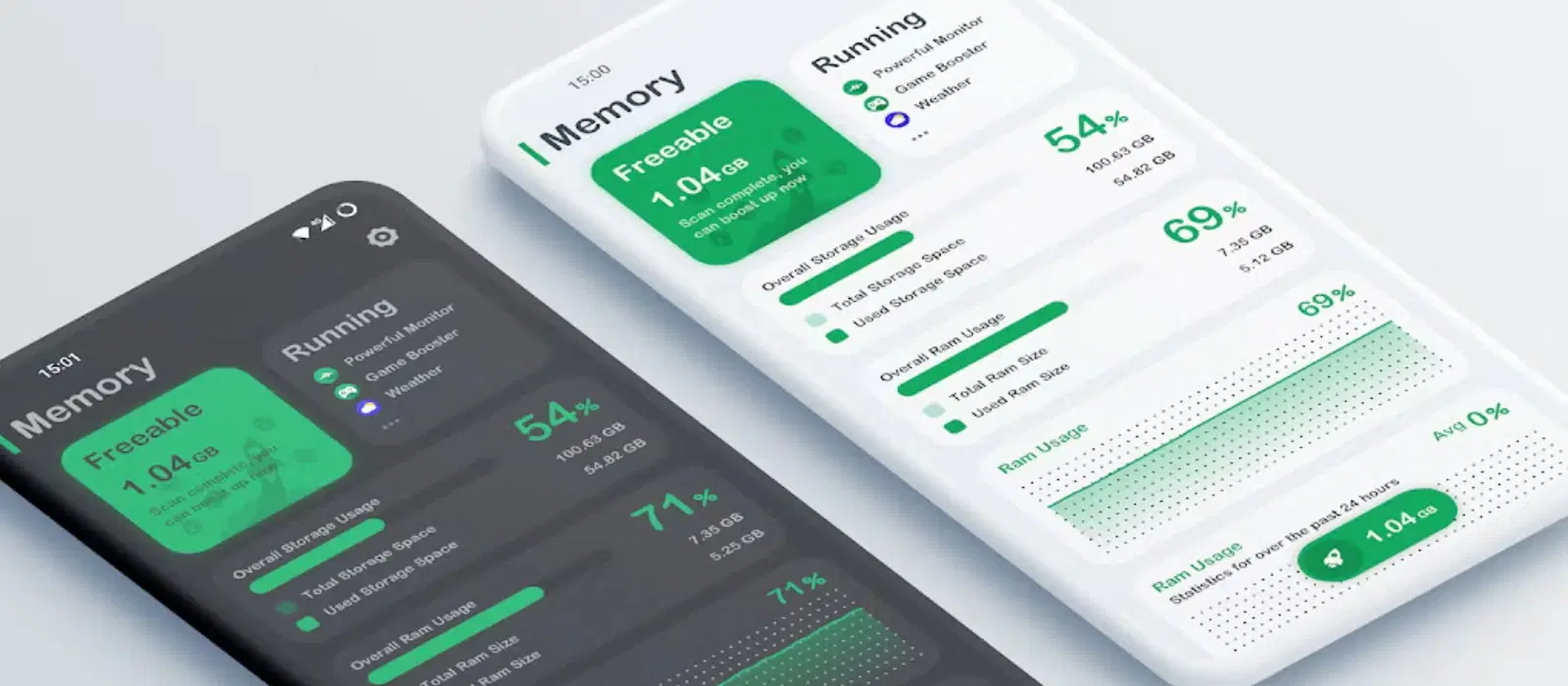
Before diving into the cleaning process, it’s essential to understand what phone memory entails. There are two primary types of phone memory: RAM (Random Access Memory) and internal storage. RAM is responsible for running apps and processes, while internal storage holds your photos, videos, apps, and other data.
Proper memory management is crucial because it ensures your phone runs smoothly. When memory is mismanaged, it can lead to slow performance, app crashes, and other frustrating issues. For instance, a phone with insufficient RAM might struggle to keep multiple apps open simultaneously, leading to a sluggish user experience.
Several factors contribute to memory bloat on your phone:
Unused Apps: Apps that you no longer use can still take up valuable storage space. For example, old games or social media apps that you haven't opened in months.
Cache Files: These temporary files are created by apps to speed up processes, but they can accumulate over time and consume significant space. Apps like browsers and social media platforms are notorious for generating large cache files.
Media Files: Photos, videos, and downloads can quickly fill up your storage, especially if you don’t regularly clean them out. High-resolution videos and burst photos can be major culprits.
Start by identifying and removing unnecessary files:
Identify and Remove: Go through your files and delete those you no longer need. This includes old photos, videos, and documents. Consider transferring important files to cloud storage services like Google Drive or Dropbox.
Use Built-in Tools: Most phones come with built-in file management tools that can help you identify large files and delete them easily. For instance, Android phones often have a 'Files' app that categorizes files by size and type.
Clearing cache can free up significant space:
App Cache: Go to your phone’s settings, find the “Apps” section, select individual apps, and clear their cache. This is particularly useful for apps like browsers and social media platforms.
System Cache: Some phones allow you to clear the system cache from the recovery mode. Check your phone’s manual for specific instructions. This can help resolve system-wide performance issues.
Get rid of apps you no longer use:
Manual Uninstall: Long-press the app icon and select “Uninstall” or go to settings and uninstall from there. This is a straightforward way to free up space.
Use Cleaner Apps: Reliable cleaner apps can help you identify and remove unused apps efficiently. Apps like CCleaner and SD Maid are popular choices.
Consider these additional steps to optimize your phone memory:
Move to Cloud Storage: Use cloud storage services to store your photos and videos, freeing up space on your device. This also ensures that your important files are backed up and accessible from any device.
Use SD Cards: If your phone supports it, use an SD card to increase your storage capacity. This is an affordable way to expand your phone's storage.
Maintaining your phone memory is an ongoing process. Here are some expert tips:
Regular Clean-Up Schedule: Set a regular schedule to clean up your phone memory, such as once a month. This helps prevent memory bloat from accumulating.
Use of Optimization Apps: Optimization apps can help you automate the cleaning process and keep your phone running smoothly. Apps like Clean Master and AVG Cleaner can be useful.
Software Updates: Keep your phone’s software updated to ensure you have the latest performance improvements and security patches. This also helps in optimizing memory usage.
Did you know that clearing your phone’s cache can free up to 2GB of space? Regularly cleaning your phone memory not only boosts performance but also extends the lifespan of your device. Additionally, using cloud storage can help you access your files from anywhere, making your digital life more convenient.
It’s recommended to clean your phone memory at least once a month.
Deleting cache files is generally safe, but it may temporarily slow down app performance until the cache is rebuilt.
Yes, cleaning memory can reduce background processes, potentially improving battery life.
There are several reliable apps available, but always choose those with good reviews and ratings.
Regular maintenance, avoiding unnecessary apps, and keeping your software updated can help prevent your phone from slowing down.
While many third-party cleaner apps are safe, it's essential to choose apps from reputable developers and check user reviews to avoid potential security risks.
If your phone's internal storage is still full, consider transferring files to an external SD card or using cloud storage services to free up space.
In summary, knowing how to clean phone memory is essential for maintaining your device’s performance and speed. By following the steps outlined above, you can free up storage, clear cache, uninstall unused apps, and optimize your phone memory. Regular maintenance and using optimization tools will keep your phone running smoothly.
For more expert advice and high-quality gadgets, explore Tata Neu. Enjoy the benefits of NeuCoins, expert guidance, and express delivery with every purchase. Happy shopping!
