





Consumer Electronics
•06 min read


<p>Danger can overpower you at any time and your voice will not be enough in such situations to get the required aid. The amazing new <strong>Juvo PSB01 Personal Alarm</strong> is crafted for all ages and is a necessary precaution from all kinds of danger. It rings a very loud alarm at 120 dB as well as flashes the torch to warn people nearby about a danger. Whether you have a medical emergency or you are attacked by predators your voice may not be heard but this alarm will be enough to deter attackers or draw attention of people close by to give you the immediate assistance required.</p> <p><strong>Extremely Easy To Use</strong></p> <p>The <strong>Juvo PSB01 Personal Alarm</strong> is small and portable, can be attacked to even a keychain if you want. To start the siren all you need to do is separate or pull the metal key chain from the main black unit. The siren may go on for 1 1/2 hours in case nobody heard it in the first minutes. This is very important for girls returning home alone at night as it acts as a security anti-attack panic alarm that is sure to scare off a molester. Its easy portability accentuates its use.</p> <p><strong>Lights Your Way</strong></p> <p>The little and portable <strong>Juvo PSB01 Personal Alarm</strong> also features a small LED torch that helps you find your way in the dark. Don’t be scared of dark alleys when you have this with you because it is equipped to save you from all dangers.</p>

In today's digital age, a good phone display is crucial for an optimal user experience. Whether you're watching videos, playing games, or simply browsing the web, the quality of your phone display can significantly impact your satisfaction. In this guide, we'll walk you through how to check phone display to ensure it meets your needs. Understanding the importance of a high-quality display can help you make informed decisions when purchasing a new device or maintaining your current one.
The quality of your phone display is not just about aesthetics; it affects usability and longevity. A high-quality display enhances your viewing experience, making everything look sharper and more vibrant. On the other hand, poor display quality can lead to eye strain and frustration. Investing in a phone with a superior display can also ensure better resale value and longevity of the device.
Dead Pixels: These are small black or white spots on your screen that don't change color. They can be particularly noticeable on dark backgrounds and can detract from the overall viewing experience.
Screen Discoloration: Uneven color distribution or patches of discoloration can be distracting. This issue often arises from manufacturing defects or prolonged exposure to direct sunlight.
Touch Responsiveness Issues: Unresponsive or laggy touch screens can make navigation difficult. This can be due to software glitches, physical damage, or wear and tear over time.
Begin with a thorough visual inspection. Look for any cracks or scratches on the screen. Examine the display under different lighting conditions to spot any irregularities or discoloration. Pay attention to the edges of the screen where issues often start to appear first.
Use apps or websites designed for dead pixel testing. These tools display solid colors on your screen, making it easier to spot and count any dead pixels. Dead pixels can be a sign of underlying hardware issues, so it's important to identify them early.
Utilize color calibration tools or apps to test the color accuracy of your display. Compare the colors on your screen with a reference image to identify any discrepancies. Accurate color representation is crucial for tasks like photo editing and media consumption.
Adjust your phone's brightness settings and observe the changes. Check for uniformity in brightness and contrast across the screen. Inconsistent brightness can indicate backlight issues, which may require professional repair.
Use touch screen test apps to evaluate the responsiveness of your screen. Identify any areas that are unresponsive or laggy. Consistent touch responsiveness is essential for a smooth user experience, especially in gaming and fast-paced applications.
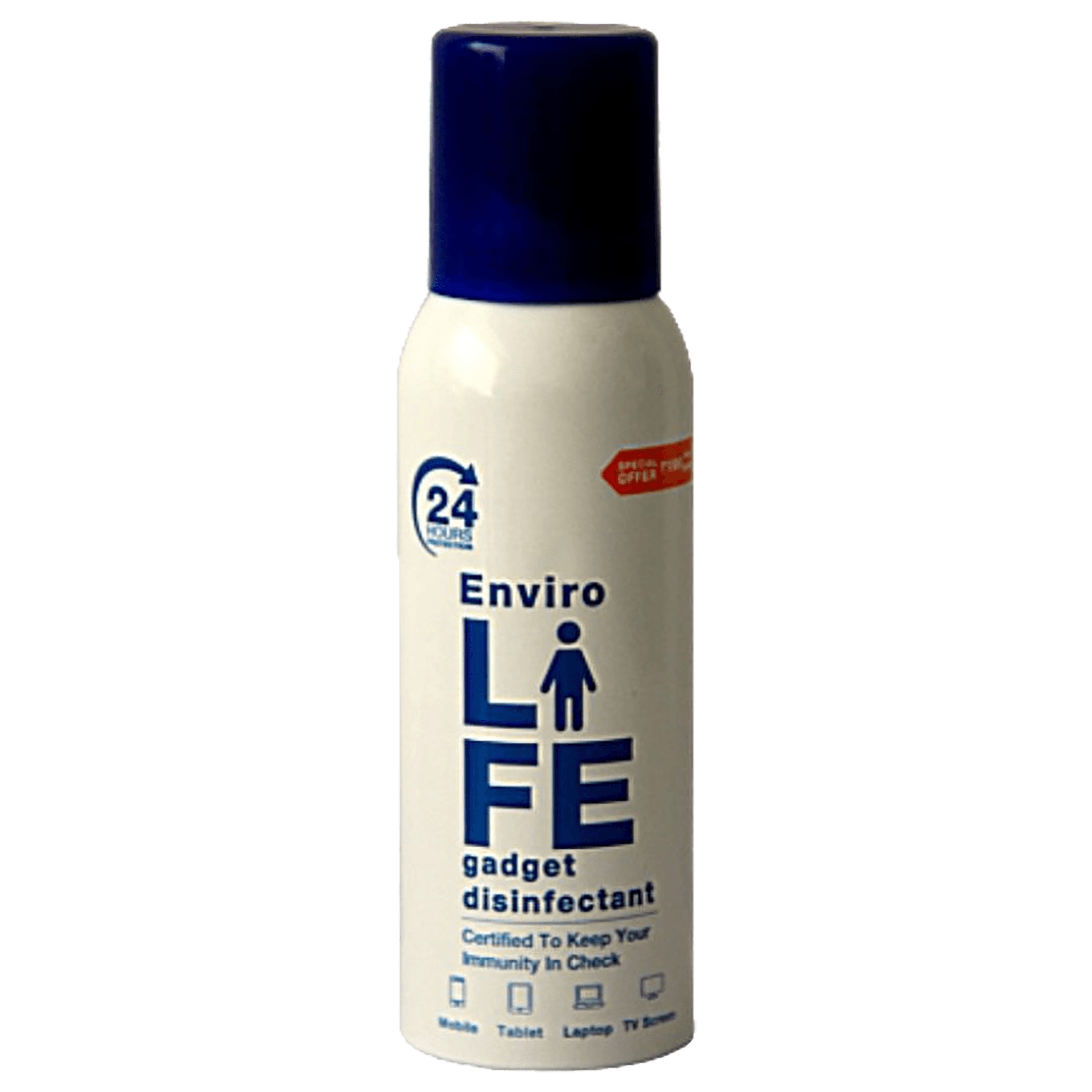
<b>Why Buy Environics Device Disinfector</b><ul><li><b></b> for optimised disinfection</li><li><b></b> makes sure all the germs are killed</li></ul><p>To prevent harmful bacteria and fungi from getting in contact with you, buy <b>Environics Device Disinfector</b>. The usability of your device disinfector may be affected if its installation is complex. As this device disinfector has the it prevents the extra-spill and wastage of sanitizer. Your residence and office will stay clean and hygienic with products from this device disinfector that have 99.99% high resistance against germs and viruses. </p><p>The <b>Environics Device Disinfector's</b> price is cost-effective so you don't have to adjust your budget. The longer it takes for the device disinfector to disinfect, the longer you will have to wait. As a result of its efficient and effective operation, this device disinfector requires only to inject. Your device disinfector needs to have the latest technology to make sure it kills all the germs. As this device disinfector has the to prevent viruses, you can rest assured. Purchase the <b>Environics Device Disinfector</b> online at this instant!</p>
For a more comprehensive analysis, use diagnostic tools and apps. These can provide detailed information about your screen's performance and help you interpret the results. Many of these tools are available for free and can be a valuable resource for troubleshooting display issues.
If you encounter persistent issues, it may be time to seek expert help. Croma offers professional screen diagnostics to help you identify and resolve any problems. Their technicians are equipped with advanced tools to diagnose and fix display issues efficiently.
Use screen protectors and cases to safeguard your phone display from damage. Investing in a high-quality screen protector can prevent scratches and cracks, extending the life of your display.
Clean your screen regularly using a microfiber cloth to avoid scratches. Avoid using harsh chemicals that can damage the display. Regular cleaning not only keeps your screen looking good but also ensures optimal touch sensitivity.
Consider subscribing to ZipCare services for long-term device health. ZipCare offers protection against manufacturing defects, accidental damage, and more. With ZipCare, you can have peace of mind knowing that your device is covered against unexpected issues.
Use dead pixel test apps or websites that display solid colors to easily spot dead pixels. These tools are simple to use and can quickly identify any problematic pixels on your screen.
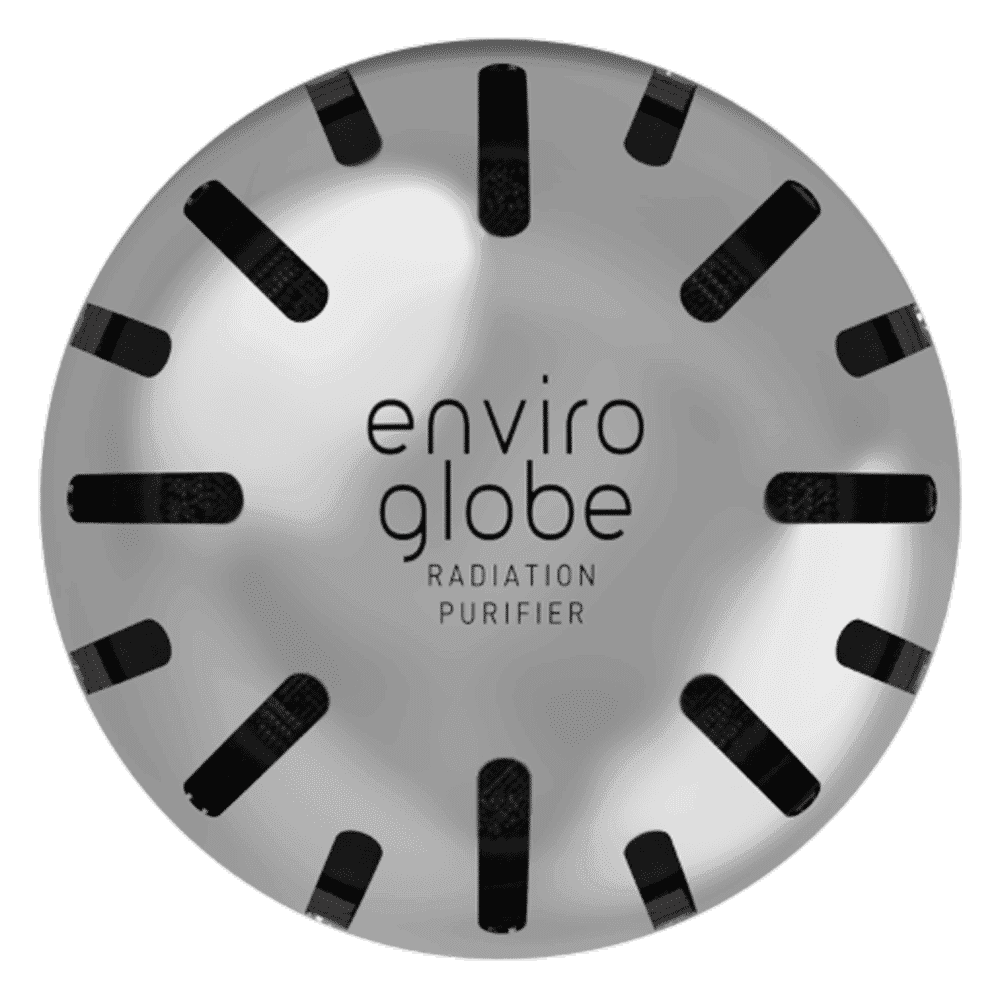
<p><strong>Why buy Environics Enviroglobe Anti Radiation Ball for House & Car</strong></p> <p> </p> <ul> <li><strong>Provides E-Smog and Radiation Protection</strong> for healthier homes and families</li> <li><strong>It Covers A Radius</strong> of 250 sq.ft protect you and your loved ones from harmful radiation</li> <li><strong>Clinically Tested EMF Harmonizer</strong> that provides us 360-degree protection from radiation sources that are beyond our control</li> </ul> <p> </p> <p>Buy the <strong>Environics Enviroglobe Anti Radiation Ball for House & Car</strong> which is based on Envirochip’s radiation protection technology that helps you protect you and your loved ones from harmful radiation within an area of 250 sq. feet. You can extend the range of protection by placing multiple Enviroglobes at equal distances from one another. It is a clinically tested EMF harmonizer and provides us 360-degree protection from radiation sources that are beyond our control. Electromagnetic Radiation (EMR) refers to the constant waves of the electromagnetic field (EMF) produced by wireless communication devices such as mobile phones, laptops, Wi-Fi routers, and other sources such as mobile towers and high-tension wirelines, etc. However, The human body is accustomed to random waves and hence the constant exposure to electromagnetic radiation causes serious biological disorders such as higher stress and fatigue, irritation, headache, weakened immunity, cancer, fertility issues to name a few. The technology used in Enviroglobe changes the nature of electromagnetic radiation from constant to random waveform making it human body-friendly.</p> <p> </p> <p>When you get <strong>Environics Enviroglobe Anti Radiation Ball for House & Car</strong> online, you also get awesome companion for your home. It comes with Internationally tested and certified technology. No need of batteries or adaptors, you can simply charge by placing it under the sunlight, for only a couple of minutes every week. Enviroglobe is simple to use. Simply place it at your desk, table, living room, bedroom, car, office space, absolutely wherever you want, and get a radiation protected zone of up to 250 sq. feet. It provides e-smog and radiation protection for healthier homes and families. Purchase <strong>Environics Enviroglobe Anti Radiation Ball for House & Car</strong> online, now!</p>
Use color calibration tools or apps and compare the displayed colors with a reference image. Accurate color representation is important for tasks like photo editing and media consumption.
Use touch screen test apps to identify unresponsive areas. If the issue persists, seek professional help. Unresponsive screens can be due to hardware issues that may require expert repair.
Yes, there are several diagnostic apps available that can provide detailed information about your screen's performance. These apps can help you troubleshoot and identify specific issues with your display.
Clean your phone screen regularly using a microfiber cloth to keep it free from dust and smudges. Regular cleaning helps maintain the clarity and touch sensitivity of your display.
Yes, investing in a quality screen protector can save you from costly repairs. Screen protectors provide an additional layer of protection against scratches and cracks.
Regularly updating your phone's software can improve display performance. Software updates often include optimizations and bug fixes that enhance the overall functionality of your device.
Regularly checking your phone display is essential for maintaining its performance and longevity. By following the steps outlined in this guide, you can ensure your phone display is in top condition. For expert advice and quality products, visit Tata Neu. Enjoy exclusive perks like NeuCoins rewards, express delivery, and more. With Tata Neu and Croma, you can trust that you're getting the best in technology and customer service.
Did You Know? Regularly updating your phone's software can improve display performance. Software updates often include enhancements that optimize display settings and performance.
Pro Tip: Use a microfiber cloth to clean your screen to avoid scratches. Microfiber cloths are gentle on the screen and effective at removing dust and smudges.
Insight: Investing in a quality screen protector can save you from costly repairs. Screen protectors are a cost-effective way to protect your display from everyday wear and tear.
