





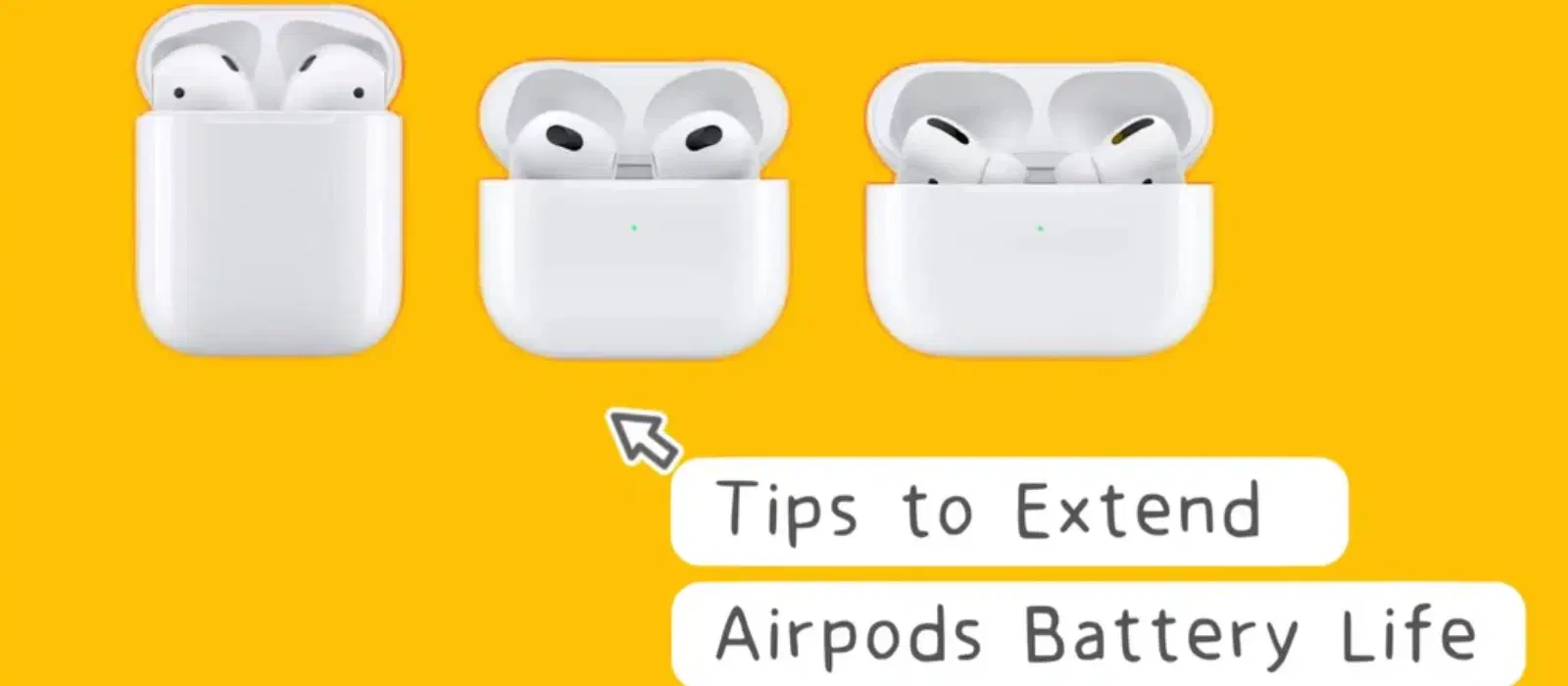
Consumer Electronics
•04 min read

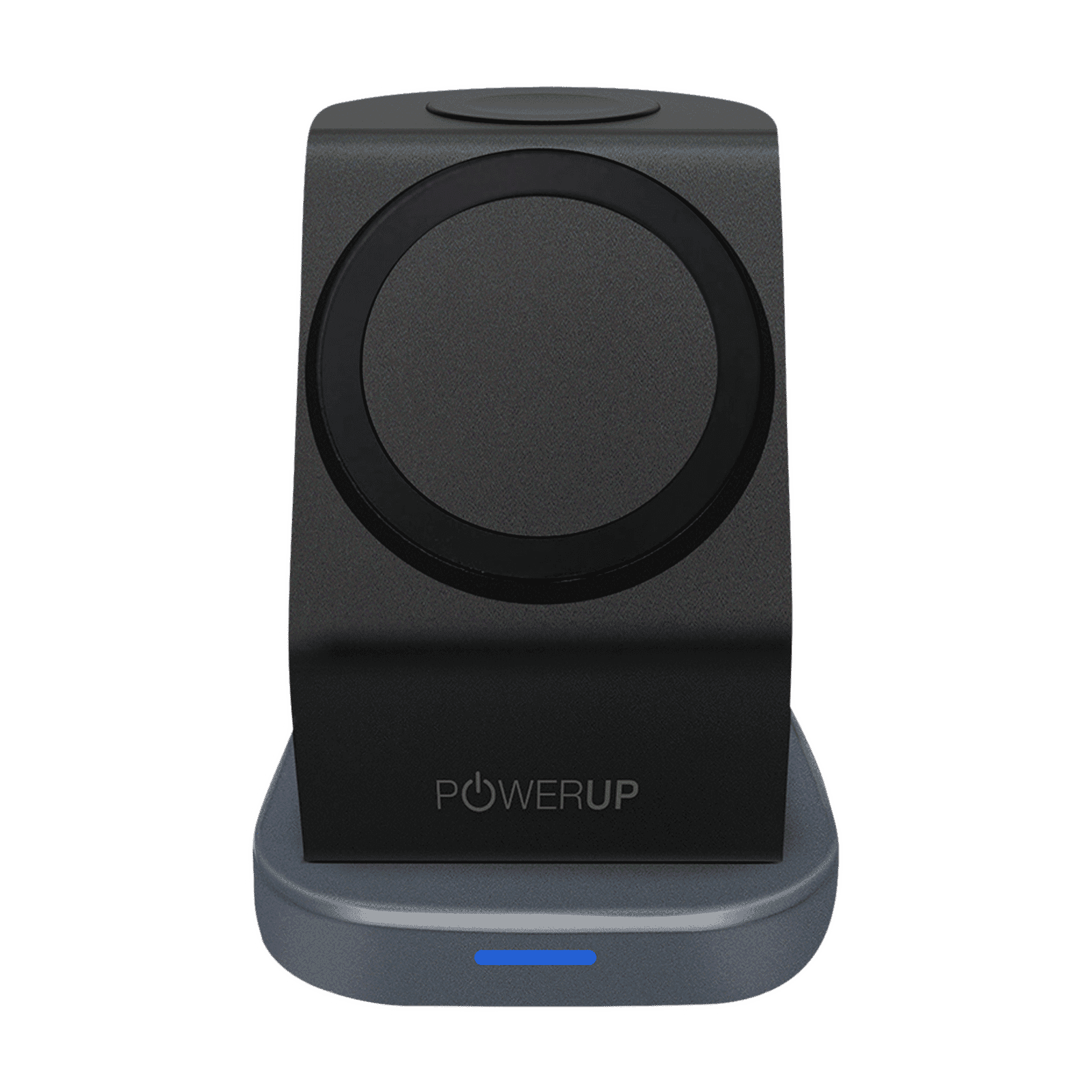
Buy POWERUP 23W 3-in-1 Wireless Charger for iWatch Series 7, 6, 5, 4, 3, 2, 1, AirPods & iPhone (Multi-Layer Protection, Black) online at best prices from Croma. Check product details, reviews & more. Shop now!

Understanding how to charge your AirPods properly is essential for maintaining their battery life and ensuring they perform optimally. At Tata Neu, we are dedicated to enhancing your tech experience by providing trusted advice on how to keep your gadgets in top shape.
When it comes to how to charge AirPods, there are several methods available:
Using the Charging Case: Simply place your AirPods in the charging case. The case itself can be charged using a lightning cable or a wireless charging pad.
Wireless Charging: If you have a wireless charging case, just place it on a compatible charging mat and ensure alignment with the charging coil.
Using the AirPods Charging Cable: Connect the charging case to a power source using the lightning cable that came with your AirPods.
For the best performance, always use original accessories. Regularly check the battery status on your iPhone or iPad to ensure your AirPods are properly charged.
To charge the AirPods case using a lightning cable:
Plug one end of the lightning cable into the charging port of the AirPods case.
Connect the other end to a USB power adapter or a USB port on your computer.
The status light should turn on, indicating that the case is charging.
For wireless charging:
<p>The <strong>Lyfro Battery Powered Disinfectant Solution Generator</strong> is non-toxic and has no side effects</p> <ul> <li><strong>Free of Chemical Residues</strong> makes it an eco-friendly, cost-effective disinfectant</li> <li><strong>Uses Electrolysis</strong> to produce natural powerful disinfectant</li> <li><strong>300 mAh Battery</strong> with USB recharging facility</li> </ul> <p>Buy <strong>Lyfro Battery Powered Disinfectant Solution Generator</strong> to experience its awesome usages. It is an ultra-portable non-toxic disinfectant maker. It comes with an electrolysed water generator. Useful to sterilize public places as well. Use <strong>Lyfro Battery Powered Disinfectant Solution Generator</strong> which allows you to create your own non-toxic disinfectant in just 3 minutes. Simply add salt and water together. Uses electrolysis to produce natural powerful disinfectants proven to be effective against bacteria, viruses, and mold.</p> <p>When you get <strong>Lyfro Battery Powered Disinfectant Solution Generator</strong> online, you also get an awesome eco-friendly, cost-effective disinfectant for your everyday life. It is equipped with a 300 mAh battery with USB recharging facility. It is usable at home, office, or in transit. It eliminates up to 99.9 percent pathogens. It is free of chemical residues. It is a self-made disinfectant.</p>
Place the AirPods case on the charging pad with the status light facing up.
Ensure the case is properly aligned with the charging pad.
The status light should illuminate, indicating that charging has started.
To maintain your AirPods case and extend its life:
Avoid exposing it to extreme temperatures.
Keep the connectors clean to prevent charging issues.
Utilize the optimized battery charging feature on your iPhone to maximize battery longevity.
Pro Tip: Regularly clean your AirPods and case to prevent charging issues. Avoid using harsh chemicals or liquids.
If your AirPods are not charging, consider the following solutions:
Ensure the connectors are clean and free of debris.
Check if the firmware is up to date and update it if necessary.
If issues persist, try resetting your AirPods.
If none of these solutions work, it might be time to seek professional assistance. Tata Neu offers expert after-sales care services to help you with any persistent issues.

<p>Danger can overpower you at any time and your voice will not be enough in such situations to get the required aid. The amazing new <strong>Juvo PSB01 Personal Alarm</strong> is crafted for all ages and is a necessary precaution from all kinds of danger. It rings a very loud alarm at 120 dB as well as flashes the torch to warn people nearby about a danger. Whether you have a medical emergency or you are attacked by predators your voice may not be heard but this alarm will be enough to deter attackers or draw attention of people close by to give you the immediate assistance required.</p> <p><strong>Extremely Easy To Use</strong></p> <p>The <strong>Juvo PSB01 Personal Alarm</strong> is small and portable, can be attacked to even a keychain if you want. To start the siren all you need to do is separate or pull the metal key chain from the main black unit. The siren may go on for 1 1/2 hours in case nobody heard it in the first minutes. This is very important for girls returning home alone at night as it acts as a security anti-attack panic alarm that is sure to scare off a molester. Its easy portability accentuates its use.</p> <p><strong>Lights Your Way</strong></p> <p>The little and portable <strong>Juvo PSB01 Personal Alarm</strong> also features a small LED torch that helps you find your way in the dark. Don’t be scared of dark alleys when you have this with you because it is equipped to save you from all dangers.</p>
AirPods typically take about 20-30 minutes to charge from 0% to 100%.
While most QI-compatible wireless chargers should work, it's best to use chargers that are recommended by the manufacturer for optimal results.
Check if the connectors are clean and the charging cable is functioning. If the issue persists, try resetting the case or seek professional help.
You can check the battery level on your iPhone or iPad by opening the case lid near the device or checking the battery widget.
Yes, at Tata Neu, you can enjoy exclusive deals, cashback offers with NeuCoins, EMI plans, and express delivery options. Make the most of your shopping experience with us!
In conclusion, knowing how to charge AirPods correctly can significantly extend their battery life and performance. Tata Neu is here to provide expert advice and exclusive deals, ensuring your tech journey is both rewarding and seamless.
Explore more about AirPods and other gadgets on Tata Neu, and experience a world of innovation and smart purchases.
