





Consumer Electronics
•03 min read

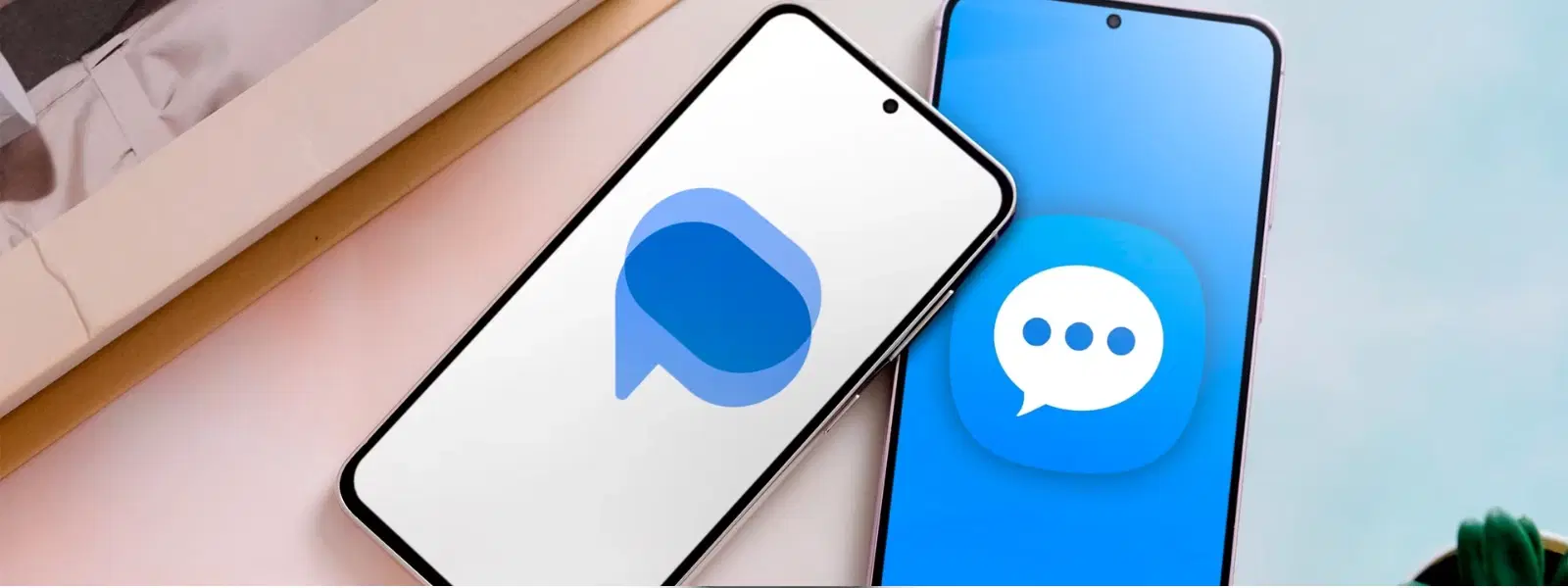
The battle between Google Messages and Samsung Messages is a hot topic for Android users looking to enhance their messaging experience. In this post, we explore the unique features, user interface customisation, performance, and privacy settings of both apps, helping you navigate the world of Android messaging with ease and confidence.
Google Messages and Samsung Messages are the native messaging solutions for Android devices, each catering to different user needs. Google Messages is renowned for its clean, functional design and universal compatibility across Android platforms. In contrast, Samsung Messages offers a vibrant experience with advanced customisation options that integrate seamlessly within the Samsung ecosystem.
Selecting the right messaging app has a lasting impact on your day-to-day communication. Choosing an app that aligns with your device and personal style not only makes sending messages effortless but also contributes to a secure and efficient messaging environment.
Google Messages stands out with a suite of advanced features designed for modern communication. With Rich Communication Services (RCS), users enjoy enhanced group chats, read receipts, and typing indicators. Enhanced security is provided by end-to-end encryption, ensuring that every conversation remains private. The app also offers smart suggestions powered by Google Assistant, facilitating faster replies and smoother interactions. Additional benefits include automatic deletion of OTP messages and spam, along with excellent integration across other Android devices and desktop platforms for a cohesive messaging experience.
Samsung Messages brings its own unique flair to the table. The app offers advanced customisation options that allow you to tailor chat screens to your personal taste, along with integration with other Samsung devices and apps. Features such as a recycle bin for deleted messages and dedicated multimedia sharing tools enhance the overall user experience. Samsung Messages is specifically optimised to work seamlessly on Samsung Galaxy devices, providing added functionality that appeals to users deeply embedded in the Samsung ecosystem.
The design of Google Messages is intentionally minimalist, focusing on functionality and ease of use. With an automatic sorting system that neatly categorises conversations—whether it's personal chats, business updates, or OTP messages—the app simplifies your daily communication tasks. The inclusion of smart action prompts, such as suggested responses, makes messaging quicker and more intuitive.
Samsung Messages offers a more vibrant visual experience that allows a high degree of personalisation. Users can manually organise and sort chats, giving them greater control over how conversations are managed. Its design is consistent with other Samsung apps, ensuring that the overall experience remains seamless for those who prefer to stay within the Samsung environment.
One of the biggest strengths of Google Messages is its broad compatibility, supporting all Android devices regardless of the manufacturer. This universal support is particularly useful for users who like to maintain continuity with desktop messaging through integrated Google services such as Google Photos and Drive.
Samsung Messages is tailored for optimum performance on Samsung Galaxy devices. While its enhanced features shine on Samsung hardware, its compatibility is more limited when compared to Google Messages. The focus here is on delivering a rich and reliable experience for loyal Samsung users.
Google Messages offers robust settings that allow you to activate RCS for enhanced communication features. It also prioritises your privacy with strong spam protection and secure messaging through encryption. These settings help ensure that your personal data and conversations remain safeguarded.
Samsung Messages also provides a range of advanced settings aimed at enhancing user privacy and notification customisation. Users can fine-tune privacy preferences to manage message visibility along with customisable notification settings, making it easier to differentiate between various chat categories.
Insight Corner
Did You Know? Google Messages supports RCS on any Android phone, making it a universal choice for users who want advanced messaging features like read receipts, typing indicators, and group chats without being tied to a specific brand.
The answer depends on your device and preferences. Google Messages is ideal for those who value universal compatibility and advanced RCS features, whereas Samsung Messages shines within the Samsung ecosystem with its rich customisation options and integration.
No, both apps will continue to coexist, each catering to different user needs and device ecosystems while delivering unique strengths.
Google Messages offers a range of features including RCS, end-to-end encryption, and broad compatibility, ensuring a secure and versatile messaging experience across all Android devices.
There is no indication that Samsung will discontinue its native messaging app. It remains a core part of the Samsung Galaxy experience.
In summary, both Google Messages and Samsung Messages offer distinct advantages for Android users. If you prioritise universal accessibility and modern communication features, Google Messages is a great option. However, if your device is a Samsung Galaxy and you seek a tailored, customisable messaging environment, Samsung Messages offers a compelling alternative. Both apps are designed to meet the varying needs of users, ensuring that your messaging experience remains seamless, secure, and efficient. With the added benefits of NeuCoin rewards and special benefits on Tata Neu, exploring these messaging choices becomes even more rewarding as you enjoy a seamless, hassle-free shopping experience and earn rewards along the way.
