





%20(Presentation)%20(1600%20x%20600%20px)(522)-b6448483-4793-493b-b416-fb3d5191c347.webp&w=3840&q=75)
Consumer Electronics
•03 min read

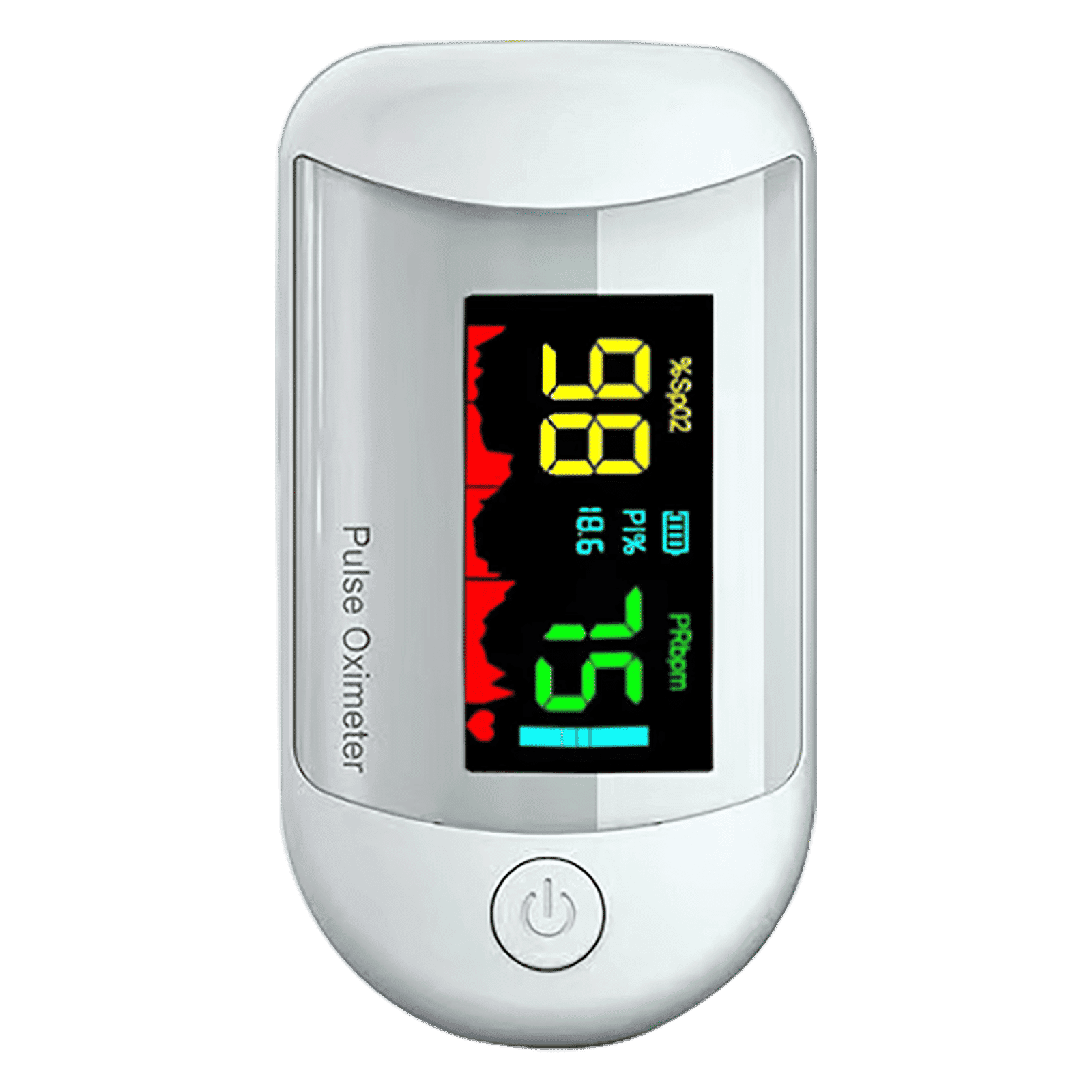
<p><strong>Why buy iGear Health Digital Pulse Monitor/Oximeter</strong></p> <p> </p> <ul> <li><strong>Fast, Reliable Measurement</strong> of Oxygen Saturation (SpO2) and Pulse (PR bpm) within 5-8 seconds</li> <li><strong>Perfusion Index</strong> of 0.3% measures even the weakest of the Pulse</li> <li><strong>Auto Power Off</strong> when not in use</li> <li><strong>4 Direction Display</strong> and Multi-coloured Display for ease of reading</li> <li><strong>Infrared Sensor</strong> for seamless operation</li> </ul> <p> </p> <p>Stay healthy and fit by keeping a regular check of your oxygen level by bringing home the <strong>iGear Health Digital Pulse Monitor/Oximeter</strong>. Although, the Blood pressure monitor may be the most recognizable medical tool in the market, but Pulse Oximeter is a close second for the most-used medical device. Being fast and reliable, the <strong>iGear Health Digital Pulse Monitor/Oximeter</strong> measures the amount of oxygenated blood (Spo2) in your body, giving medical professionals an idea of how much oxygen your body is carrying to vital organs and tissues. It measures Oxygen Saturation (SpO2) and Pulse (PR bpm) within 5-8 seconds. It comes with a measuring range of 0 – 100% (Oxygen Saturation) and 25 – 250 bpm (Pulse Rate). It has accuracy in readings of Oxygen Concentration in the Blood range 0-100% (+/- 2%) and Pulse rate range 25-250 bpm (+/- 2 bpm). It comes with a Perfusion Index of 0.3%, which can measure even the weakest of the Pulse.</p> <p> </p> <p>Having the <strong>iGear Health Digital Pulse Monitor/Oximeter</strong> at home allows the patients to monitor vital signs with an extra layer. These tools give you a better view of your health and allow you to coordinate with your healthcare provider. If you have a condition that affects your blood oxygen levels -think sleep apnea, chronic obstructive pulmonary disease (COPD), asthma, lung cancer, or heart failure, among many other conditions you may benefit from an at-home Pulse Oximeter. It comes with Infrared Sensor that seamlessly records all the readings. The One-click measurement of the device makes it convenient to operate. Viewing the readings will no longer be a struggle. Thanks to the 4 direction display and multi-colored display that makes viewing the reading simple and easy. Being battery operated, it offers long-lasting usage having an auto power-off feature. So, wait no more! Order the <strong>iGear Health Digital Pulse Monitor/Oximeter</strong> online, right away!</p>

Ever wondered if your hard drive might be the silent culprit behind sluggish computer performance or sudden data loss? Keeping an eye on your hard drive health is essential for a smooth computing experience. By learning how to check hard disk health and spotting early warning signs, you can avoid unexpected surprises and protect your valuable data.
Common symptoms of hard disk issues include slowed system performance, unexpected crashes, and even unusual noises during operation. These indicators are important to notice early, as they often signal the onset of more severe problems that may lead to data loss. A proactive hard drive health check can help you address these issues before they escalate.
Overlooking hard drive problems can result in total hardware failure and the loss of critical files. This is particularly impactful for both personal users and businesses who depend on their computer systems daily. A timely diagnosis not only enhances performance but also saves you from the emotional and financial stress associated with extensive repairs or data recovery.
For those wondering how to check hard disk health with ease, built-in tools on Windows such as CHKDSK, Disk Management, and Windows PowerShell offer an excellent starting point. These tools provide a step-by-step method to scan for errors and assess the overall condition of your drive. They also allow you to schedule regular checks, which can be especially reassuring for users aiming to safeguard their data.
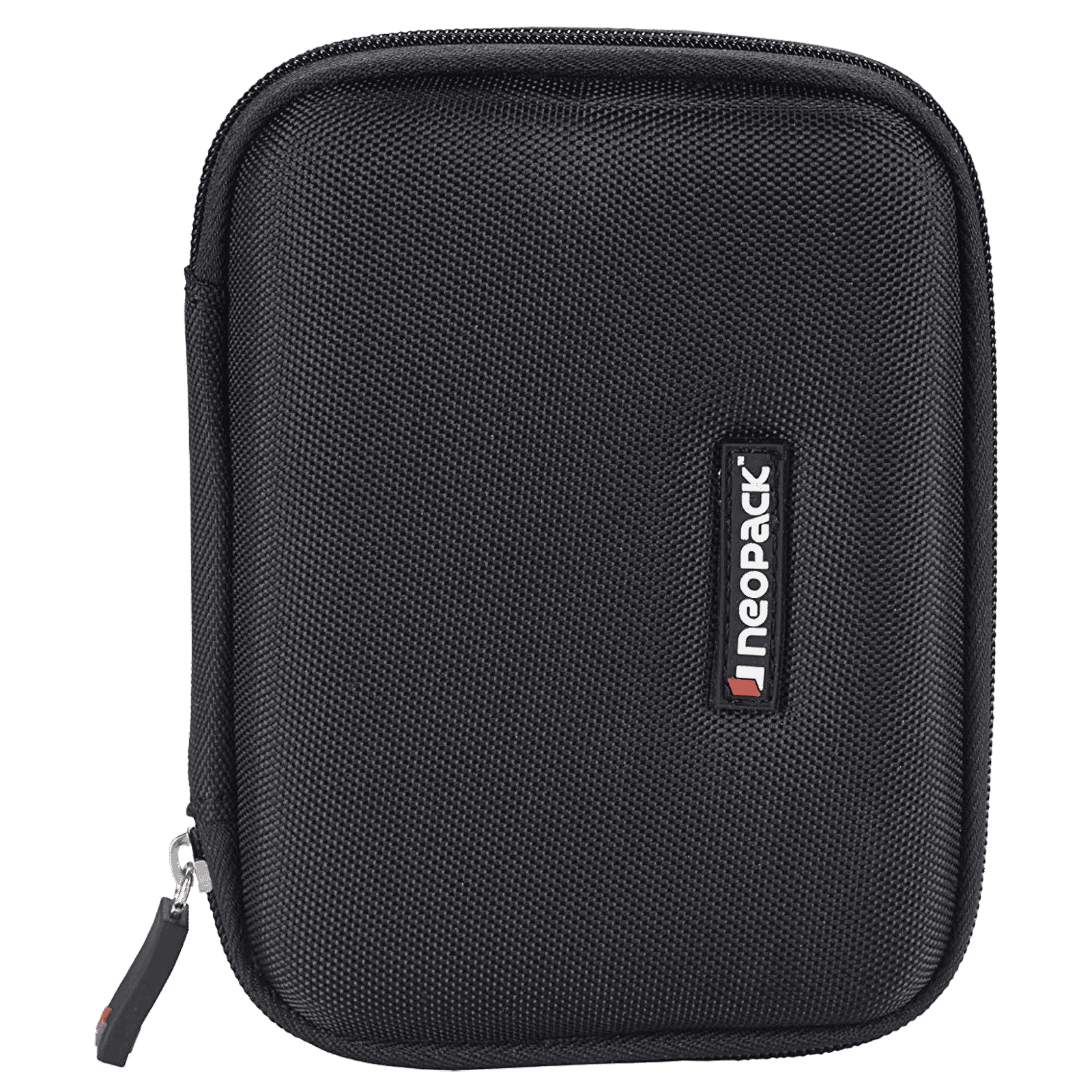
Buy neopack 1BK5 Nylon Case for Portable Hard Disk (Water and Shock Resistant Design, Black) online at best prices from Croma. Check product details, reviews & more. Shop now!
If you are looking to diagnose hard disk issues with more advanced tools, several third-party options can be considered. Applications like Hard Disk Sentinel, CrystalDiskInfo, and HDDScan offer detailed insights into drive performance and potential failures. They provide comparative features that make it easier to detect early signs of HDD failure and advise on further action.
SMART, or Self-Monitoring, Analysis, and Reporting Technology, is invaluable when you need to monitor hard drive health. This technology supplies a health report that highlights the drive's condition and can indicate issues long before they become severe. By interpreting SMART data with diagnostic software, you can stay ahead of potential failures and make informed decisions about maintenance.
Periodic performance testing is another effective way to keep an eye on your hard disk. Free and paid tools are available for testing the read/write speeds and overall responsiveness of your drive. Monitoring performance trends over time can help you detect drops in speed or efficiency, enabling you to troubleshoot issues proactively.
Several particular issues such as bad sectors, overheating, and firmware errors can impair your hard drive's performance. Diagnosing these problems often requires a closer look at the drive's behaviour using both built-in and third-party tools. By pinpointing the exact issue, you can take precise steps to resolve it and minimise further damage.

<p>Danger can overpower you at any time and your voice will not be enough in such situations to get the required aid. The amazing new <strong>Juvo PSB01 Personal Alarm</strong> is crafted for all ages and is a necessary precaution from all kinds of danger. It rings a very loud alarm at 120 dB as well as flashes the torch to warn people nearby about a danger. Whether you have a medical emergency or you are attacked by predators your voice may not be heard but this alarm will be enough to deter attackers or draw attention of people close by to give you the immediate assistance required.</p> <p><strong>Extremely Easy To Use</strong></p> <p>The <strong>Juvo PSB01 Personal Alarm</strong> is small and portable, can be attacked to even a keychain if you want. To start the siren all you need to do is separate or pull the metal key chain from the main black unit. The siren may go on for 1 1/2 hours in case nobody heard it in the first minutes. This is very important for girls returning home alone at night as it acts as a security anti-attack panic alarm that is sure to scare off a molester. Its easy portability accentuates its use.</p> <p><strong>Lights Your Way</strong></p> <p>The little and portable <strong>Juvo PSB01 Personal Alarm</strong> also features a small LED torch that helps you find your way in the dark. Don’t be scared of dark alleys when you have this with you because it is equipped to save you from all dangers.</p>
Maintaining your hard drive health goes beyond regular diagnostic tests. Simple practices like regular backups, handling the drive carefully, and keeping your system software up-to-date are key to prolonging the life of your device. Additionally, ensuring a cool and stable operating environment can significantly reduce wear and tear on your hard disk.
Insight Corner: Did You Know? – SMART Data: Your Hard Drive’s Built-in Warning System
SMART attributes serve as an early warning system for your hard drive. Regularly checking these can alert you to potential issues, often long before noticeable symptoms appear. This proactive approach can save you from unexpected data loss and the need for costly repairs.
Use built-in tools like CHKDSK, Windows PowerShell, or third-party software such as Hard Disk Sentinel to monitor your drive’s condition and resolve any detected issues.
Watch for signs like frequent system crashes, slow file access, or unusual noises. Additionally, SMART monitoring tools can help you identify the early stages of potential hard disk failure.
Always back up your data before starting any diagnostic tests. Opt for non-intrusive software that is designed specifically for monitoring and testing hard disk health.
You can use reliable tools like HDDScan or CrystalDiskMark. These measures test read/write speeds and help pinpoint where performance might be lagging, ensuring you stay on top of any emerging issues.
Diagnosing hard drive issues doesn’t have to be a daunting task. By following the steps and tips outlined above, you can regularly monitor your hard disk health, detect potential problems early, and take practical measures to safeguard both your data and your hardware. This approach not only ensures a smoother computing experience but also reinforces the reliability of your system, much like how Tata Neu seamlessly blends innovative technology with trusted service and rewarding benefits. Remember, regular checks and preventive care are key to keeping your system in top shape.
