





Consumer Electronics
•03 min read

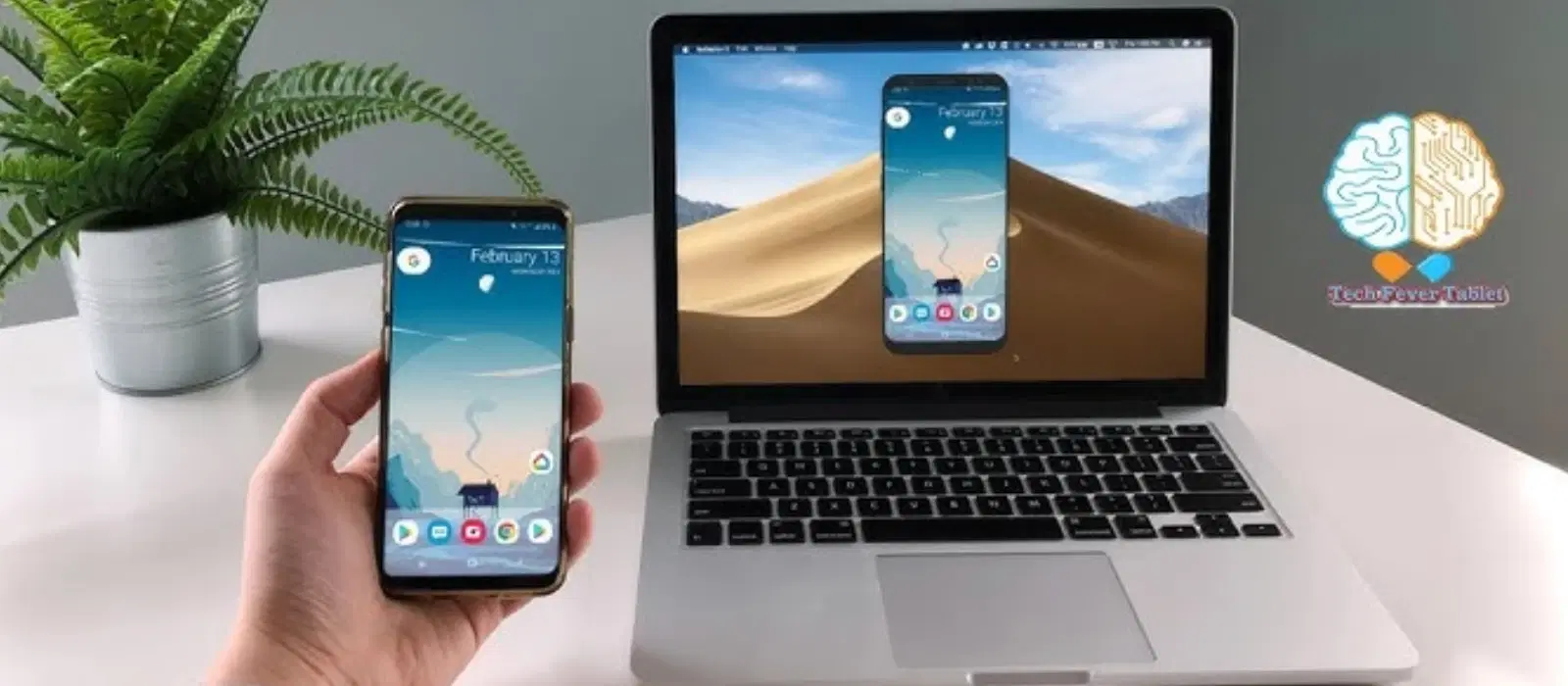
Ever wondered how to bridge the gap between your Android phone and your Mac seamlessly? Connecting these two devices can seem tricky at first, but with a few tips and clear steps, you can easily sync your data, transfer files, and enjoy uninterrupted sharing.
The two ecosystems, Android and macOS, operate differently. Many users encounter issues when trying to connect android to mac. Common problems include file transfer errors and connection failures, which can interrupt your work or personal time.
Before starting your journey, ensure you have a proper USB cable, the Android File Transfer app, and any necessary wireless tools. It is also important to enable Developer Options and USB Debugging on your Android device. These steps lay a solid foundation for a hassle-free connection.
To establish a wired connection, use the Android File Transfer app. Connect your Android phone to your Mac using a high-quality USB cable and follow the on-screen prompts. If your device is not recognised, double-check that USB Debugging is enabled, and try another cable if needed. This method is ideal for efficient transfer files android to mac tasks.
For those preferring a cable-free experience, multiple wireless methods exist. Tools such as AirDroid, Google Drive, and Wi-Fi Direct simplify the process. Simply install the preferred app on your Android phone and follow the guided steps on your Mac to sync android phone with mac data effortlessly.
You can also opt for a Bluetooth connection to link your devices. Pair your Android phone with your Mac via Bluetooth. However, bear in mind that while this method supports android mac connectivity, it may result in slower transfer speeds. For quick android mac data transfer needs, consider using USB or wireless methods.
Syncing is essential for keeping your contacts, calendars, and media up-to-date across devices. Tools like Google Drive or similar cloud services offer smooth integration. These methods help you manage android to mac sharing effectively, ensuring you never miss an update.
Advanced users may want to explore third-party applications such as MacDroid or SyncMate which provide extended features for file management and media syncing. These apps simplify android file transfer mac tasks and offer a more personalised experience.
When transferring large files or a bulk amount of data, organisation is key. Ensure you have a clear file structure and use reliable methods like usb connection android mac or cloud-based services. This approach makes subsequent file management easier and more efficient.
Understanding the differences between transferring files from internal and external storage on your Android device can help streamline the process. Whether you are transferring music, photos, or documents, the Android File Transfer app and various cloud storage services put you in full control of your file management.
Pro Tip: Maximise Your File Transfer Efficiency
Did you know that using Wi-Fi Direct for wireless transfers can be faster than traditional Bluetooth methods? Pair it with tools like AirDroid for a seamless experience. This is a reliable alternative when you need to quickly transfer files android to mac.
If your device fails to connect, verify that USB Debugging is activated. Check your USB cable and consider switching ports. This ensures smoother android mac compatibility and improves your connection experience.
Many factors can affect your file transfer speeds. The quality of the USB cable and possible wireless interference play a significant role. Consider using a high-quality cable with the Android File Transfer app to boost performance. For wireless methods, ensure a strong, stable connection to optimise speeds.
Sometimes, you might face issues with unsupported file formats. To overcome this, consider using free file conversion tools to convert files into compatible formats. This allows for a seamless sync android phone with mac experience even when dealing with media files or documents that require conversion.
Install the Android File Transfer app on your Mac, connect your phone with a quality USB cable, and follow the prompts to transfer files.
Yes, you can use tools like AirDroid and Google Drive to perform wireless transfers effectively.
Ensure that USB Debugging is enabled on your Android device and confirm that you are using a compatible USB cable.
Using Wi-Fi Direct along with apps like AirDroid or a reliable USB cable via Android File Transfer can provide faster transfer speeds.
Yes, apps such as MacDroid and SyncMate offer advanced syncing options for contacts, calendars, files, and media.
Connecting your Android phone to a Mac does not have to be complicated. By following the steps offered above, you can easily transfer files, keep your devices in sync, and troubleshoot common issues. Whether you choose a wired, wireless, or Bluetooth solution, the key is to use the method that suits your needs best. Enjoy the freedom of seamless connectivity and explore the ease and convenience that integrated technology can bring to your life.
As with smart shopping on platforms like Tata Neu where every transaction earns valuable NeuCoins, taking control of your digital connectivity can truly empower you to shop and live better. With simplified processes and trusted guidance, every step becomes a journey towards smart, efficient living.
