
FAQs: Connect Your Phone to TV via USB Without HDMI

Consumer Electronics

03 min read

FAQs: Connect Your Phone to TV via USB Without HDMI

Environics Device Disinfector (Disinfects Up To 99.99%, 127ELGD, Blue)

Environics Device Disinfector (Disinfects Up To 99.99%, 127ELGD, Blue)

<b>Why Buy Environics Device Disinfector</b><ul><li><b></b> for optimised disinfection</li><li><b></b> makes sure all the germs are killed</li></ul><p>To prevent harmful bacteria and fungi from getting in contact with you, buy <b>Environics Device Disinfector</b>. The usability of your device disinfector may be affected if its installation is complex. As this device disinfector has the it prevents the extra-spill and wastage of sanitizer. Your residence and office will stay clean and hygienic with products from this device disinfector that have 99.99% high resistance against germs and viruses. </p><p>The <b>Environics Device Disinfector's</b> price is cost-effective so you don't have to adjust your budget. The longer it takes for the device disinfector to disinfect, the longer you will have to wait. As a result of its efficient and effective operation, this device disinfector requires only to inject. Your device disinfector needs to have the latest technology to make sure it kills all the germs. As this device disinfector has the to prevent viruses, you can rest assured. Purchase the <b>Environics Device Disinfector</b> online at this instant!</p>

114249
Earn NeuCoins

Ever wondered how to connect your phone to your TV without relying on HDMI cables? Many of us face this challenge, especially when our TVs don’t come with the latest ports. In this guide, we share simple ways to link your phone to your TV using a USB connection. With clear steps, troubleshooting tips and alternative options, you will have everything you need to set up your connection without the fuss.

Understanding USB Phone-to-TV Connections

What is a USB Phone-to-TV Connection?

A USB connection is a simple technique that allows your phone to share its screen or files with your TV. Unlike HDMI, which is primarily used for high-def video transfers, USB can also be utilised to display your device’s content. The key difference is that many older TVs or specific models may not have HDMI ports, making USB a versatile choice.

Why Choose USB Over HDMI?

Opting for a USB cable can be more affordable and user-friendly. It is also ideal for TVs that lack HDMI ports. Whether you want to mirror your screen or transfer videos and photos for a quiet family evening, a USB connection offers a seamless solution.

How to Connect Your Phone to TV via USB Without HDMI

Step-by-Step Setup Guide

Start by checking if your TV has a USB port. Next, choose the right cable for your phone – whether it’s USB-C, Micro USB, or even Lightning. Once these are in place, simply plug the cable between your phone and TV. Finally, use your TV remote to select the USB input channel. This should display your phone’s content on the screen.

Pro Tip: Maximising Compatibility

Before you start, ensure that both your phone and TV support the intended features, be it screen mirroring or simple file sharing. This small check can save you time and help you enjoy a smooth transition.

Common Methods to Display Phone Content on TV Using USB

Juvo Personal Safety Alarm (PSB 01, Black)

Juvo Personal Safety Alarm (PSB 01, Black)

<p>Danger can overpower you at any time and your voice will not be enough in such situations to get the required aid. The amazing new <strong>Juvo PSB01 Personal Alarm</strong> is crafted for all ages and is a necessary precaution from all kinds of danger. It rings a very loud alarm at 120 dB as well as flashes the torch to warn people nearby about a danger. Whether you have a medical emergency or you are attacked by predators your voice may not be heard but this alarm will be enough to deter attackers or draw attention of people close by to give you the immediate assistance required.</p> <p><strong>Extremely Easy To Use</strong></p> <p>The <strong>Juvo PSB01 Personal Alarm</strong> is small and portable, can be attacked to even a keychain if you want. To start the siren all you need to do is separate or pull the metal key chain from the main black unit. The siren may go on for 1 1/2 hours in case nobody heard it in the first minutes. This is very important for girls returning home alone at night as it acts as a security anti-attack panic alarm that is sure to scare off a molester. Its easy portability accentuates its use.</p> <p><strong>Lights Your Way</strong></p> <p>The little and portable <strong>Juvo PSB01 Personal Alarm</strong> also features a small LED torch that helps you find your way in the dark. Don&rsquo;t be scared of dark alleys when you have this with you because it is equipped to save you from all dangers.</p>

474890
Earn NeuCoins

Screen Mirroring with a USB Cable

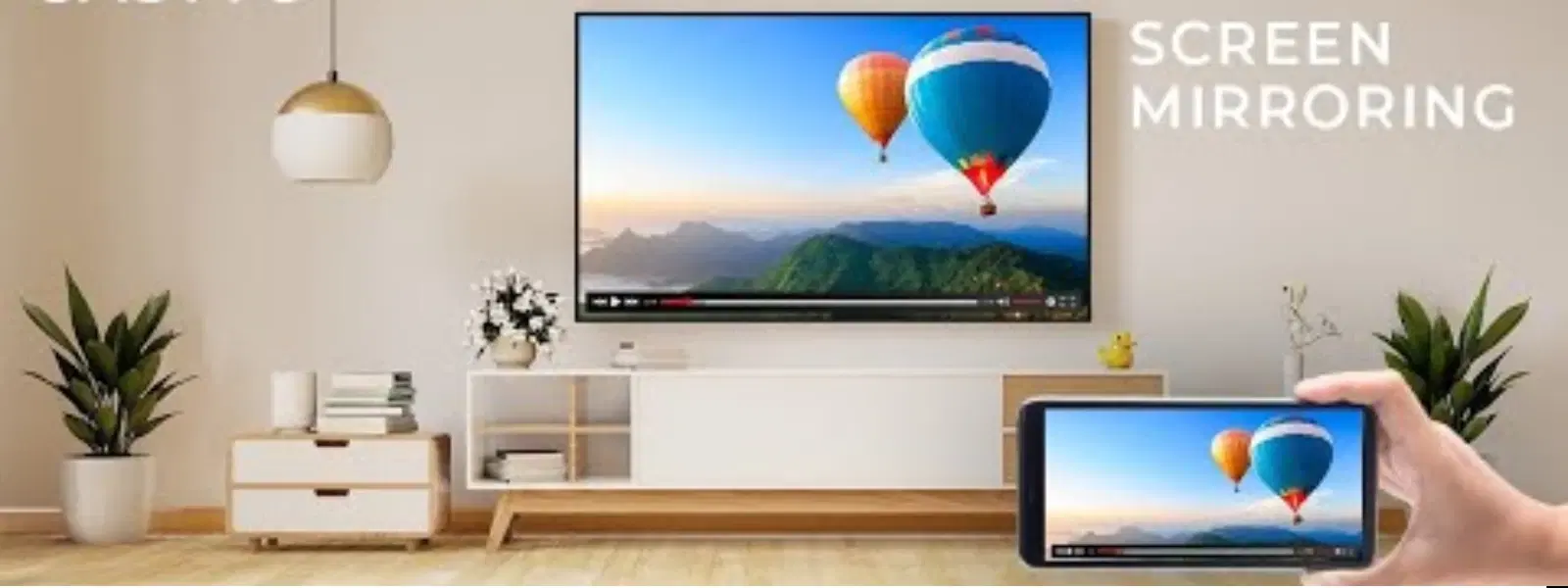
Screen mirroring via USB involves duplicating your phone’s display on the TV. Some devices even benefit from technology like MHL (Mobile High-Definition Link) or SlimPort adapters to support mirroring. This method is ideal for enjoying photos, videos, or even apps on a larger screen.

File Transfer and Playback

Another useful method is transferring files to your TV. Many TVs have the capability to directly play supported file formats – such as common video or photo files – when connected via USB. This is a perfect solution if you simply want to view your media without the continuous mirroring of your screen.

Troubleshooting USB Connection Issues

Why Won’t My Phone Connect to the TV via USB?

When you encounter problems, the cause might be simple. Often, the issue is related to compatibility or the settings on either device. For example, some TVs are designed for file transfers only, rather than screen mirroring.

Fixing Common Errors

If your TV is stuck on a 'Reading Files' message without showing your screen’s content or if there is no video or sound, check if the USB cable is functioning as it should. In cases of flickering or resolution issues, verifying your phone’s settings and confirming that your TV supports the mirroring function can help resolve these errors.

Insight Corner: Why Your TV Might Not Detect Your Phone

Did you know that some TVs only support USB connections for file transfer instead of full screen mirroring? Always take a moment to review your TV’s manual to confirm which features are supported.

Exploring Alternative Options

Phone to TV Adapter Options

Lyfro Battery Powered Disinfectant Solution Generator (Disinfects Up To 99.9 %, Hydro Go, White)

Lyfro Battery Powered Disinfectant Solution Generator (Disinfects Up To 99.9 %, Hydro Go, White)

<p>The <strong>Lyfro Battery Powered Disinfectant Solution Generator</strong> is non-toxic and has no side effects</p> <ul> <li><strong>Free of Chemical Residues</strong> makes it an eco-friendly, cost-effective disinfectant</li> <li><strong>Uses Electrolysis</strong> to produce natural powerful disinfectant</li> <li><strong>300 mAh Battery</strong> with USB recharging facility</li> </ul> <p>Buy <strong>Lyfro Battery Powered Disinfectant Solution Generator</strong> to experience its awesome usages. It is an ultra-portable non-toxic disinfectant maker. It comes with an electrolysed water generator. Useful to sterilize public places as well. Use <strong>Lyfro Battery Powered Disinfectant Solution Generator</strong> which allows you to create your own non-toxic disinfectant in just 3 minutes. Simply add salt and water together. Uses electrolysis to produce natural powerful disinfectants proven to be effective against bacteria, viruses, and mold.</p> <p>When you get <strong>Lyfro Battery Powered Disinfectant Solution Generator</strong> online, you also get an awesome eco-friendly, cost-effective disinfectant for your everyday life. It is equipped with a 300 mAh battery with USB recharging facility. It is usable at home, office, or in transit. It eliminates up to 99.9 percent pathogens. It is free of chemical residues. It is a self-made disinfectant.</p>

6242999
Earn NeuCoins

If your TV does not support a direct connection using USB, consider alternative adapters. Options such as USB-to-VGA, USB-to-RCA AV, or USB-to-SCART offer additional pathways to make the connection work. Be sure to select an adapter that suits your TV’s model.

Using Apps for Screen Mirroring

Some apps are designed for screen mirroring via USB and can enhance your viewing experience. Applications such as AirDroid or Vysor have proven to simplify user interactions. With a straightforward setup, these apps enable seamless sharing of content from your phone to the TV.

Frequently Asked Questions

How do I connect my phone to my TV via USB without HDMI?

To connect your phone to your TV via USB, plug the cable into both devices, select the USB input on your TV, and ensure your phone supports screen mirroring or file sharing.

How can I display my phone screen on my TV using USB?

Connect your phone using a USB cable and enable screen mirroring if supported. If your phone does not support it directly, you might use an adapter like MHL or SlimPort.

Why is my phone not connecting to the TV via USB cable?

This could be due to device incompatibility, incorrect input settings on your TV, or even a damaged USB cable. A quick check of your phone and TV manuals can often point to the solution.

Conclusion

Connecting your phone to your TV via USB without HDMI is straightforward when you have the right tools and knowledge. Whether you’re planning to mirror your screen or transfer files, following these steps can help you set up a flawless connection. This guide is all about making everyday tech challenges easier, and with the added benefit of earning NeuCoins on Tata Neu, every smart shopper can enjoy extra rewards while staying connected. Explore more consumer electronics insights and enjoy the seamless experience that Tata Neu offers with additional NeuCoins rewards to support your tech journey.

Sangria Experience Logo