





%20(Presentation)%20(1600%20x%20600%20px)(70)-3683a6e3-c888-4ec1-a42d-b6104f2df26b.webp&w=3840&q=75)
Consumer Electronics
•03 min read


<p><b>Enhanced Cleaning Technology</b><br/><br/>The MILAGROW 24W Robotic Vacuum Cleaner offers reliable wet and dry cleaning capabilities, which makes it an ideal choice for both home and office environments. Equipped with the enhanced NIDEC Brushless Motor, it delivers a powerful suction of 1500Pa, which ensures effective dirt and debris removal across various surfaces.<br/><br/><br/><b>Smart Navigation </b><br/><br/>Utilising cutting-edge Gyro Mapping technology, this robotic vacuum cleaner employs earth's gravity for optimal orientation and navigation. The rotor mechanism accurately measures rotation rates, which enables the device to stabilise and efficiently map out cleaning paths. It features four cleaning modes - smart, wall follow, spiral, and remote control – which allows for versatile cleaning strategies tailored to your space.<br/><br/><br/><b>Reliable Battery Life</b><br/><br/>Powered by a robust 2600mAh battery, this 24W vacuum cleaner boasts an optimum working time of up to 110 minutes. It can cover up to 1800 square feet on a single charge, which ensures comprehensive cleaning throughout your space without frequent interruptions. The 0.6-litre dustbin is designed to handle substantial dirt loads, while the 0.11-litre water tank facilitates effective wet cleaning.<br/><br/><br/><b>Efficient Filter System</b><br/><br/>Featuring a triple filter system which includes HEPA 12 filtration, this vacuum cleaner ensures the removal of most of the airborne particles as small as 0.3 microns. It effectively captures allergens, dust mites, mould spores, and even fine particles like smoke and bacteria, which creates a healthy environment in your home or office.<br/><br/><br/><b>User-Friendly Features </b><br/><br/>The MILAGROW vacuum cleaner affirms its reliability and safety for everyday use. Its user-friendly design allows for effortless operation and maintenance, which makes it an essential cleaning companion. With MILAGROW 9.0 Software Generation, it ensures optimal performance and user satisfaction.</b><br/><br/></p>

Your phone speaker is not just a sound outlet—it’s your connection to crisp music and important calls. Over time, dust, debris, and even moisture can affect its performance, leading to muffled sounds and reduced clarity. When you shop at Croma via Tata Neu, you not only enjoy top-tier technological products but also earn NeuCoins on every purchase, ensuring an extra boost of rewards and reliability in your experience. In this guide, we explore how to clean phone speakers safely and effectively so you can enjoy the quality sound you deserve.
Dirty speakers can cause several issues including muffled sound, decreased performance, and in worst-case scenarios, permanent damage. Dust particles can clog the speaker holes and water may cause damage to internal components, impacting the sound quality dramatically over time.
Muffled sound, reduced performance, and the potential for irreversible damage all point to an urgent need to keep your device clean and well-maintained.
Dust accumulation in the speaker holes and moisture seeping inside can lead to long-term neglect that may ultimately damage the internal components of your phone speaker.
Before starting your cleaning process, it’s important to take certain precautions. Turn off your phone to avoid any electrical mishaps and remove any external accessories such as cases or screen protectors. Using safe cleaning tools is key.
A soft-bristled toothbrush, compressed air canister, microfiber cloth, and, for water-related issues, silica gel are the essentials for effective cleaning.
Begin by focusing on removing dirt from the speaker holes. Using a soft-bristled toothbrush to clean smartphone speaker holes and short bursts of compressed air can effectively remove stubborn debris. Follow up by blowing compressed air into the speaker holes, using short bursts at an angle to ensure that dirt is cleared without being pushed deeper.
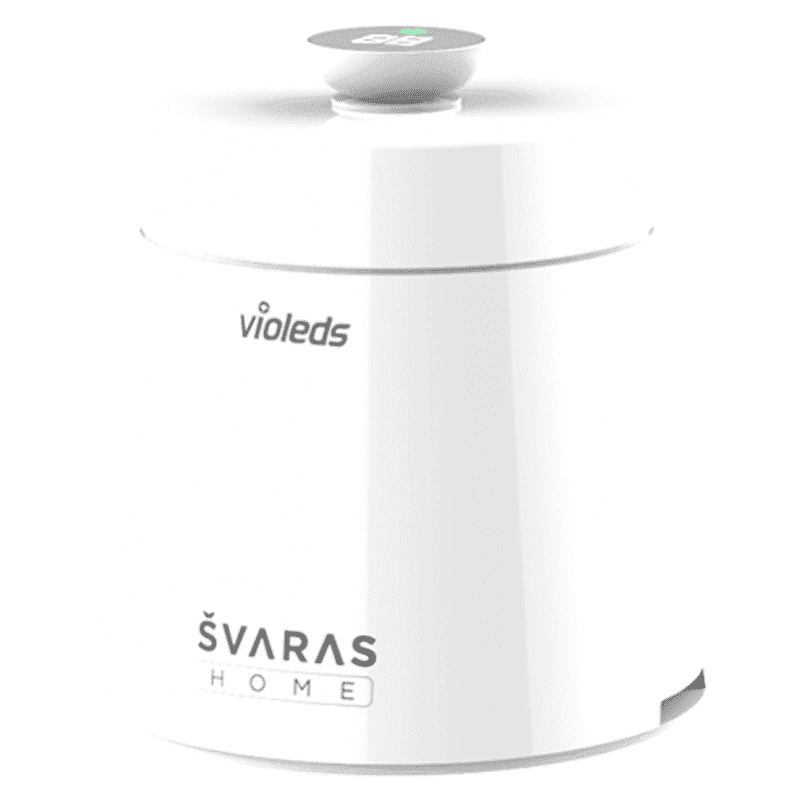
<p><b>HEUV Technology</b><br/><br/>Thanks to the HEUV technology, the SVARAS Home X2 Pro UV Steriliser effectively targets and eliminates a wide range of viruses and bacteria, including those responsible for illnesses such as the coronavirus. As a result, you can have peace of mind knowing that you can effectively protect yourself and your family from potential health threats.<br/><br/><br/><b>Enhanced Sterilisation</b><br/><br/>This rechargeable UV steriliser provides optimal sterilisation capabilities, which eliminates harmful germs. This high level of effectiveness makes it an ideal choice for homes, offices, and shops, ensuring that surfaces remain clean and safe. Thus, you can trust this steriliser to protect your health and the health of your loved ones by efficiently disinfecting various surfaces.<br/><br/><br/><b>User-Friendly Functionality</b><br/><br/>This home steriliser boasts convenient features that enhance its usability. It includes a voice alarm that signals when the sterilisation process is complete, ensuring you never forget to turn it off. Additionally, the device offers a safe automatic power-off feature, which enhances safety during operation. Convenient charging capabilities further simplify the user experience, which makes it easy to keep the steriliser ready for action.<br/><br/><br/><b>Eco-Friendly Design</b><br/><br/>Designed with sustainability in mind, this SVARAS steriliser promotes an eco-friendly lifestyle. It operates without mercury or harsh chemicals, which makes it safe for both users and the environment. This design choice allows you to maintain a clean living space while reducing your ecological footprint. Moreover, the sleek, modern appearance of the steriliser ensures that it complements any decor.</p>
To address muffled sound issues, it’s vital to check and clear any obstructions. With a gentle touch and careful use of your tools, you can restore your phone's sound quality.
When water is involved, silica gel is a handy tool to absorb moisture. Additionally, you might consider using speaker-cleaning apps that play sound wave frequencies designed to help eject trapped water. Before downloading any app, verify its credibility and consult manufacturer recommendations to ensure safe usage.
Insight Corner: "Did You Know? Using compressed air improperly can force dirt deeper into your phone speaker instead of removing it. Always use short bursts at an angle to avoid damage!"
Regular cleaning is key to avoid the build-up of dirt and debris, which means scheduling consistent maintenance for your device. Apart from physical cleaning, keeping your phone software updated can ensure optimal calibration for sound quality. Express delivery and expert guidance from Tata Neu can help ensure you have the right tools and accessories for maintaining your devices effectively.
Maintain your device by cleaning the speaker regularly and taking care to avoid environments rich in dust or water exposure. Protective accessories such as waterproof cases can also add an extra layer of safety.
Periodic software updates can boost your phone's performance by improving sound calibration. This is a simple yet effective measure to enhance the overall auditory experience.
For everyday grime, DIY cleaning methods are generally sufficient. A gentle brush, compressed air, and other household tools can eliminate surface-level dust and noise issues.
If you're dealing with minor issues such as surface-level dirt or slight muffled sound, home cleaning methods should restore your phone’s speaker performance effectively.
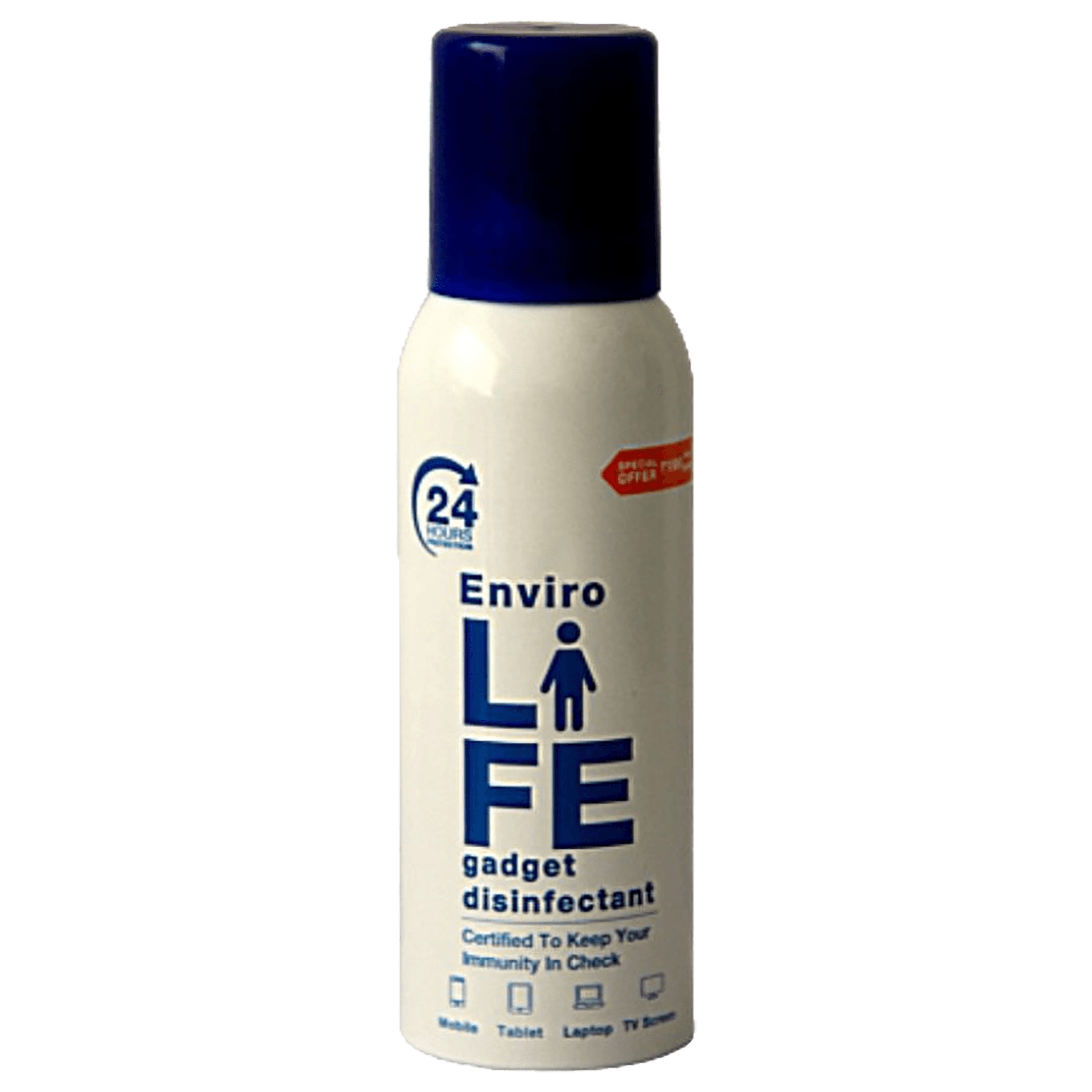
<b>Why Buy Environics Device Disinfector</b><ul><li><b></b> for optimised disinfection</li><li><b></b> makes sure all the germs are killed</li></ul><p>To prevent harmful bacteria and fungi from getting in contact with you, buy <b>Environics Device Disinfector</b>. The usability of your device disinfector may be affected if its installation is complex. As this device disinfector has the it prevents the extra-spill and wastage of sanitizer. Your residence and office will stay clean and hygienic with products from this device disinfector that have 99.99% high resistance against germs and viruses. </p><p>The <b>Environics Device Disinfector's</b> price is cost-effective so you don't have to adjust your budget. The longer it takes for the device disinfector to disinfect, the longer you will have to wait. As a result of its efficient and effective operation, this device disinfector requires only to inject. Your device disinfector needs to have the latest technology to make sure it kills all the germs. As this device disinfector has the to prevent viruses, you can rest assured. Purchase the <b>Environics Device Disinfector</b> online at this instant!</p>
If persistent sound problems continue despite your best cleaning efforts or if there are signs of internal damage—such as distorted sound or complete loss of audio—it may be time to consider professional help. In such cases, expert guidance can prevent further damage.
Play sound wave frequencies using a speaker-cleaning app or use silica gel to absorb moisture. Verify the app’s credibility or consult manufacturer recommendations for safe use.
Yes, but use short bursts at an angle to avoid pushing dirt further into the speaker.
Clean the speaker holes using a soft brush or compressed air, and check for debris or water damage.
Use a toothpick or soft-bristled toothbrush gently, followed by compressed air to clear out debris.
Absolutely! Regular DIY cleaning can restore sound quality and prevent long-term damage.
Maintaining your phone speaker is a small investment that yields major improvements in audio clarity and performance. Savour clearer sounds and enjoy the benefits of a well-kept device that’s ready to support your daily communications and entertainment needs. Trust in the reliability of proven care techniques and remember that regular maintenance is key to extending the lifespan of your technology. When you shop at Croma via Tata Neu, you gain access to expert guidance, express delivery, and rewards like NeuCoins to make every purchase worthwhile.
