





Consumer Electronics
•06 min read

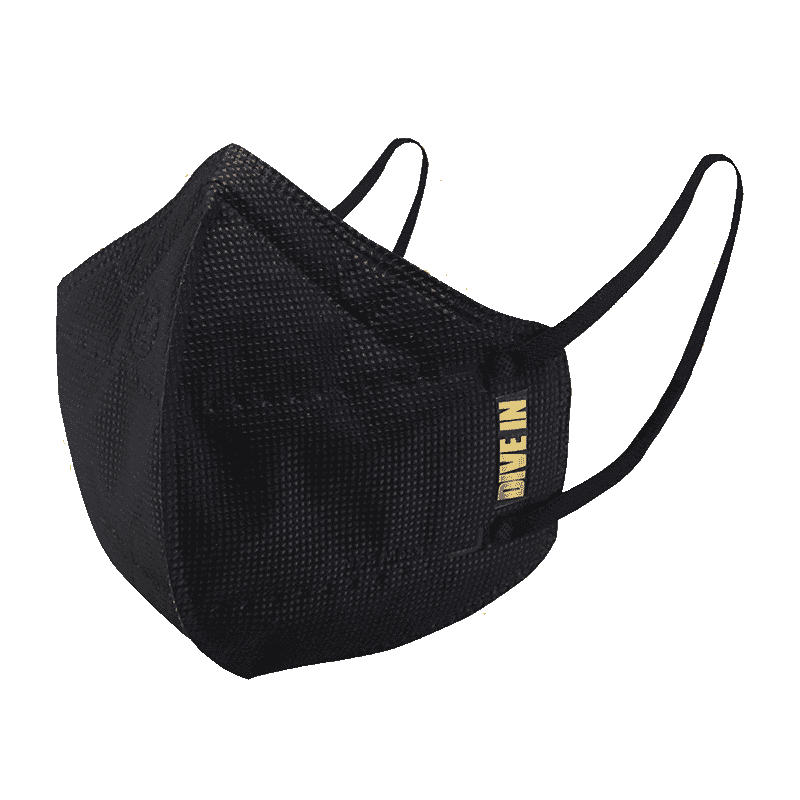
<p style="margin-left:0cm; margin-right:0cm">Keep away from breathing in harmful germs, dust and pollution by using the <strong>Arctic Fox N95 Gold Series</strong> <strong>Face Respirator Mask.</strong> The mask is designed specially ensuring that it fits comfortably on your face and covers all the essential parts of your face. The soft ear loops ensure the comfort-ability for longer use. It has a 3 mm foam material for comfort fit and air seal.</p> <p style="margin-left:0cm; margin-right:0cm">The <strong>Arctic Fox N95 Gold Series</strong> <strong>Face Respirator Mask</strong> is super breathable because of the comfortable fabric and is also splash resistant.</p> <p style="margin-left:0cm; margin-right:0cm">Whether you are travelling or for that matter, moving out of your house, wearing the <strong>Arctic Fox N95 Gold Series</strong> <strong>Face Respirator Mask </strong>will ensure security to your health by helping you keep the dust and germs out from inhaling it.</p>

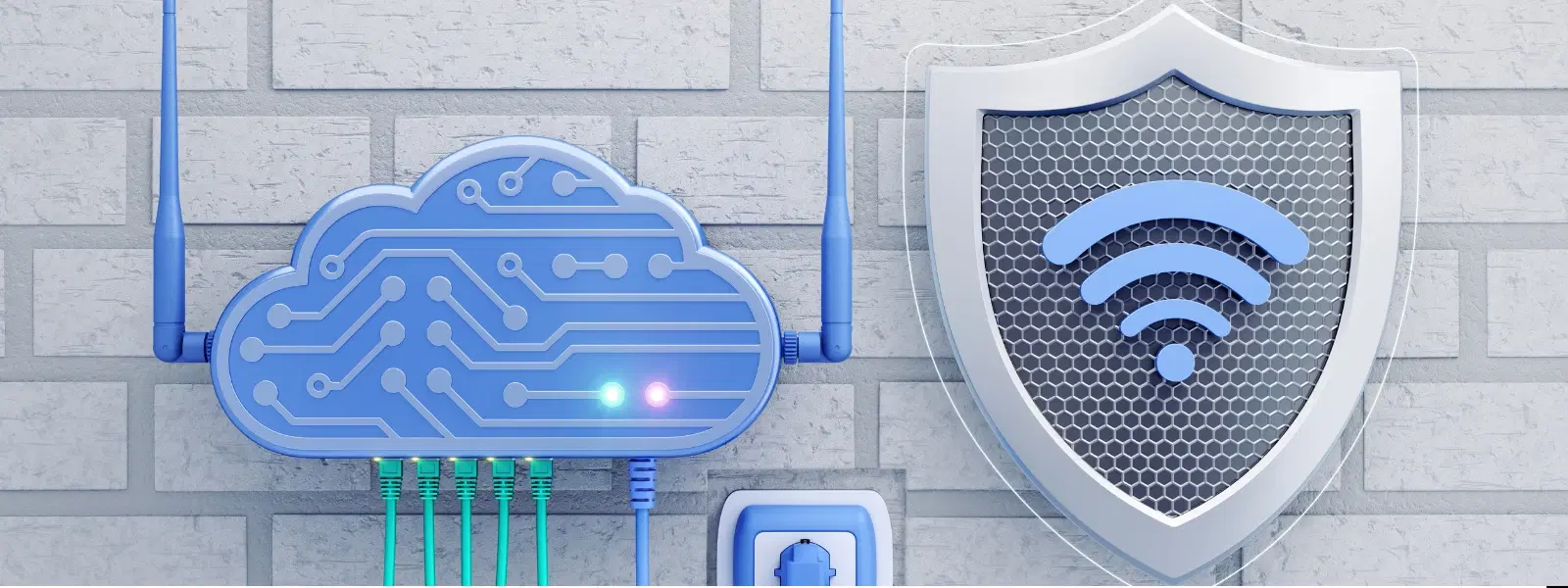
The digital age has ushered in an era where uninterrupted internet connectivity is essential for work, education, and entertainment. With increasing reliance on online services, having a reliable power backup for wifi at home is no longer a luxury but a necessity. In this guide, we explore how to set up an effective system to ensure your router receives backup power during outages, helping you stay connected when you need it the most.
An effective power backup for wifi means having a system in place that maintains the power supply to your router when the main electricity fails. Various solutions exist, such as UPS systems, battery backups, and power banks. Each option has its own set of benefits tailored to different usage scenarios, ensuring that your home network backup power is robust and dependable.
Power backup for wifi involves creating a fail-safe arrangement so that your router remains operational even during power disruptions. This is crucial not only for routine online activities but also during emergencies when staying connected can be a lifeline.
The main types include router power backup devices, dedicated UPS systems, battery backup solutions designed specifically for routers, and high-capacity power banks. Each of these options addresses different aspects of power supply for wifi needs, ensuring you enjoy uninterrupted wifi power supply.
Building a robust power backup system for wifi starts with understanding the key components and how they work together.
The first step is to evaluate your router's power requirements. A router power backup should be capable of supplying consistent voltage and current, especially during an outage. Factors such as battery life and compatibility with your existing equipment are critical when choosing a router power backup solution.
A UPS (Uninterruptible Power Supply) is one of the most reliable backup power systems available. It automatically provides emergency power and offers surge protection, ensuring your router continues to function smoothly during power outages. A quality wifi UPS system is engineered to supply continuous power and shield your devices from power fluctuations.
Pro Tip: Consider investing in a UPS system with surge protection features for not only maintaining network connectivity but also safeguarding your electronics against voltage spikes.

<p><strong>Effortless Performance</strong><br /> <br /> The sabichi Mono 24cm Whisk is designed for smooth and efficient whisking. Its polished stainless-steel wires and narrow shape ensure even blending and make it ideal for small bowls or containers. From whipping meringues to beating eggs, this whisk brings ease to every task.<br /> <br /> <br /> <strong>Versatile Whisking Tool</strong><br /> <br /> Whether you're blending batters, keeping lumps out of sauces, or creating airy meringues, this 24cm whisk is up to the challenge. It’s a kitchen essential that adapts to various culinary needs with precision and consistency.<br /> <br /> <br /> <strong>Safe for All Cookware</strong><br /> <br /> The whisk is gentle on all surfaces, including non-stick, ceramic, and metal cookware. You can whisk worry-free without scratching or damaging your kitchenware. This ensures long-lasting durability for your pots and pans.<br /> <br /> <br /> <strong>Ergonomic Design</strong><br /> <br /> Featuring an innovative handle with a soft, comfortable grip, this whisk absorbs pressure for strain-free usage. Its contoured shape ensures a secure hold, even during prolonged whisking tasks, for an effortless cooking experience.<br /> <br /> <br /> <strong>Convenient Storage</strong><br /> <br /> Equipped with a handy hanging loop, the whisk offers easy storage. It’s always within reach while saving counter and drawer space, making it as practical as it is efficient.</p>
Battery backups, including portable battery packs and integrated router systems with built-in battery support, provide another layer of protection, enabling your router to run for several hours after an outage starts. Furthermore, high-capacity power banks offer a flexible and compact solution. Ensure the chosen power bank for your router is compatible with the device's power needs to achieve an efficient emergency power for wifi setup.
Selecting the ideal solution depends on carefully assessing your home network requirements. Consider the number of devices connected to your router, the typical power consumption, and your overall usage patterns. Budget considerations are equally essential, ensuring that you secure uninterrupted wifi power without stretching your finances.
Evaluate whether a dedicated UPS system, a battery backup, or a power bank suits your lifestyle. Each option offers advantages: UPS systems provide seamless continuity with surge protection; meanwhile, battery backups and power banks lend portability and flexibility. For many households, pairing these systems can ensure a reliable internet power backup solution, balancing investment with performance.
Setting up your power backup for wifi is straightforward, yet attention to detail is crucial for long-term reliability. Begin with a step-by-step installation, ensuring that all connections between the router, UPS system, or battery backup are secure and correctly configured.
Position your UPS system or battery backup near the router and follow the manufacturer's installation instructions carefully. Once installed, test the system by simulating a power outage to confirm that the emergency power for wifi activates correctly.
Regular checks are key to the longevity and effectiveness of your wifi battery backup. Periodically inspect the battery and charger connections. When necessary, replace the batteries according to the manufacturer's guidelines. Routine maintenance not only prolongs the life of your backup system but also ensures it is ready when you need it most.
Effective router placement complements your power backup setup, ensuring you enjoy uninterrupted connectivity throughout your home. Strategic positioning in a central location minimizes interference and maximises signal strength for all connected devices.
A central and elevated spot offers the best signal distribution. Avoid placing your router near large metal objects or other electronics that might interfere with the signal. This practice further enhances your backup power for wifi solution by ensuring that even during outages, every room in your home stays connected.

<p>Danger can overpower you at any time and your voice will not be enough in such situations to get the required aid. The amazing new <strong>Juvo PSB01 Personal Alarm</strong> is crafted for all ages and is a necessary precaution from all kinds of danger. It rings a very loud alarm at 120 dB as well as flashes the torch to warn people nearby about a danger. Whether you have a medical emergency or you are attacked by predators your voice may not be heard but this alarm will be enough to deter attackers or draw attention of people close by to give you the immediate assistance required.</p> <p><strong>Extremely Easy To Use</strong></p> <p>The <strong>Juvo PSB01 Personal Alarm</strong> is small and portable, can be attacked to even a keychain if you want. To start the siren all you need to do is separate or pull the metal key chain from the main black unit. The siren may go on for 1 1/2 hours in case nobody heard it in the first minutes. This is very important for girls returning home alone at night as it acts as a security anti-attack panic alarm that is sure to scare off a molester. Its easy portability accentuates its use.</p> <p><strong>Lights Your Way</strong></p> <p>The little and portable <strong>Juvo PSB01 Personal Alarm</strong> also features a small LED torch that helps you find your way in the dark. Don’t be scared of dark alleys when you have this with you because it is equipped to save you from all dangers.</p>
Energy efficiency plays an integral role in maintaining the effectiveness of your backup system. To lower power consumption, disable non-essential devices during outages and prioritise critical devices. This focus on usage prioritisation helps prolong the duration that your router can stay online during extended outages.
A mini UPS is a compact uninterruptible power supply that maintains router functionality by providing backup power during outages.
Not at all. Most systems come with detailed installation guides that make setting up your backup power for wifi straightforward.
Regular testing, at least once every few months, is recommended to ensure the system functions properly during an emergency.
Yes, provided that you select a high-capacity power bank that is compatible with your router’s power specifications.
Routine maintenance includes checking battery health, ensuring all connections are secure, and replacing batteries as recommended by the manufacturer.
In conclusion, setting up a reliable power backup for wifi at home ensures that your connectivity remains uninterrupted, no matter what challenges arise. With thoughtful consideration of the various options available—from UPS systems and battery backups to power banks—you can create a robust emergency power for wifi solution tailored to your needs. Optimising router placement and committing to regular maintenance further enhances the performance of your system. By following these guidelines, you are well on your way to a secure and resilient home network that stands strong even in the face of power outages. Enjoy the benefits of enhanced connectivity and peace of mind, and embrace the smart ways to safeguard your digital lifestyle.
