
How to Open Hidden Files on Mac: FAQs Answered

Consumer Electronics

03 min read

How to Open Hidden Files on Mac: FAQs Answered

Arctic Fox N95 Gold Series Face Respirator Mask (FACMSKWHIWZ11900A, Black)

Arctic Fox N95 Gold Series Face Respirator Mask (FACMSKWHIWZ11900A, Black)

<p style="margin-left:0cm; margin-right:0cm">Keep away from breathing in harmful germs, dust and pollution by using the <strong>Arctic Fox N95 Gold Series</strong> <strong>Face Respirator Mask.</strong> The mask is designed specially ensuring that it fits comfortably on your face and covers all the essential parts of your face. The soft ear loops ensure the comfort-ability for longer use. It has a 3 mm foam material for comfort fit and air seal.</p> <p style="margin-left:0cm; margin-right:0cm">The <strong>Arctic Fox N95 Gold Series</strong> <strong>Face Respirator Mask</strong> is super breathable because of the comfortable fabric and is also splash resistant.</p> <p style="margin-left:0cm; margin-right:0cm">Whether you are travelling or for that matter, moving out of your house, wearing the <strong>Arctic Fox N95 Gold Series</strong> <strong>Face Respirator Mask </strong>will ensure security to your health by helping you keep the dust and germs out from inhaling it.</p>

134149
Earn NeuCoins

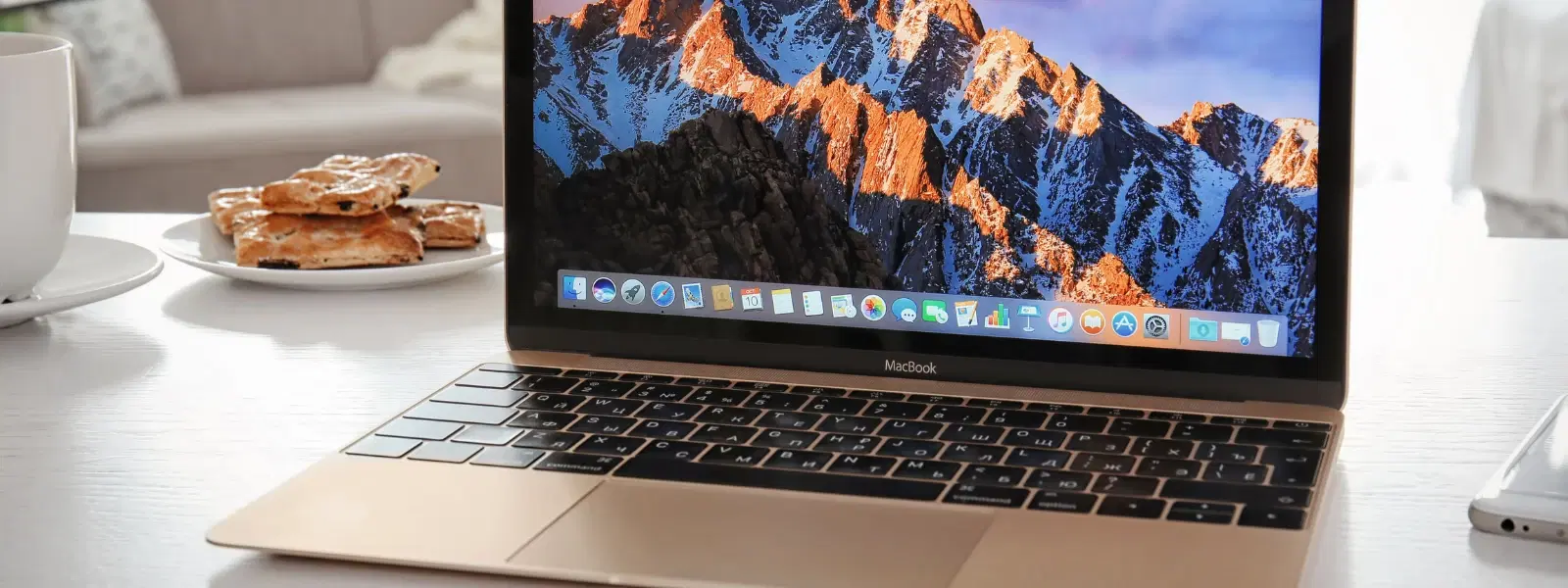
Ever wondered why some files on your Mac seem to disappear into thin air? Hidden files are a standard feature in macOS designed to protect system-critical files from accidental modification. Just as Tata Neu enriches your shopping experience with NeuCoins rewards and special delivery benefits, mastering your Mac’s hidden files can empower you to tweak your system with confidence. Yet, there are times when you need to open hidden files in Mac for troubleshooting or to customise your system. In this post, we will explore several methods to reveal hidden files on Mac safely and efficiently, from simple shortcuts to using Terminal commands and even third-party tools.

Understanding Hidden Files on Mac

What Are Hidden Files?

Hidden files are those files and folders that macOS keeps out of sight. They include system files, configuration settings, and temporary files. These files are essential for the smooth running of your Mac, yet they are kept invisible to prevent unintentional deletion or modification.

Why Are Files Hidden?

Files are hidden primarily to protect vital elements of your operating system. By preventing accidental interaction, macOS ensures stability. However, there are scenarios where you might need to access hidden files on Mac—for instance, while troubleshooting a system issue or performing advanced customisation.

Methods to Open Hidden Files on Mac

Using Finder

A quick way to view hidden files on Mac is through Finder. Simply press the Command + Shift + . keyboard shortcut to toggle file visibility. This mac hidden file shortcut is perfect for those moments when you need immediate access to hidden files without diving into more technical solutions.

Using Terminal Commands

For users comfortable with command line interfaces, the Terminal offers a powerful method to show hidden files Mac Terminal. Follow these easy steps to get started:

  1. Open Terminal.

  2. Enter the command: defaults write com.apple.finder AppleShowAllFiles -bool true; killall Finder. This command instructs your system to reveal hidden files Mac. This command is verified to work on macOS Mojave and later versions.

  3. To hide the files again, run: defaults write com.apple.finder AppleShowAllFiles -bool false; killall Finder.

This method is favoured by advanced users due to its precision and control over file visibility. If you’re unsure, consult official Apple support for further guidance.

Environics Enviroglobe Anti Radiation Ball for House & Car (001EG, Grey)

Environics Enviroglobe Anti Radiation Ball for House & Car (001EG, Grey)

<p><strong>Why buy Environics Enviroglobe Anti Radiation Ball for House &amp; Car</strong></p> <p>&nbsp;</p> <ul> <li><strong>Provides E-Smog and Radiation Protection</strong> for healthier homes and families</li> <li><strong>It Covers A Radius</strong> of 250 sq.ft protect you and your loved ones from harmful radiation</li> <li><strong>Clinically Tested EMF Harmonizer</strong> that provides us 360-degree protection from radiation sources that are beyond our control</li> </ul> <p>&nbsp;</p> <p>Buy the <strong>Environics Enviroglobe Anti Radiation Ball for House &amp; Car</strong> which is based on Envirochip&rsquo;s radiation protection technology that helps you protect you and your loved ones from harmful radiation within an area of 250 sq. feet. You can extend the range of protection by placing multiple Enviroglobes at equal distances from one another. It is a clinically tested EMF harmonizer and provides us 360-degree protection from radiation sources that are beyond our control. Electromagnetic Radiation (EMR) refers to the constant waves of the electromagnetic field (EMF) produced by wireless communication devices such as mobile phones, laptops, Wi-Fi routers, and other sources such as mobile towers and high-tension wirelines, etc. However, The human body is accustomed to random waves and hence the constant exposure to electromagnetic radiation causes serious biological disorders such as higher stress and fatigue, irritation, headache, weakened immunity, cancer, fertility issues to name a few. The technology used in Enviroglobe changes the nature of electromagnetic radiation from constant to random waveform making it human body-friendly.</p> <p>&nbsp;</p> <p>When you get <strong>Environics Enviroglobe Anti Radiation Ball for House &amp; Car</strong> online, you also get awesome companion for your home. It comes with Internationally tested and certified technology. No need of batteries or adaptors, you can simply charge by placing it under the sunlight, for only a couple of minutes every week. Enviroglobe is simple to use. Simply place it at your desk, table, living room, bedroom, car, office space, absolutely wherever you want, and get a radiation protected zone of up to 250 sq. feet. It provides e-smog and radiation protection for healthier homes and families. Purchase&nbsp;<strong>Environics Enviroglobe Anti Radiation Ball for House &amp; Car</strong> online, now!</p>

27044499
Earn NeuCoins

Using Third-Party Tools

If you prefer an alternative to system commands, several third-party applications can help you access hidden files Mac easily. These tools provide user-friendly interfaces for managing hidden file visibility. While they offer convenience, it's advisable to verify their trustworthiness and compatibility with your macOS version before use.

Managing Hidden Files Safely

Best Practices for Handling Hidden Files

When working with hidden files, caution is essential. Remember, maintaining your system’s integrity is as important as safeguarding your Tata Neu rewards – always back up your data before making changes. Avoid modifying or deleting any mac hidden files settings that are critical to your system's performance. This measured approach ensures that even if something goes awry, you can easily restore your system.

How to Hide Files Again

Once you have completed your tasks, it is wise to revert to default settings. Use the same hidden files Mac Finder shortcut or Terminal commands to unhide files Mac back into their secure state. Keeping your hidden files secured enhances system security and maintains organisation.

Troubleshooting Common Issues

Hidden Files Not Showing in Finder

If the hidden files do not appear despite using the shortcut, check your macOS version for compatibility. Restarting Finder or executing the Terminal command again to display hidden files Mac often resolves the issue.

Terminal Commands Not Working

Ensure that you have typed the command correctly. Verifying admin permissions or restarting the Terminal may solve the problem. Small syntax errors can result in the hidden file visibility Mac feature not activating as expected.

Risks of Revealing Hidden Files

Juvo Personal Safety Alarm (PSB 01, Black)

Juvo Personal Safety Alarm (PSB 01, Black)

<p>Danger can overpower you at any time and your voice will not be enough in such situations to get the required aid. The amazing new <strong>Juvo PSB01 Personal Alarm</strong> is crafted for all ages and is a necessary precaution from all kinds of danger. It rings a very loud alarm at 120 dB as well as flashes the torch to warn people nearby about a danger. Whether you have a medical emergency or you are attacked by predators your voice may not be heard but this alarm will be enough to deter attackers or draw attention of people close by to give you the immediate assistance required.</p> <p><strong>Extremely Easy To Use</strong></p> <p>The <strong>Juvo PSB01 Personal Alarm</strong> is small and portable, can be attacked to even a keychain if you want. To start the siren all you need to do is separate or pull the metal key chain from the main black unit. The siren may go on for 1 1/2 hours in case nobody heard it in the first minutes. This is very important for girls returning home alone at night as it acts as a security anti-attack panic alarm that is sure to scare off a molester. Its easy portability accentuates its use.</p> <p><strong>Lights Your Way</strong></p> <p>The little and portable <strong>Juvo PSB01 Personal Alarm</strong> also features a small LED torch that helps you find your way in the dark. Don&rsquo;t be scared of dark alleys when you have this with you because it is equipped to save you from all dangers.</p>

474890
Earn NeuCoins

Revealing hidden files does come with its risks. There is a potential for accidental deletion or corruption of essential files. Exercise caution and always back up your system before making any changes.

Expert Tip: Safeguard Your Mac While Managing Hidden Files

Did you know? Before accessing hidden files, it’s a good idea to enable Time Machine backups. This step ensures that you can restore your system should accidental changes occur. Prevention is always better than cure!

Frequently Asked Questions

What is the shortcut to view hidden files on Mac?

Press Command + Shift + . in Finder to toggle hidden file visibility.

How can I show hidden files using Terminal?

Enter the command defaults write com.apple.finder AppleShowAllFiles -bool true; killall Finder in Terminal to display hidden files.

Why are some files hidden on macOS?

Files are hidden to protect essential system components and prevent accidental modifications.

Can I permanently unhide files on Mac?

You can make hidden files permanently visible using Terminal commands or third-party tools, but it is best to only toggle visibility when necessary.

Are third-party tools safe for managing hidden files?

Using reputable third-party tools is generally safe, provided you download them from trusted sources and ensure compatibility with your macOS version.

Hidden files on Mac play a crucial role in maintaining system integrity. However, knowing how to open and manage them can be invaluable, especially when troubleshooting or seeking to customise your device. Whether you choose the simplicity of Finder shortcuts, the precision of Terminal commands, or the convenience of third-party tools, a cautious approach will help safeguard your Mac. As you master your Mac settings, remember that Tata Neu offers a range of trusted tech solutions along with NeuCoins rewards for every transaction. Taking preventive measures such as regular Time Machine backups can further enhance your security and ease of use.

Sangria Experience Logo